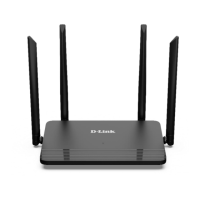
DIR-822 Quick Installation Guide
CONNECTING TO PC
PC with Ethernet Adapter
1. Make sure that your PC is powered off.
2. Connect an Ethernet cable between any of LAN ports located on the back
panel of the router and the Ethernet port of your PC.
3. Connect the power cord to the power connector port on the back panel of
the router, then plug the power adapter into an electrical outlet or power
strip.
4. Turn on the router by pressing the POWER button on its back panel.
5. Turn on your PC and wait until your operating system is completely
loaded.
Now you should configure your PC to obtain an IP address automatically (as
DHCP client).
5



 To Next Page