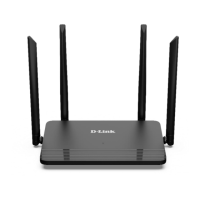
DIR-822 Quick Installation Guide
Configuring Connection to the Internet
!
You should configure your WAN connection in accordance with data
provided by your Internet service provider (ISP). Make sure that you
have obtained all necessary information prior to configuring your
connection. Otherwise contact your ISP.
Conguring WAN Connection
1. Go to the Net / WAN page and delete the default connection. To do this,
select the checkbox located to the left of the relevant line in the table and
click the Delete button.
2. Click the Add button.
3. In the General settings section, select a needed value from the
Connection Type drop-down list.
4. From the Interface drop-down list, select the Internet value.
5. Specify a name for your connection (any name for easier identification) in
the Name field.
18



 To Next Page