25D-Link DIR-868L User Manual
Section 3 - Usage
1. Make sure the device is powered on. Then plug your USB drive into
the USB port of the device.
Note: If you connect a removable storage with many les or a large capacity, it
may take a while for the router to scan and catalog your les.
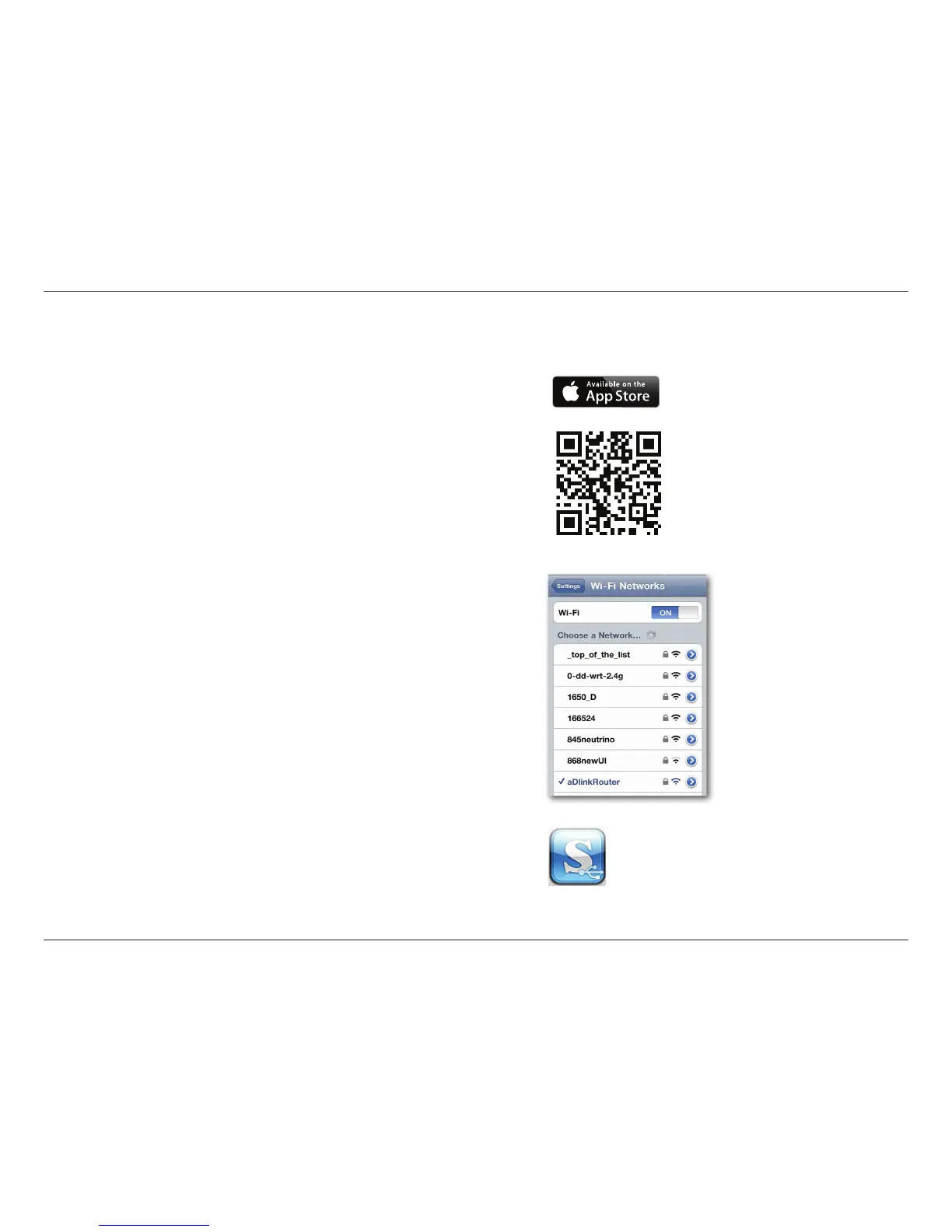
2. Use your iPhone, iPad or iPod Touch to search for and download the
free mydlink SharePort app from the App Store.
If you have a QR code reader, you can scan the code for mydlink
SharePort to the right.
3. On your mobile device, go to your Wi-Fi settings and connect to your
router’s wireless network using the default Wi-Fi settings. Locate the
Wi-Fi name (SSID) and password for your device as printed on the
included Wi-Fi Conguration Card
4. Tap the mydlink SharePort icon, and the app will load.
Using mydlink SharePort in a local network:





 To Next Page