DIR-X1530 AX1500 Wi-Fi 6 Gigabit Router
User Manual
Configuring via Web-based Interface
UPnP IGD
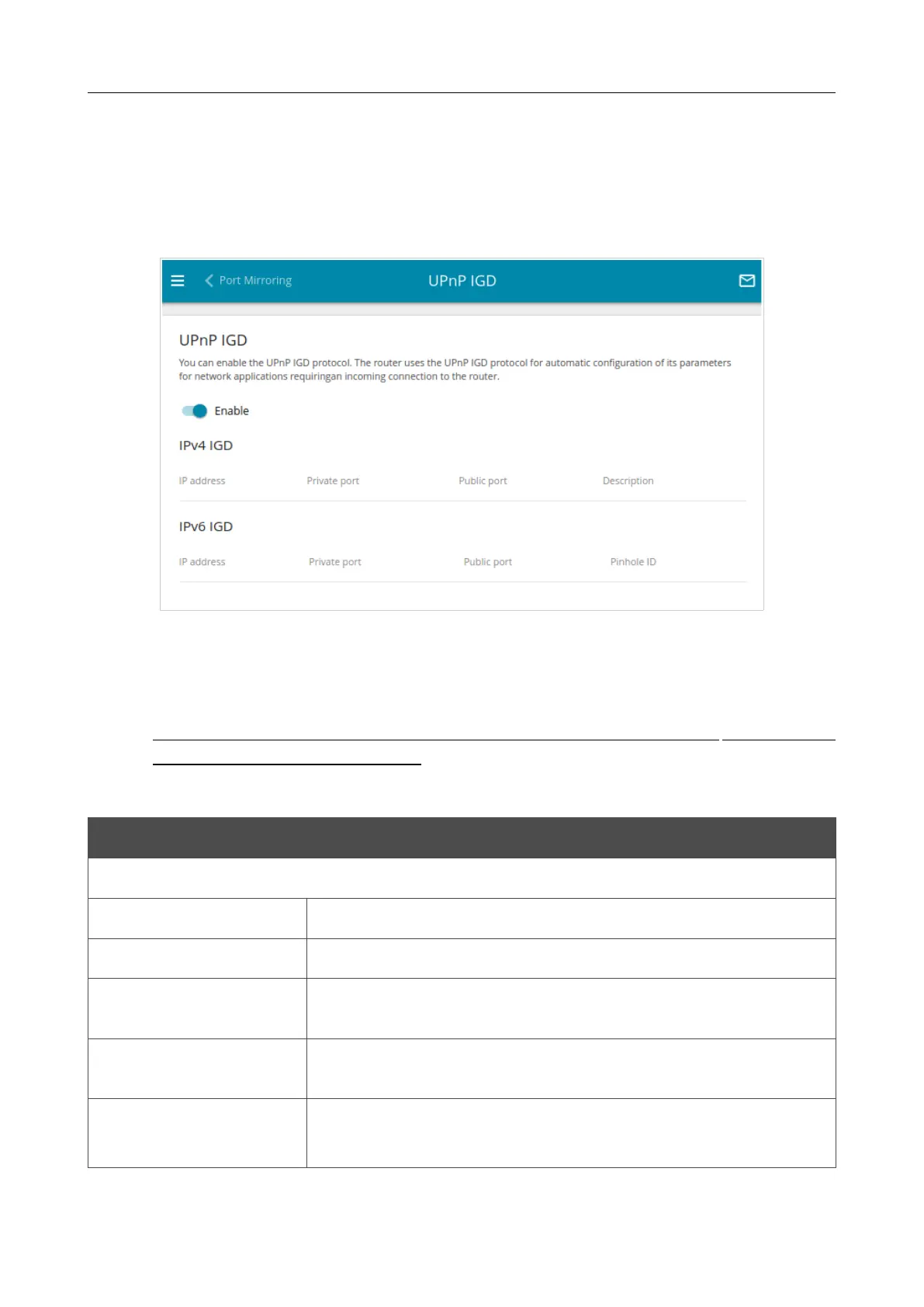
On the Advanced / UPnP IGD page, you can enable the UPnP function. The UPnP function
allows to automatically create port forwarding rules for applications in the router’s LAN requiring a
connection from an external network.
Figure 143. The Advanced / UPnP IGD page.
By default, the UPnP function is enabled. You can also manually add port forwarding rules for
network applications on the Firewall / Virtual Servers page.
!
Port forwarding rules will be automatically created only in case the router's default WAN
connection uses a public IP address.
When the function is enabled, the following parameters of the router are displayed on the page:
Parameter Description
IPv4 IGD / IPv6 IGD
Protocol
A protocol for network packet transmission.
IP address
The IP address of a client from the local area network.
Private port
A port of a client's IP address to which traffic is directed from a
public port of the router.
Public port
A public port of the router from which traffic is directed to a client's
IP address.
Description
For IPv4 IGD only.
Information transmitted by a client's network application.
Page 190 of 254















 To Next Page