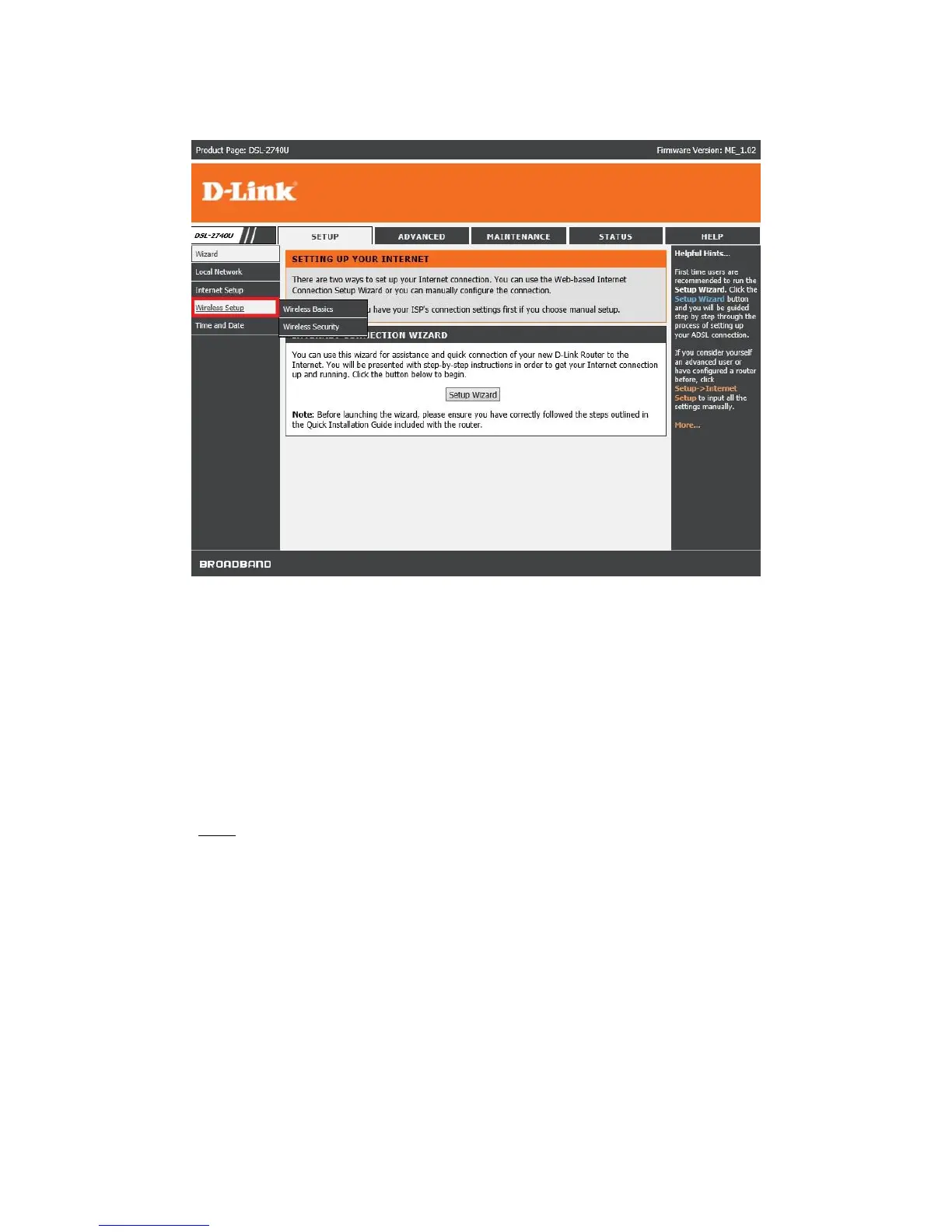
Step 3: On the left side of the screen after successfully logging in, click on Wireless Setup.
Step 4: Wireless Basic Settings
1. Ensure that Disable Wireless LAN Interface is un-ticked.
2. Band: 2.4 GHz (B+G+N)
3. SSID (Wireless network name) can be changed to whatever you want to call the wireless.
4. Click “Apply Changes”.
Note: Router will restart the WLAN (Wireless) after you click “Apply Changes”, takes 20
seconds.



 To Next Page
 Loading...












