7D-Link DSP-W215 User Manual
Section 2 - Installation
Installation and Setup
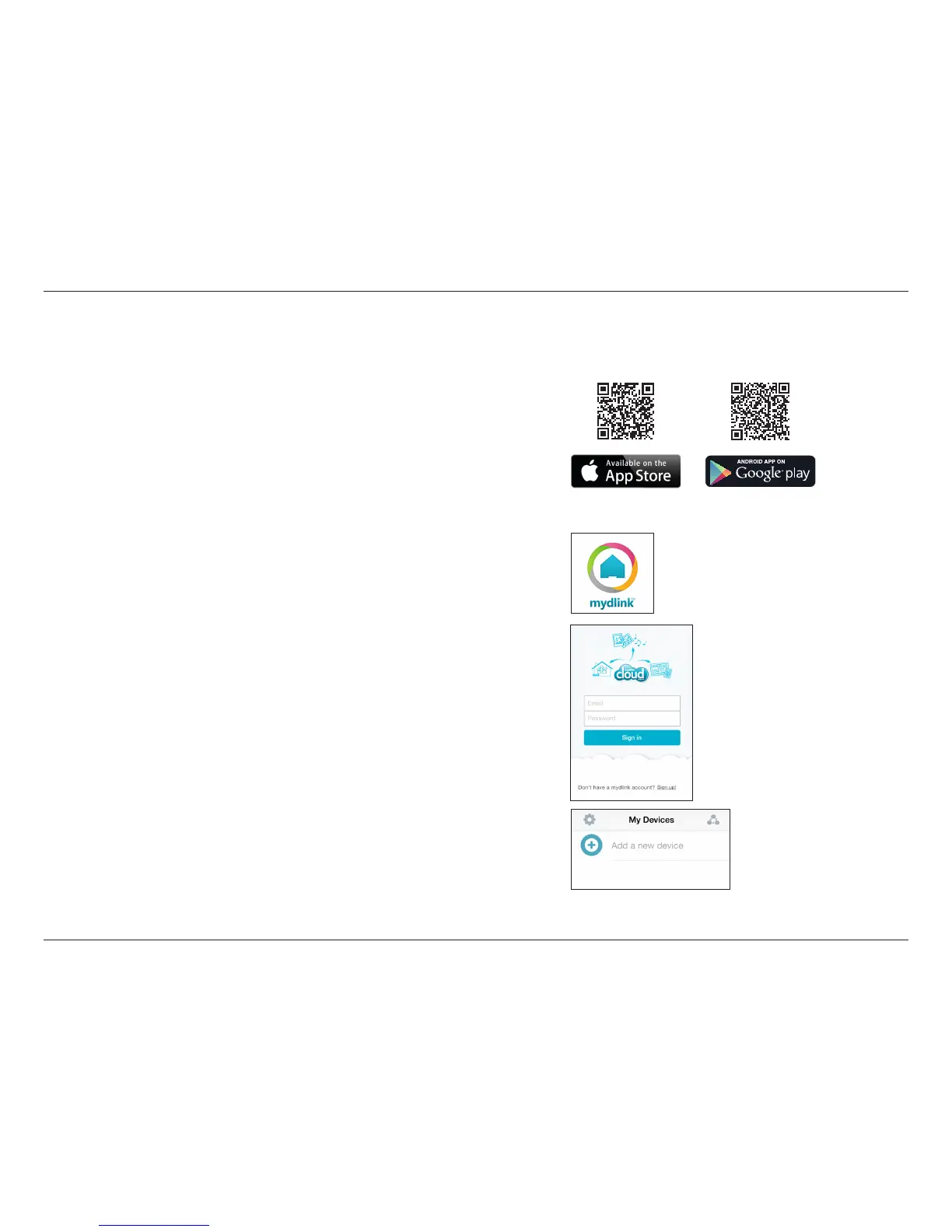
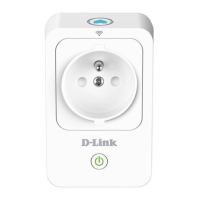
To install your Smart Plug, rst download and install the mydlink™ Home
app on your mobile device. This app will walk you through installing and
conguring your Smart Plug.
Step 2:
Once the mydlink™ Home app is installed, launch the app and follow the
on-screen instructions.
Step 1:
Download the mydlink™ Home app from the App Store (iPhone, iPad, or
iPod touch) or Google Play (Android).
Step 3:
Log into your mydlink account. If you don’t have one, sign up for a free
mydlink account by tapping the Sign Up! link.
Step 4:
The My Devices page will appear.
Tap Add a new device.
App download link: http://qrs.ly/e646482


 To Next Page