- 2 -
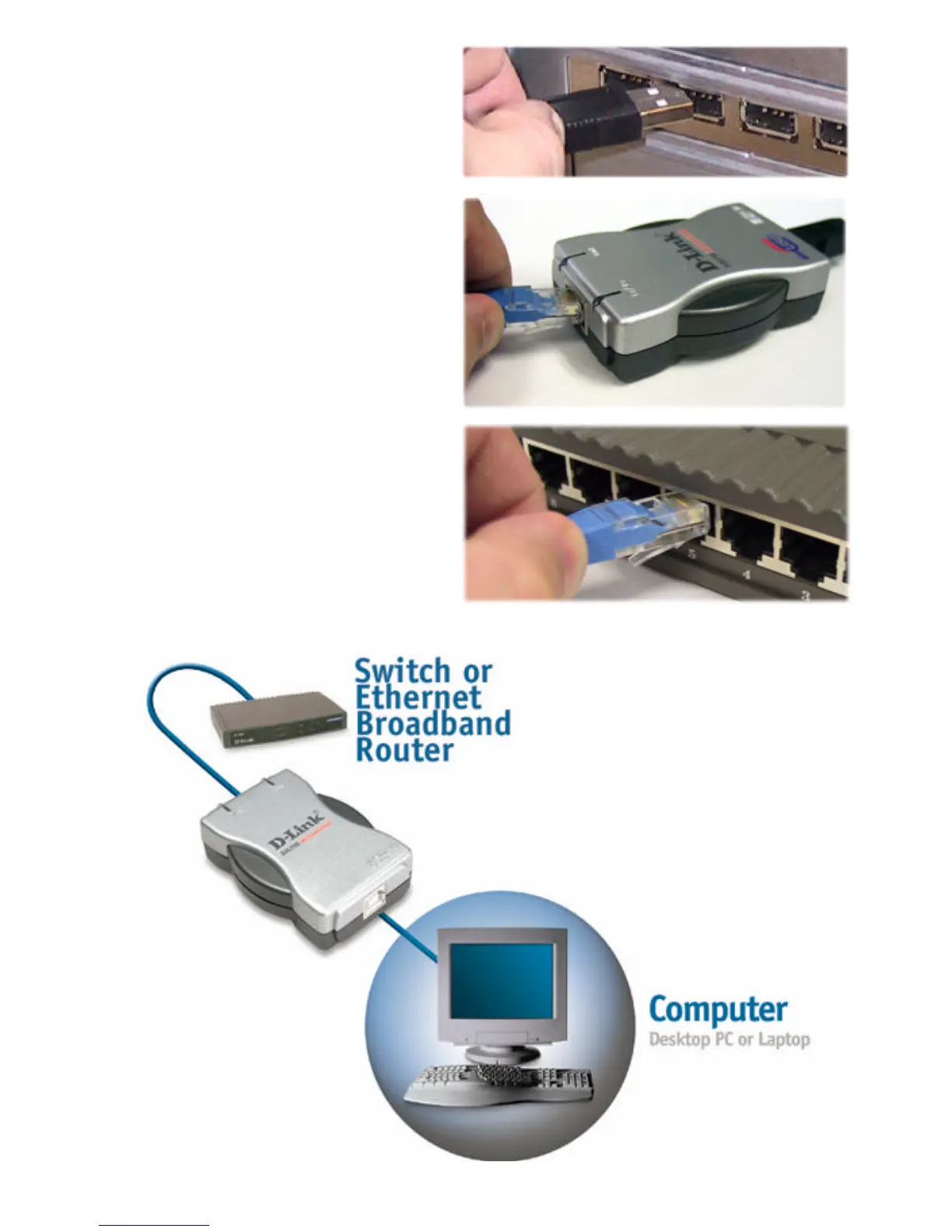
B. Plug the type USB type A
end of the USB 2.0 cable to
an available USB 2.0 port
on your computer or laptop.
C. Attach a CAT5 Ethernet
cable with an RJ-45
connector to the RJ-45 jack
of the DUB-E100.
D. Attach the other end of the
CAT5 Ethernet cable to a
switch or broadband
modem.
The below diagram illustrates a typical installation in a home environment.
Type A
RJ-45
RJ-45
Type A
Type B
RJ-45
RJ-45










 To Next Page