ENGLISH
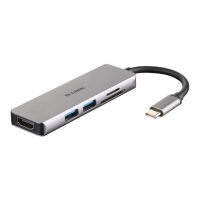
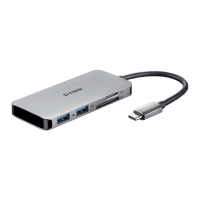
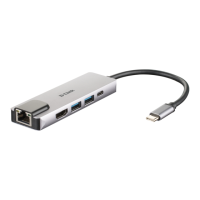
DUB-M520
3
USB Type-C
USB 3.0
Computer
Monitor
Television Projector
HDMI Display
PRODUCT SETUP
Step 1:
Plug the DUB-M520’s USB Type-C connector into an available USB Type-C
port on your computer.
Step 2:
Connect a HDMI cable to the DUB-M520’s HDMI port.
Step 3:
Attach the other end of the HDMI cable to your HDMI display.
Step 4 (Optional):
Connect up to two USB devices to the USB 3.0 ports. You can also use the
USB Type-C port to charge your USB Type-C device or to deliver power to
your laptop.
Regarding Windows 10, 8; Mac OS 10.11.6 and above:
No conguration or driver installation is necessary to use the Ethernet port.
Regarding other operating systems:
Visit the link below to download the RTL8153 software to use the Ethernet port.
https://www.realtek.com/en/component/zoo/advanced-search/72?Itemid=276
Router
Note: The device may become warm to touch while in use. This is within normal
operating temperature.
TECHNICAL SUPPORT
eu.dlink.com/support


 To Next Page