CHECKING THE WIRELESS ADAPTER CONFIGURATION cont.
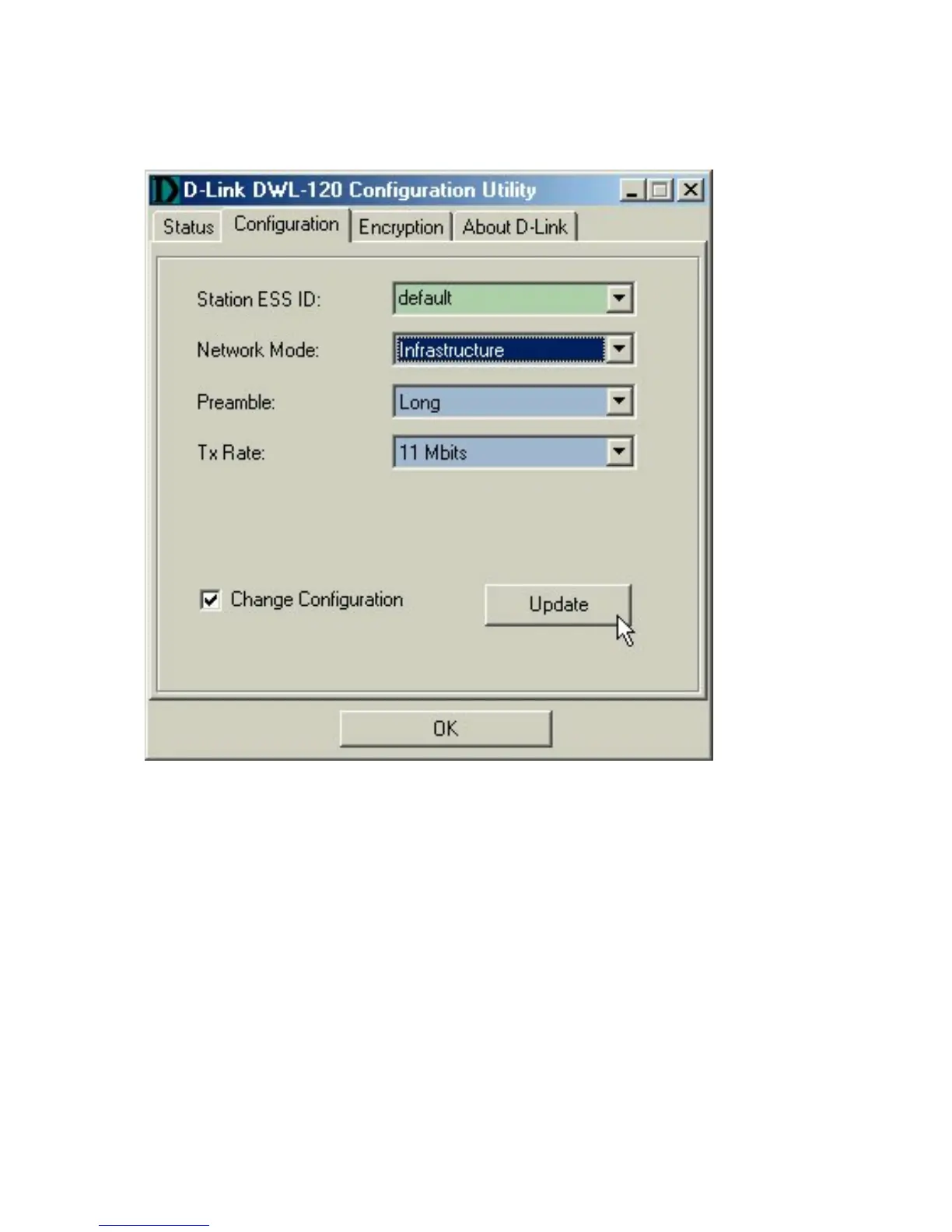
C. Check that the Network mode is set properly to
“Infrastructure” mode when there is an Access Point in the
network. Otherwise, the mode should be set to “Ad Hoc.”
D. To change any settings, check the box labeled
“Change Configuration,” then click on the arrow for the drop
down menu.
Highlight the desired setting, then click on the “Update”
box, and click OK.











 To Next Page