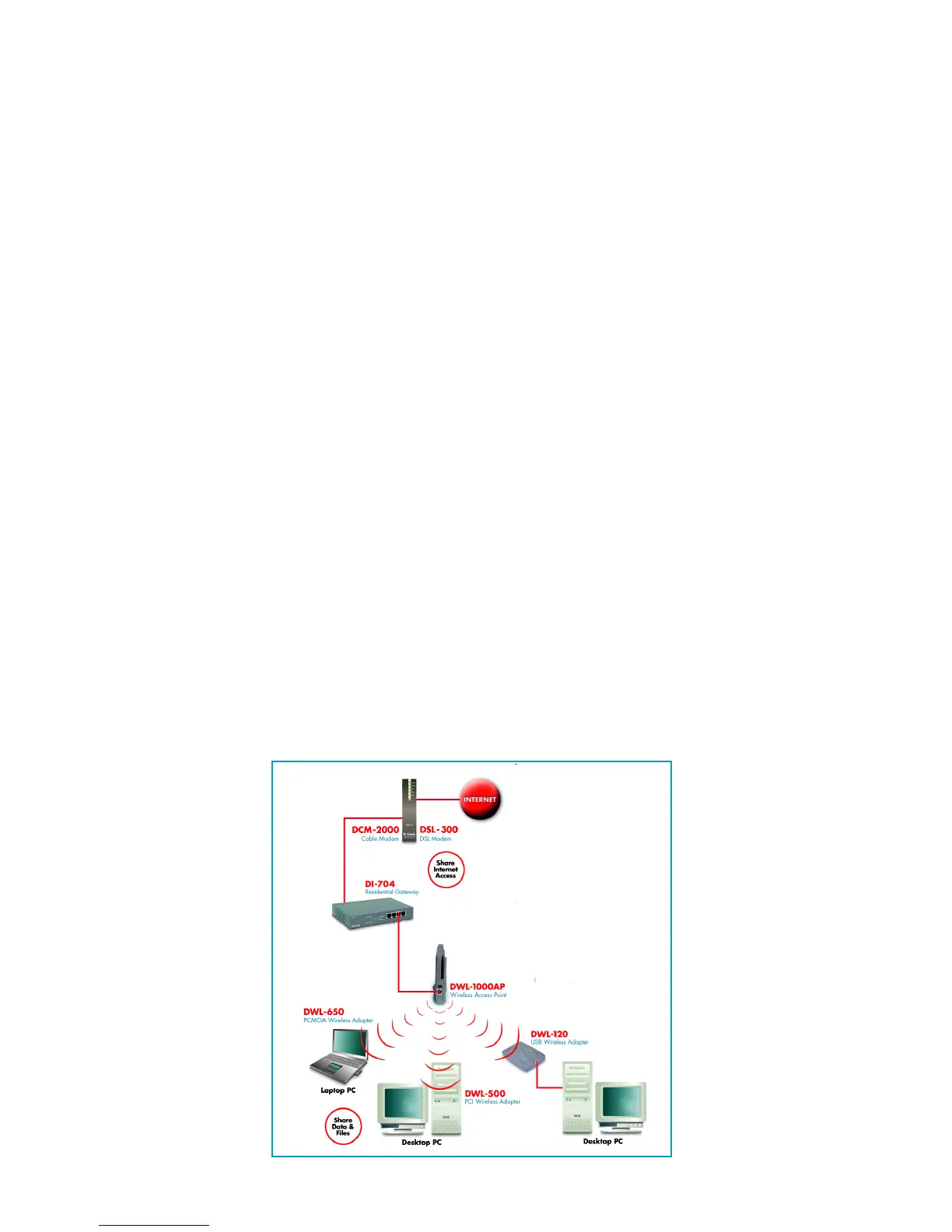
To begin, you must select the type of wireless network you will
be building and follow the relevant instructions.
Which statement below best describes the type of network you
want to build?
The Home Internet Network with A Residential
Gateway, Firewall, or Router(LAN administrators
with Dynamic IPs should follow these instructions)
"I have 2 or more computers and/or laptops and want to share
files, printers, and Internet access using a Residential
Gateway, Router, or Firewall or I want to connect to an
Ethernet network that uses Dynamic (DHCP) IP addresses"
(requires a Wireless Router or Access Point and Ethernet capable
Gateway, Router, or Firewall or an existing Ethernet network).
When you have installed your wireless network it will look
like this:
3











 To Next Page