Configuring a Dynamic IP Address
When the drivers are installed, the default setting is set to
obtain IP dynamically through a DHCP server.
If you need to check or change the settings, then do the following:
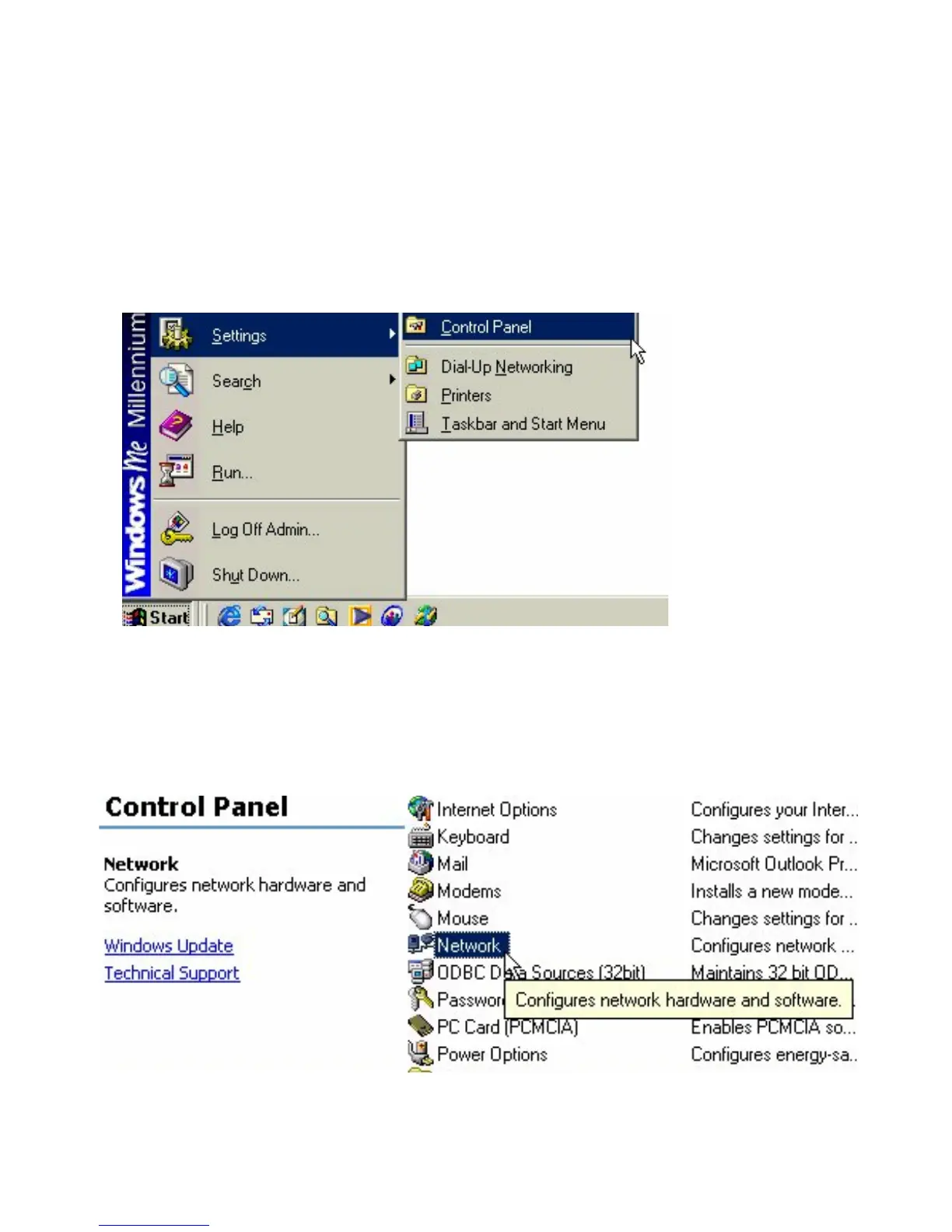
Go to START > Settings > Control Panel
Double Click on “Network”
54











 To Next Page