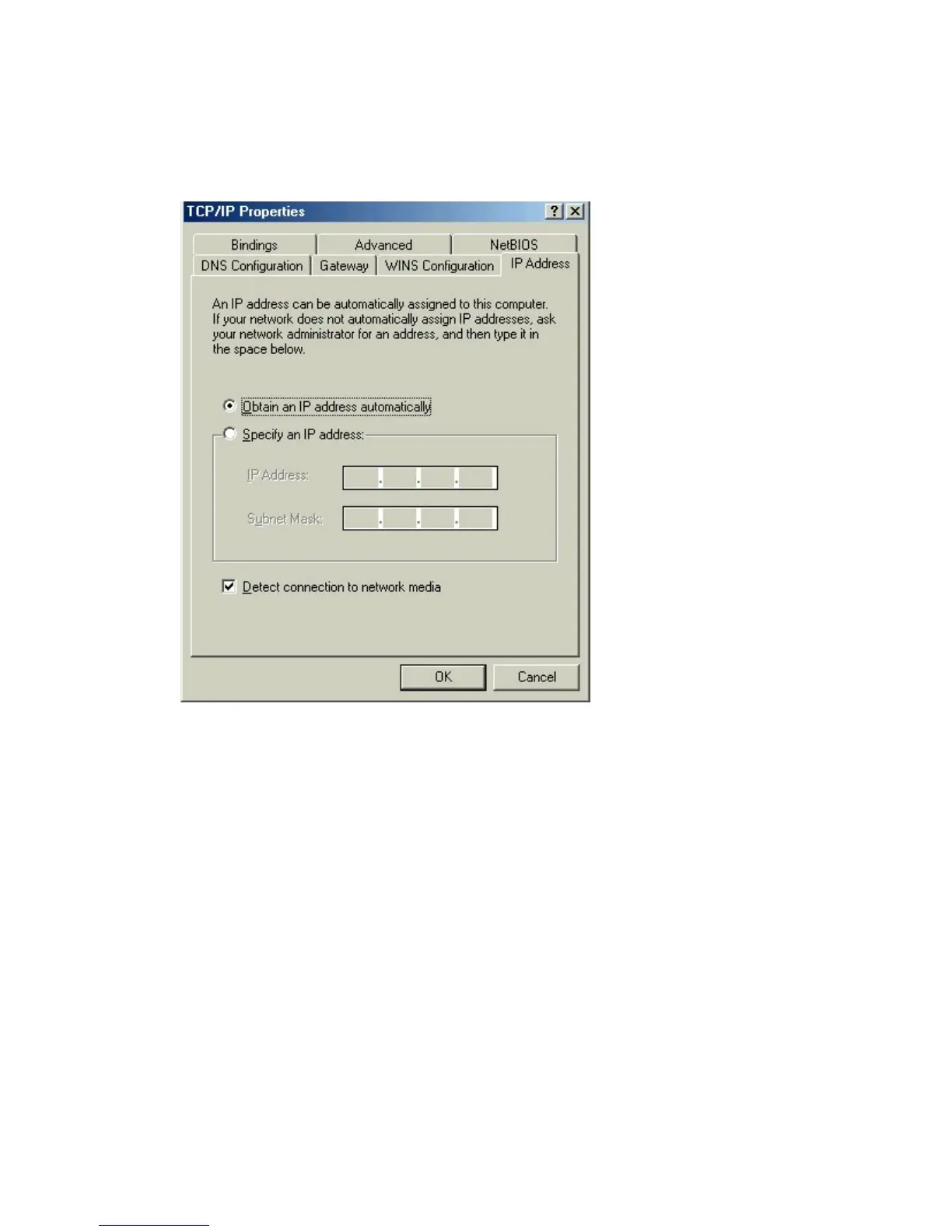
Configuring a Dynamic IP Address
When the TCP/IP window opens, choose “IP Address” tab.
Select “Obtain an IP Address Automatically.”
Click “OK.”
When the network properties window comes back up, click “OK.”
Windows will ask you to reboot and click “Yes.”











 To Next Page