85
DWL-3200AP User’s Manual
D-Link Systems, Inc.
Networking Basics
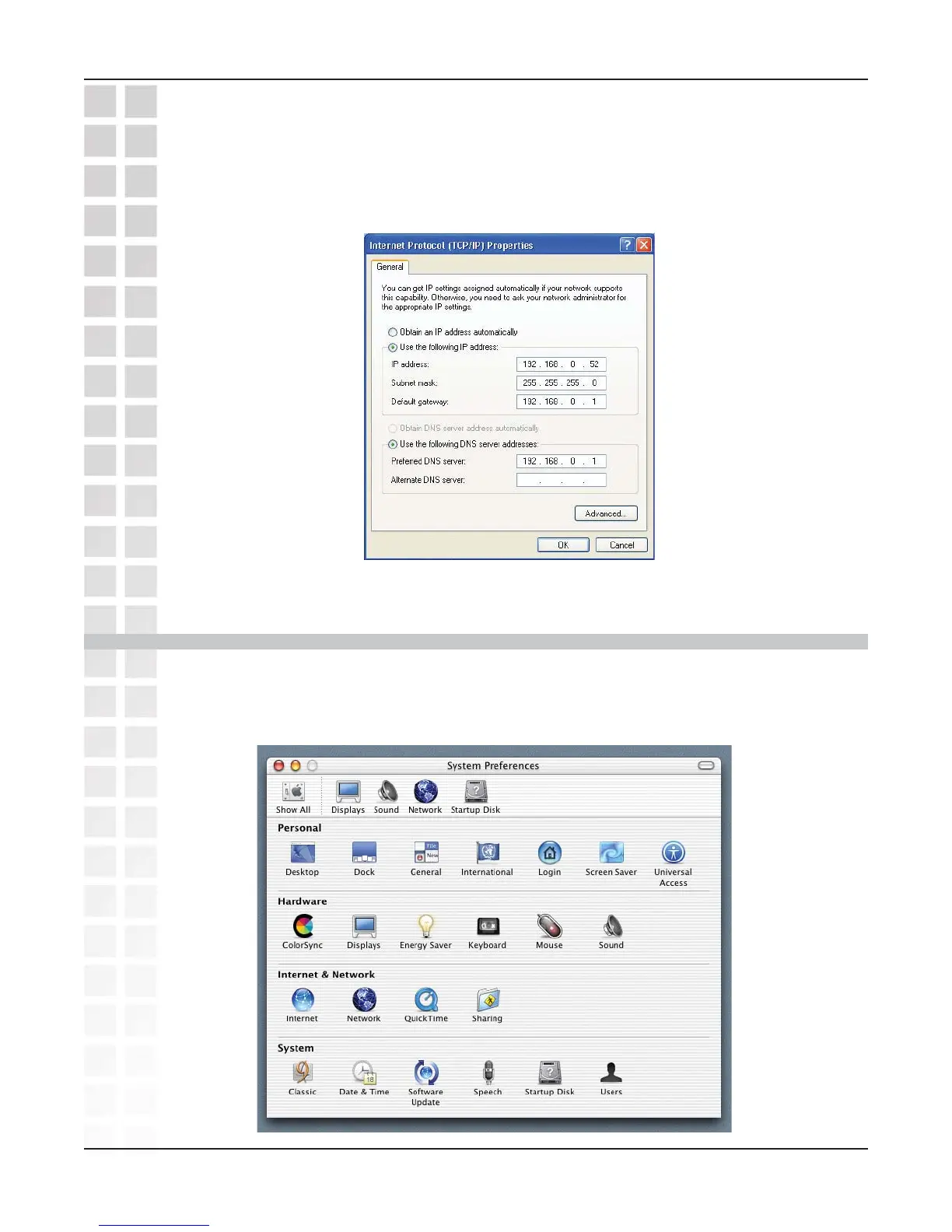
Input your DNS server addresses. (Note: If you are entering a DNS server, you
must enter the IP address of the default gateway.)
The DNS server information will be supplied by your ISP (Internet Service Provider.)
Click OK.
Assigning a Static IP Address in Macintosh OSX
Go to the Apple Menu and select System Preferences.
Click on Network.













 To Next Page