20
D-Link DNS-345 Quick Install Guide
ENGLISH
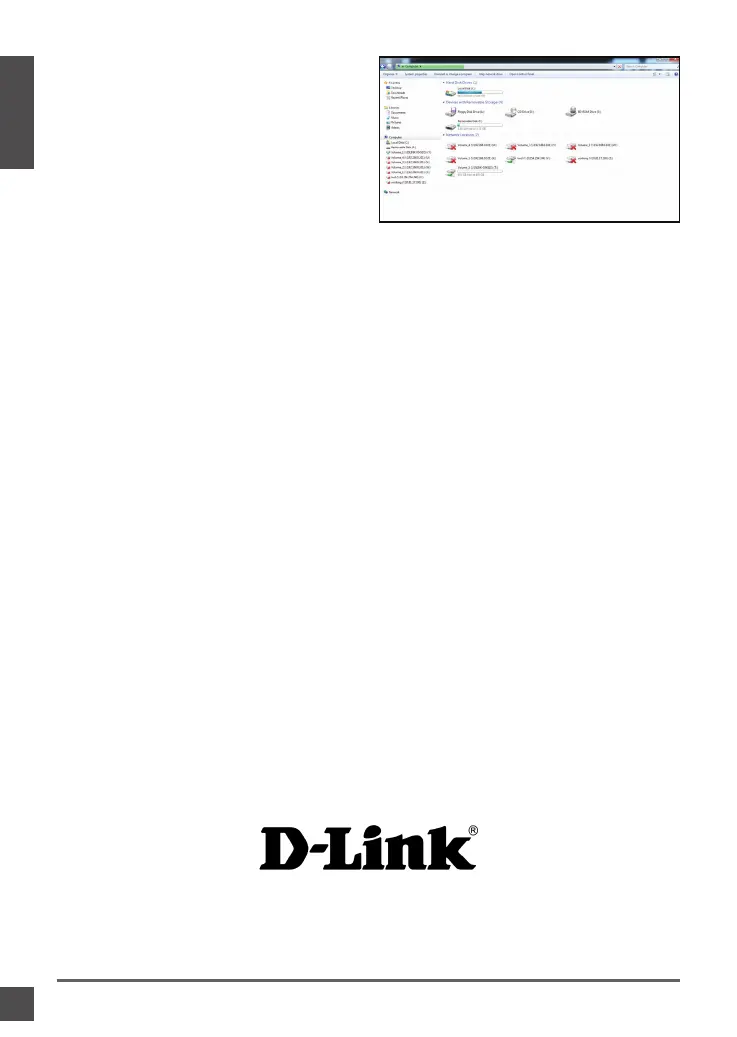
Step 6: The drive will appear in your
Windows Explorer in green. This
means its active.
D-Link’s website contains the latest user documentation and software
updates for D-Link products. Canadian customers can contact D-Link
Technical Support through our website or by phone.
Telephone
(800) 361-5265
World Wide Web
http://support.dlink.ca
Technical Support
Version 1.01
December 13, 2011
6CNS345Q..02G



 To Next Page
 Loading...











