16
PROGRAMMING THE COLLAR
Press and hold the power button on the Collar Re-
ceiver. You will see the LED light on the collar blink 7
times before staying solid. You must hold down the
power button until the LED light becomes solid. Si-
multaneously, press and release the nick and continu-
ous buttons while the light is solid. You will see the
LED light (on the collar) blink 3 times. The collar ID is
now programmed, and the collar receiver is now ON.
Before testing, make sure that both units are fully
charged and the power to the Collar Receiver is “ON”.
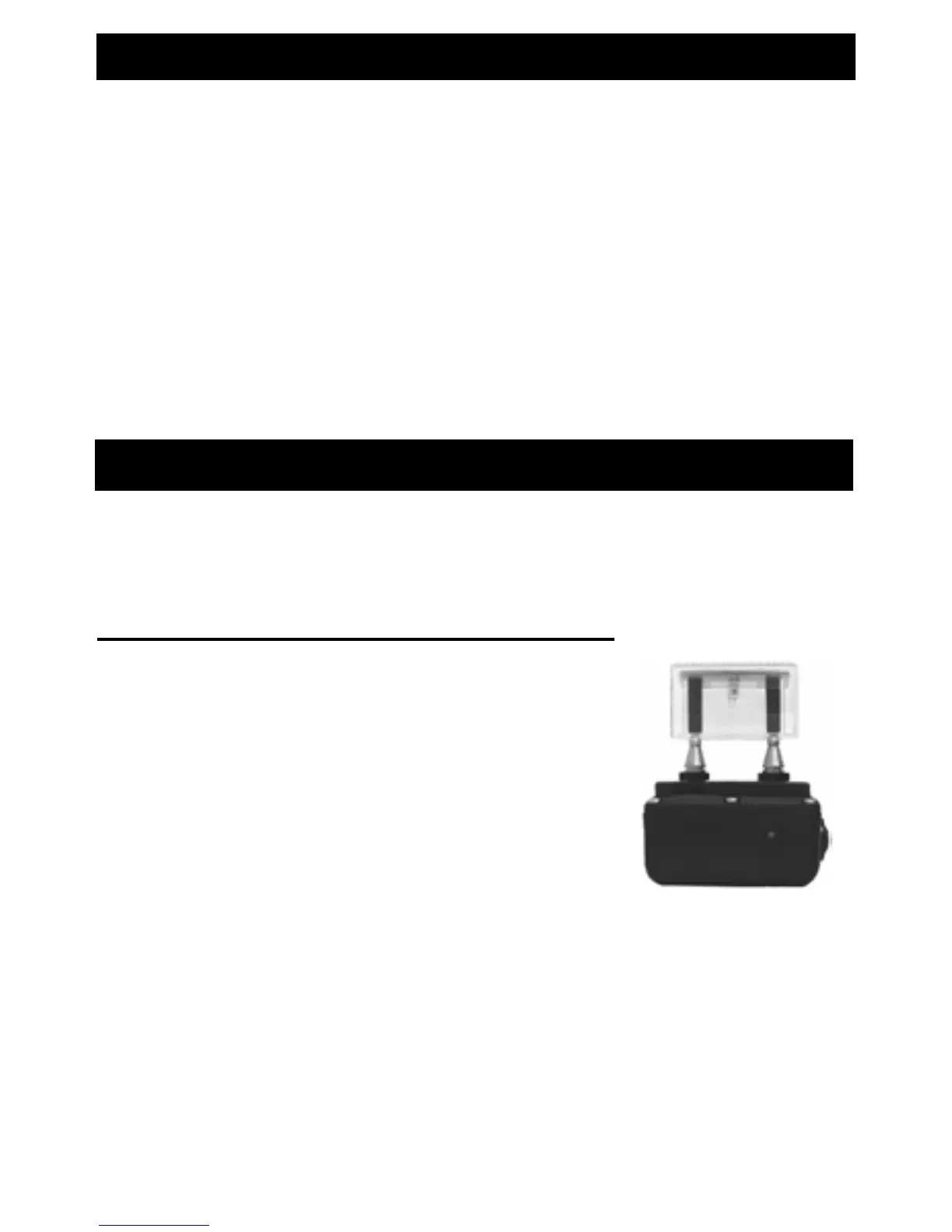
To Test the Electronic Stimulation:
A) Place the tester firmly on the
electrodes of the Collar Receiver.
B) Set the intensity (note - an intensity
level setting of 4 or less might not be
enough to light the tester).
C) Push either the ‘NICK’ or ‘STIMU’
button.
D) The tester light will quickly flash for the Nick
function and light steadily when the Constant
Stimulation is pushed (the higher the intensity, the
brighter the test light).
TESTING




 To Next Page