8
Ultra-e
TM
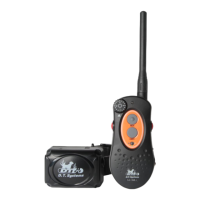
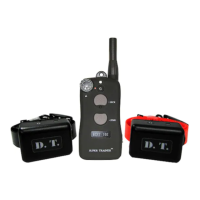
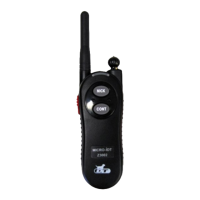
Model and Function
Ultra-e 2050
Button Functions:
# I - “Nick”
# II - Continuous Stimulation Only
# III - Tone-”Beep” Only
# IV - Intensity Level adjustment
(See page 11 for instructions on how to change Ultra-e
TM
batteries)
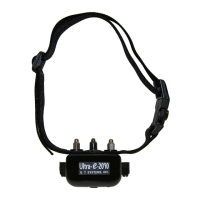
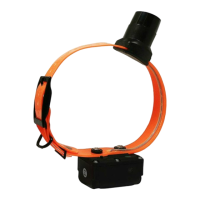
Transmitter Collar/Receiver
13
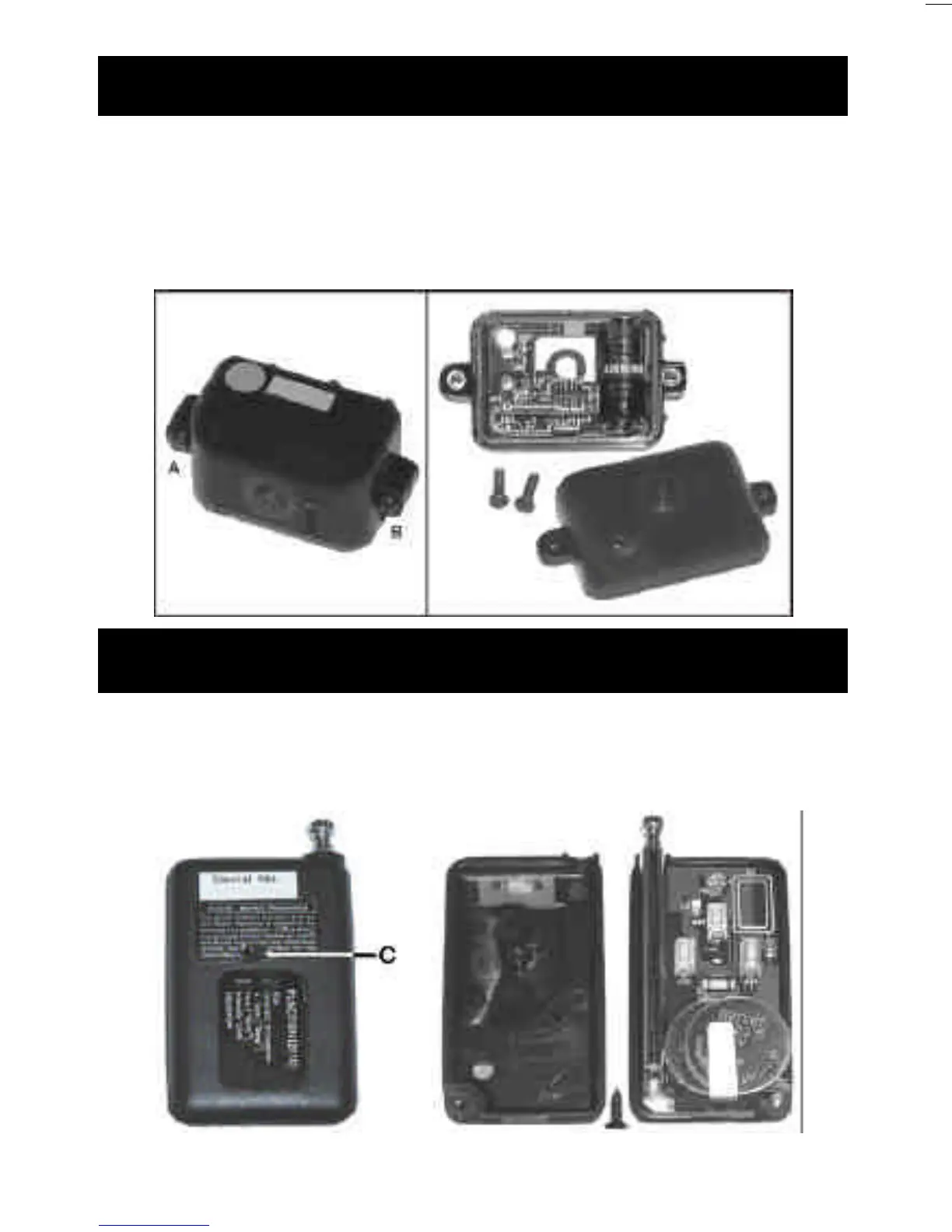
How to Change the Battery—Collar
Step 1 : Unscrew A and B
Step 2 : Replace 6 Volt battery as shown below.
Note: Watch “+” “-” while installing. If battery is installed
backward it may cause the unit to operate in Vibration mode
only.
How to Change the Battery–Transmitter
Step 1 : Unscrew C
Step 2 : Replace both 3 Volt watch style batteries as shown
below.




 To Next Page