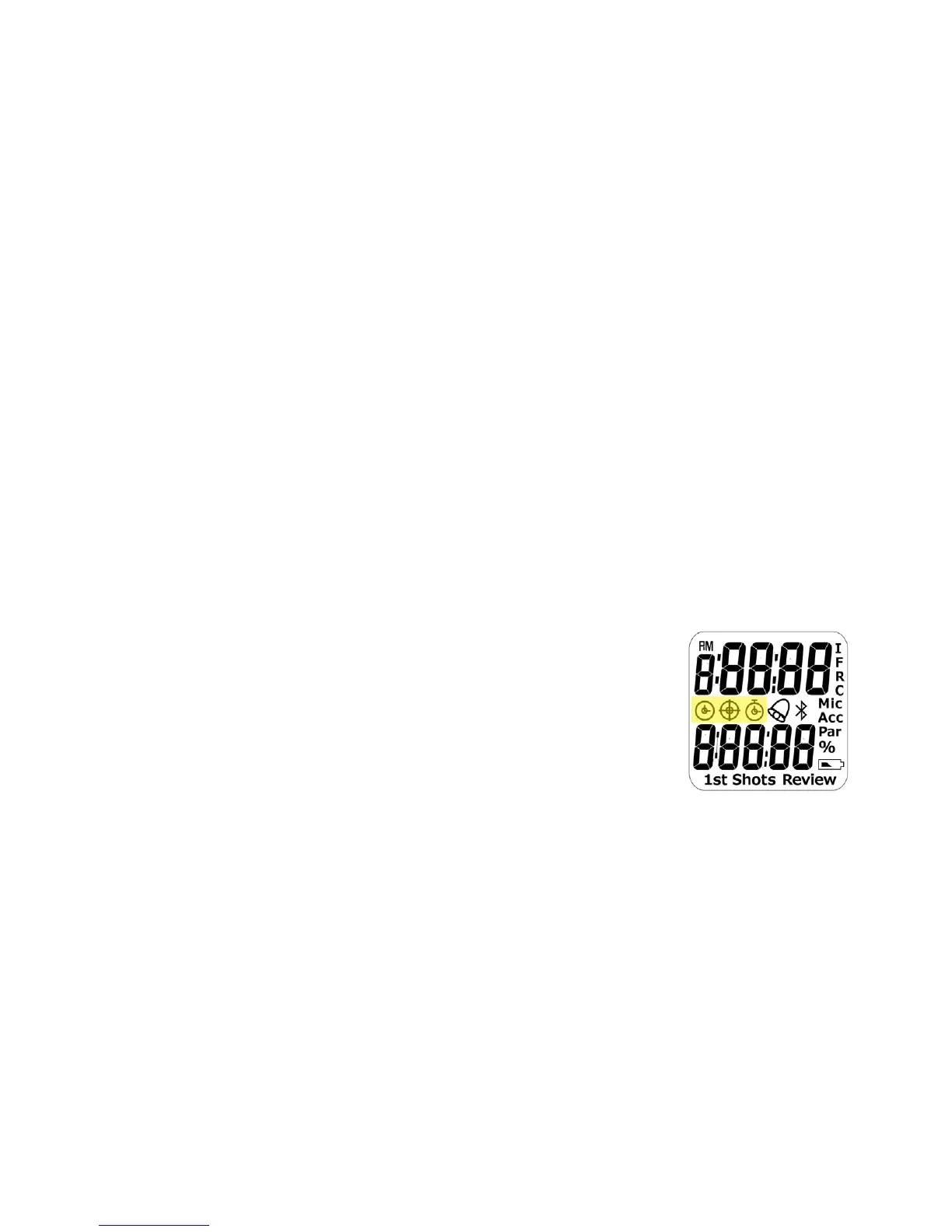
Set Alarm
While in watch mode, press the SET button three
times. Change the On/Off value by pressing the UP
or DOWN buttons.
Press the SET button once more to set the alarm
time. Use the UP/DOWN buttons to set the hour and
minutes.
Once the alarm is set to On, an Alarm icon is
displayed on screen.
Press MODE to exit.
View Battery Level
While in watch mode, press the Set button ve
times. The battery level is displayed in percentage.
Timer Mode
Press the MODE button to advance to the Timer
mode. The Timer icon illuminates.
Active icons in Timer Mode:
- Delay icons – I/F/R/C.
I=Instant, F=Fixed, R=Random and C=Custom.
- Sensor: Mic (Microphone) / Acc (Accelerometer).
- Timer icon.
- 1ST Shot/Shots.


 To Next Page