Altitude program.
% O2 in the breathing mix.
Maximum permitted O2 partial pressure
setting (PPO2 max).
Technical data:
Dive duration.
Max depth (resolution 10 cm).
Min temperature.
% CNS O2 at start of dive.
% CNS O2 at end of dive.
Underwater behavior errors:
Temporary overshoot of deco stop.
Omitted deco stop.
Excessive ascent rate.
Uncontrolled ascent.
Exceeded maximum permitted partial
pressure of O2.
Exceeded max permitted % CNS O2.
Profile points at 20 second intervals:
Max depth reached within each interval
(resolution 10 cm).
Excessive ascent rate.
Omitted deco stop.
Deco / no deco.
OPERATING MODES
The nine operating modes of the DARWIN dive
computer are listed below:
1. OFF mode.
2. DIVE mode.
3. SURF mode.
4. SET mode.
5. CLOCK mode.
6. PLAN mode.
7. SIMUL mode.
8. LOGBOOK mode.
9. PC mode.
As shown in Fig. A, it is possible to advance from
one mode to the next by pressing <Mode>, or to
go back to the preceding mode by pressing <->.
UTILITY FUNCTIONS
M
ONITORING OF THE BATTERY POWER
LEVEL
The DARWIN periodically monitors the battery
power level. If the battery power is found to be
low (level 1), an audible alarm is sounded, the
battery icon appears and the display backlight
function is disabled.
If battery power level 1 is reached during a dive,
the battery icon appears but the audible alarm is
inhibited.
From the time when the battery icon first appears,
it is possible to do 5 more dives (see chapter FAQ).
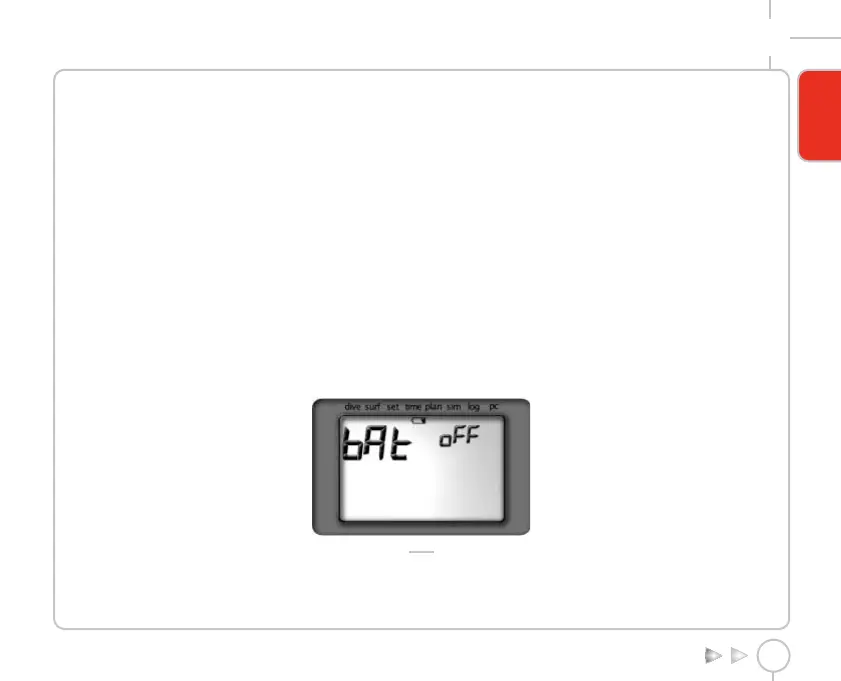
When the battery reaches its lowest power level
(level 2), the "off bAt" message appears, Fig. 1, and
the DARWIN is disabled.
FIG. 1
Even if the dive computer is not used, the
batteries should be replaced at least every 12
months.
AUTOMATIC SWITCH-OFF
If the DARWIN is ON but no buttons are pressed for a
certain amount of time, it will automatically switch
itself OFF. The delay before automatic switch-off
varies depending on the current operating mode.
DIVE - PreDive 10 min
DIVE - Dive NEVER
SIMUL - Dive, PostDive and Surface 15 min
LOGBOOK - automatic scrolling of the profile10 min
Under all other conditions 3 min
The switch-off delay timer is cleared whenever a
button is pressed, and in PC mode it is cleared at
each transmission.
After a dive, if the no-fly time is not zero, the
DARWIN switches to OFF mode but the display
remains active, showing some information. When the
no-fly time goes to zero the display switches off.
DISPLAY BACKLIGHT
The illumination of the backlight is enabled in
DIVE Mode and can be activated in two ways:
PREDIVE
15 sec timer-controlled: press the <-> button
for approximately 2 sec.
DIVE
15 sec timer-controlled: press and release the
<-> button.
Always on: press the <-> button for
approximately 2 sec; the backlight can then be
switched off by pressing the <-> button again.
DARWIN DIVE COMPUTER
7
ENGLISH
Darwin.qxd 29/03/2002 16.45 Pagina 7



 To Next Page