8
SETUP OF TECHNICAL
PARAMETERS
SET mode can be accessed, as shown in Fig. A, by
pressing the <Mode> button from DIVE or SURF
mode, or by pressing the <-> button from CLOCK
mode.
SET mode is subdivided into five function groups,
SET1.... SET5, as shown in Fig. B. It is possible to
navigate through the different SET function groups
in the following manner:
To enter a given SET function group, press the
<Mode> button for approximately 2 sec.
Alternatively, press and immediately release the
<Mode> button to skip to the next SET function.
Press and immediately release the <-> button to
go back to the preceding SET function.
From SET5, pressing the <Mode> button saves any
changes made to the settings and goes on to
CLOCK mode. The parameters within a given SET
function group are modified using the <-> button.
SET1 - SETUP OF "AIR", "NITROX",
"BOTTOM TIME" OPERATING MODE
AND ASSOCIATED PARAMETERS
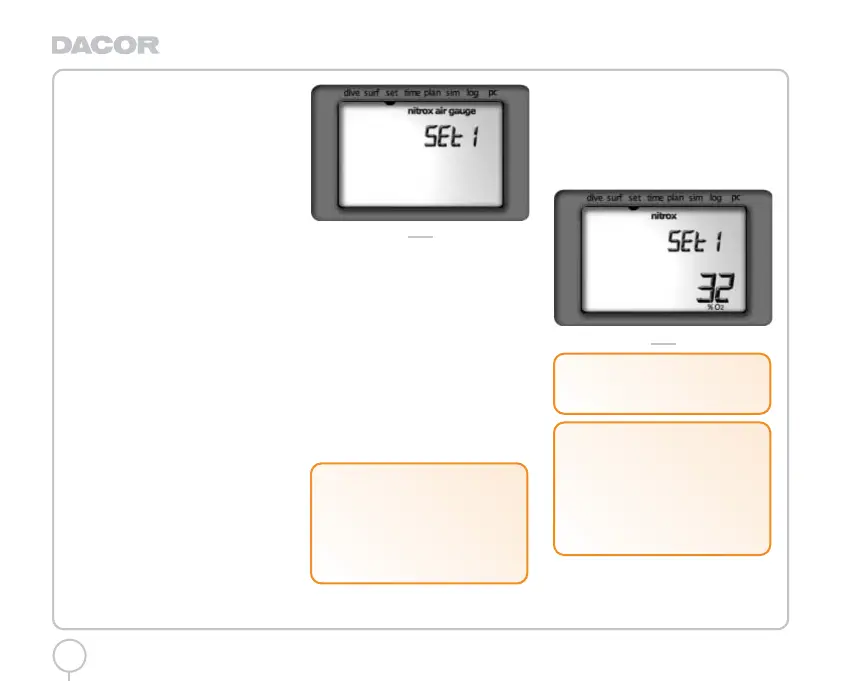
The display initially shows the following
parameters, (fig. 2):
"Nitrox" icon.
"Air".
"Gauge" (botton time).
FIG. 2
To enter SET1 press the < Mode > button for
approximately 2 sec.
Alternatively, to advance to SET2, press and
immediately release the <Mode> button .
OPERATING MODE SETUP: "AIR", "NITROX",
"BOTTOMTIME"
The display shows the currently active operating
mode. Press the <-> button to change the
setting.
If 'Nitrox' mode is selected, pressing the
<Mode> button will advance to the setup of %
O2 and then of max PPO2. Otherwise, if "Air" or
"Bt" mode is selected, pressing the <Mode>
button advances to SET2.
"NITROX" BREATHING MIX SETUP
The percentage of O2 in the breathing mix can
be entered in the range between 21% - 50%, in
increments of 1% (fig. 3). Press the <-> button
to increase the percentage. Press the <Mode>
button to save the percentage value and
advance to the next parameter.
FIG. 3
!
WARNING
It is essential to correctly set the
oxygen percentage in the breathing mix
to ensure correct readouts of:
- no decompression time remaining
- decompression stop times
- alarm for exceeding maximum
permitted PPO2.
!
WARNING
Do not use mixes with an O2% greater
than 50%.
!
WARNING
If you have completed a NITROX dive and
are planning a repetitive dive using
compressed air, set your dive computer
for NITROX mode with a % O2 of 21%. In
this way, the monitoring of the % CNS O2
will remain active.
Darwin.qxd 29/03/2002 16.45 Pagina 8



 To Next Page