19
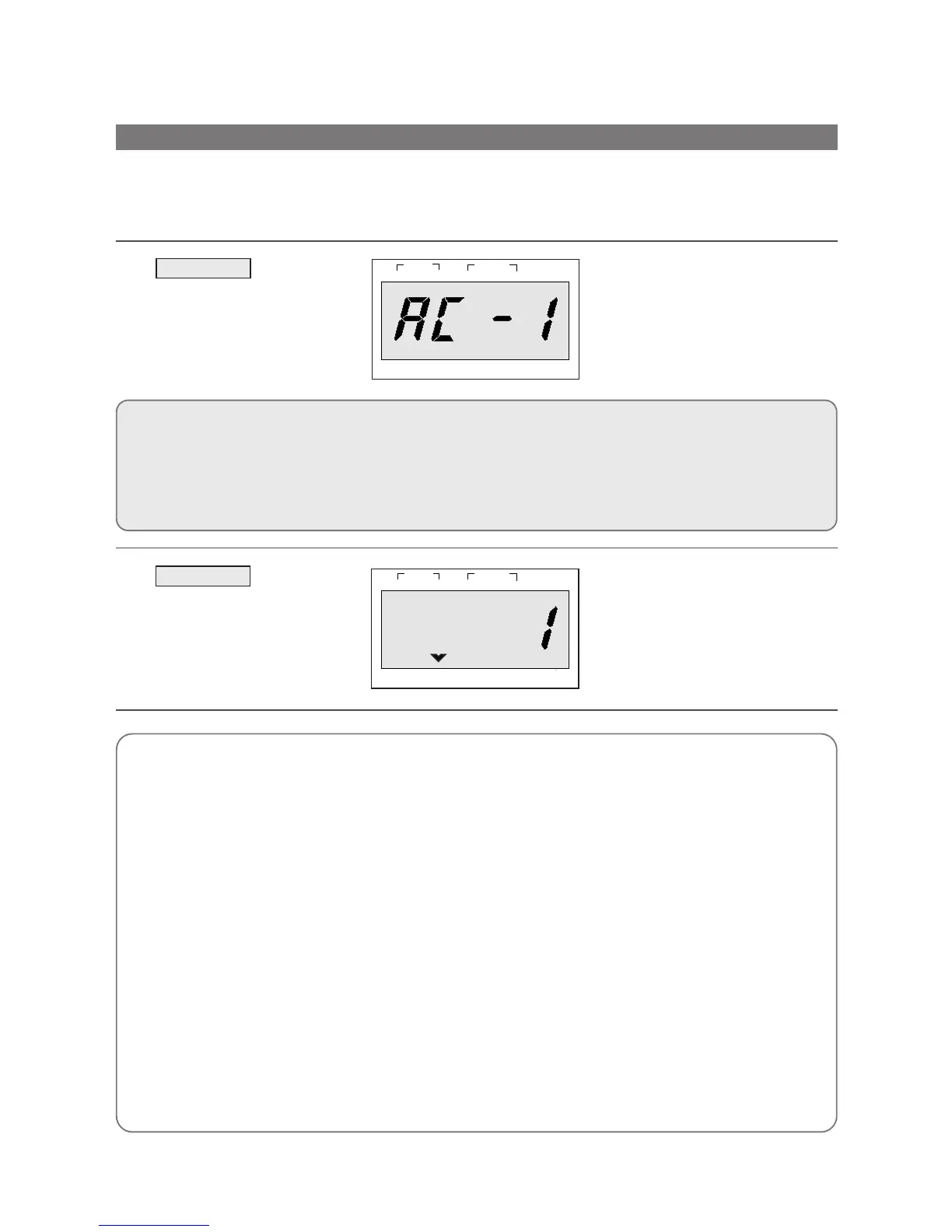
1. Touch MENU pad.
When you touch MENU pad, “AC-
1” is displayed.
The display will then begin blinking.
By repeatedly touching this pad,
you can select other food category
as shown in the chart below.
MENU
oz lb
STAGE
1
2
NO CUPS
DEFROST AUTO
START
WEIGHT TIME
LOCK
CATEGORY FOOD TOUCH PAD
AC-1 BAKED POTATO Touch MENU once.
AC-2 FRESH VEGETABLE Touch MENU twice.
AC-3 SOUP Touch MENU three times.
AC-4 FISH FILLETS Touch MENU four times.
AC-5 MEAT LOAF Touch MENU five times.
1. Touch WEIGHT pad.
“1” is displayed.
After the 1.5 seconds, the display
changed into cooking time of quan-
tity and the oven starts cooking.
WEIGHT
oz lb
STAGE
1
2
DEFROST AUTO
START
WEIGHT TIME
LOCK NO CUPS
ƒƒNN
BAKED POTATO
ƒƒNN
(160~180g/ea.)
• 1 NO (ea.) : Touch WEIGHT once.
• 2 NO (ea.) : Touch WEIGHT twice within 1.5 seconds.
• 3 NO (ea.) : Touch WEIGHT three times within 1.5 sec-
onds.
• 4 NO (ea.) : Touch WEIGHT four times within 1.5 sec-
onds.
ƒƒNN
FRESH VEGETABLE
ƒƒNN
• 200g : Touch WEIGHT once.
• 250g : Touch WEIGHT twice within 1.5 seconds.
• 300g : Touch WEIGHT three within 1.5 seconds.
• 350g : Touch WEIGHT four times within 1.5 seconds.
• 400g : Touch WEIGHT five times within 1.5 seconds.
ƒƒNN
SOUP
ƒƒNN
• 200g : Touch WEIGHT once.
• 250g : Touch WEIGHT twice within 1.5 seconds.
• 300g : Touch WEIGHT three within 1.5 seconds.
• 350g : Touch WEIGHT four times within 1.5 seconds.
• 400g : Touch WEIGHT five times within 1.5 seconds.
ƒƒNN
FISH FILLETS
ƒƒNN
• 300g : Touch WEIGHT once.
• 350g : Touch WEIGHT twice within 1.5 seconds.
• 400g : Touch WEIGHT three times within 1.5 seconds.
• 450g : Touch WEIGHT four times within 1.5 seconds.
• 500g : Touch WEIGHT five times within 1.5 seconds.
• 550g : Touch WEIGHT six times within 1.5 seconds.
• 600g : Touch WEIGHT seven times within 1.5 seconds.
• 650g : Touch WEIGHT eight times within 1.5 seconds.
• 700g : Touch WEIGHT nine times within 1.5 seconds.
ƒƒNN
MEAT LOAF
ƒƒNN
• 300g : Touch WEIGHT once.
• 350g : Touch WEIGHT twice within 1.5 seconds.
• 400g : Touch WEIGHT three times within 1.5 seconds.
• 450g : Touch WEIGHT four times within 1.5 seconds.
• 500g : Touch WEIGHT five times within 1.5 seconds.
• 550g : Touch WEIGHT six times within 1.5 seconds.
• 600g : Touch WEIGHT seven times within 1.5 seconds.
• 650g : Touch WEIGHT eight times within 1.5 seconds.
• 700g : Touch WEIGHT nine times within 1.5 seconds.
Auto cook allows you to cook or reheat many of your favorite foods by repeatedly touching menu pad.
After the menu selection, touch chosen pad until number in display is same as desired quantity to cook.
DO THIS THIS HAPPENS...
Auto Cook (Menu & Weight)
g
g



 To Next Page