11
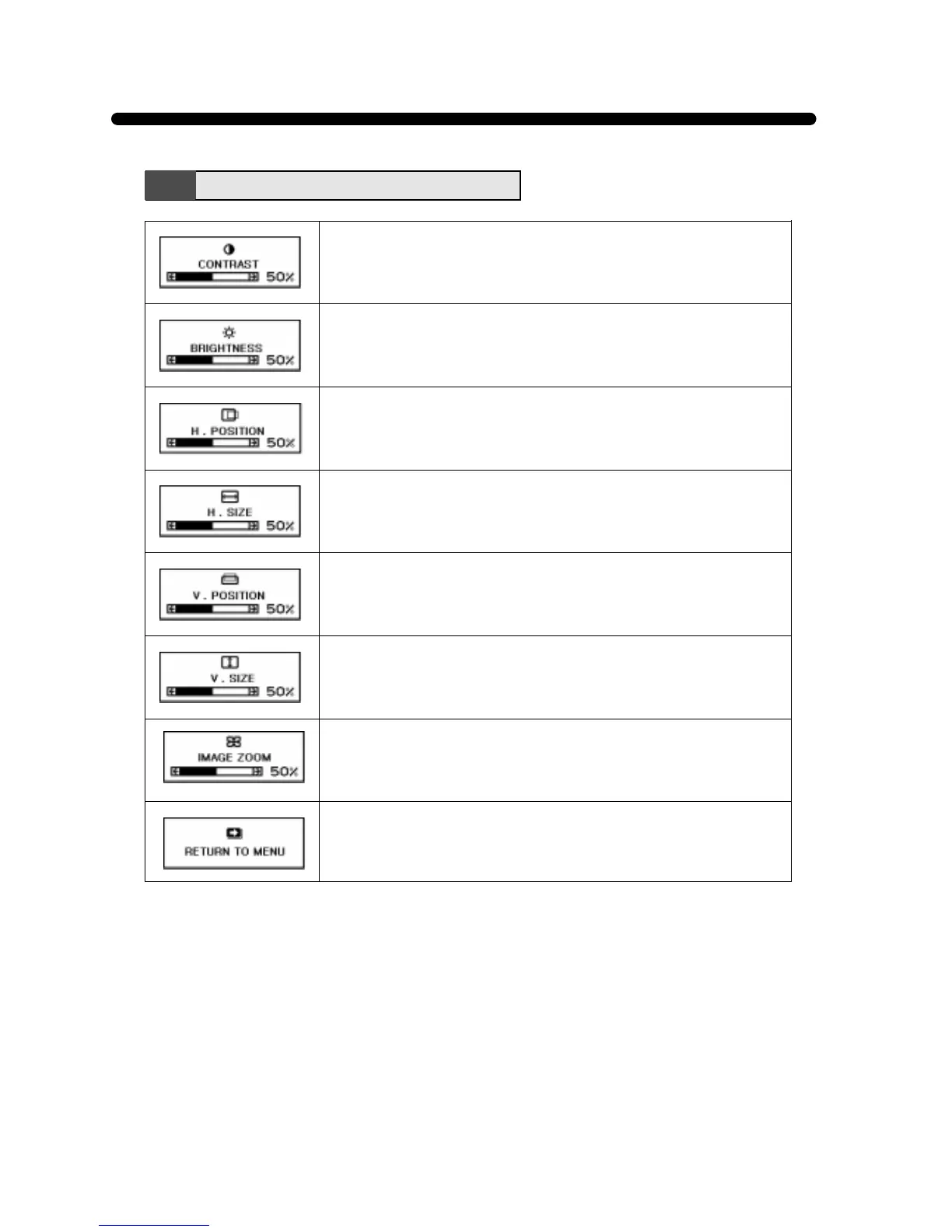
Adjust the contrast of image, the difference between light and dark
areas on the screen.
Range : 0 -100 %
Adjust the brightness of the entire image.
Adjust the position of the display horizontally (left or right).
Adjust the display width (horizontal size).
Adjust the position of the display vertically (up or down).
Adjust the display height (vertical size).
Main Menu Functions
Return to the Main Menu Window.
Adjust the display width & height at the same time.



 To Next Page