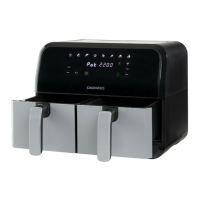
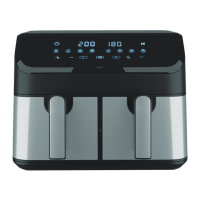
11L Split Drawer Air Fryer
Model No. SDA2622
User Manual
IMPORTANT – RETAIN THESE INSTRUCTIONS FOR FUTURE REFERENCE
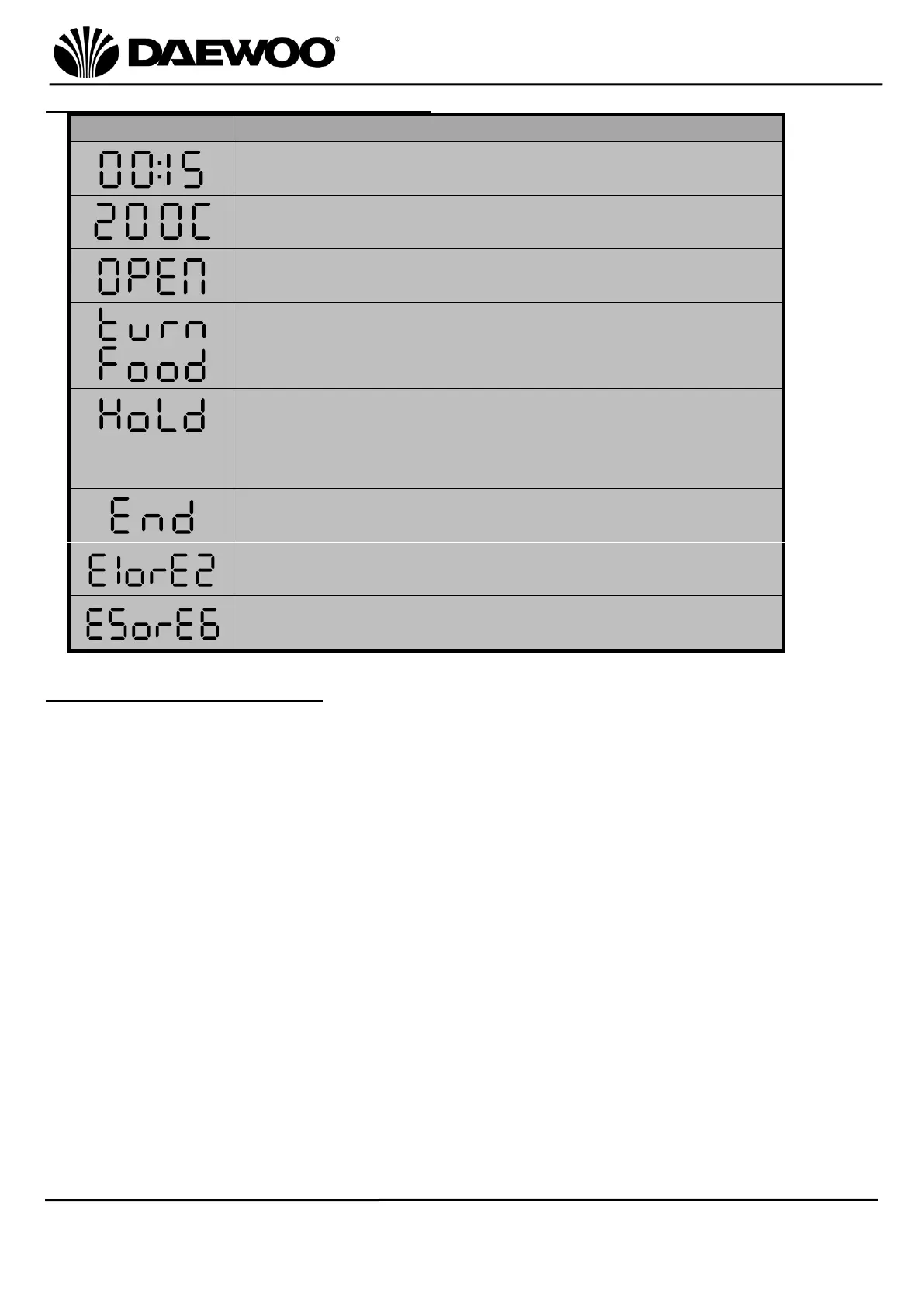
Display Messages on LED Display (10)
The LED Display will show the set and remaining
cooking time.
The LED Display will show the set cooking
temperature.
Fryer Drawer (3) is removed or Lower Fryer Door (5)
is opened.
“turn Food” reminder will show to shake/turn the
ingredients.
While the sync finish function is activated, the
compartment with less cook time will show “HoLd”
until both compartments have the same remaining
cook time.
The cooking is completed, and the Air Fryer will
stop heating.
The upper compartment is not working properly,
please contact our customer care team.
The lower compartment is not working properly,
please contact our customer care team.
Cleaning and Maintenance
• Always unplug the Air Fryer from the mains supply and allow to cool before
cleaning.
• DO NOT clean any part of the Air Fryer in a dishwasher – NOT dishwasher safe.
• DO NOT submerge any part of the main body, the mains cable or mains plug in
water or any other liquids.
• Wipe excess oil from the Fryer Drawer (3), Trivet (8) and Baking Tray (7) with
kitchen roll or similar.
• Wipe the main body of the Air Fryer clean using a soft, damp cloth.
• The Fryer Drawer (3), Trivet (8) and Baking Tray (7) can be washed in warm
soapy water, rinse and dry thoroughly before reusing.
• Remove the silicone feet from the Trivet (8) before washing so they do not get
lost. Replace the silicone feet after drying the Trivet (8).
• DO NOT clean any part of the Air Fryer with harsh or abrasive cleaners.
• After cleaning, allow the product to thoroughly dry before re-use.


 To Next Page