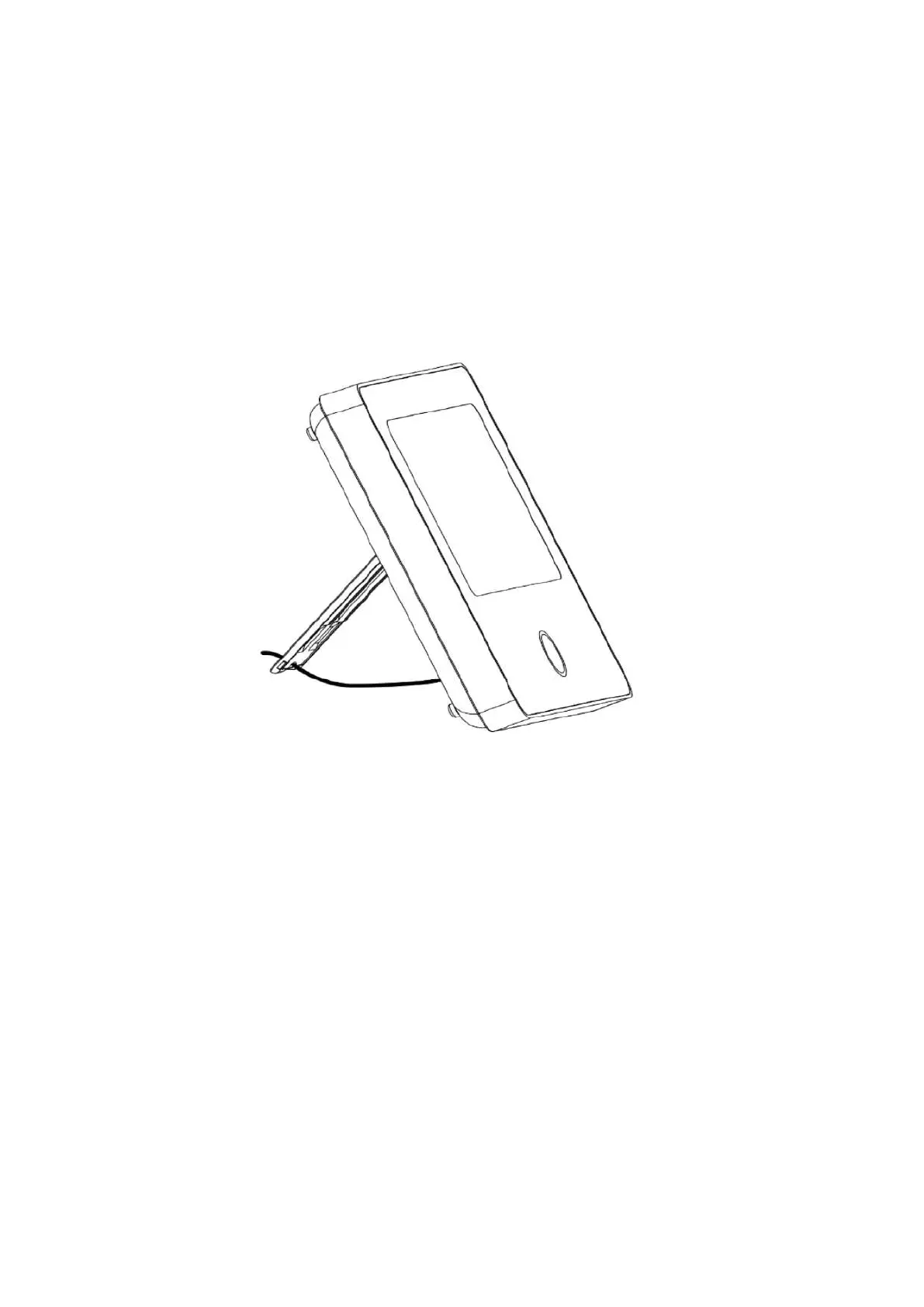
2. On a stand
Comes with a stand on the back
It can be directly placed on the desktop, without the
installation of holes on the wall, and can be placed
anywhere in the house.
1. Installed in the center of the house to facilitate signal
reception and transmission.
2. Install it closer to the WiFi router.
3. Avoid installing all devices on metal surfaces, as
well as on load-bearing walls.
Installation precautions


 To Next Page