42
PR/PAGE
SELECT
OK
PR/PAGE
Language English
Child Lock Off
Select Change Exit
Picture
Screen
Sound
Install
Function
DVB
Other Functions
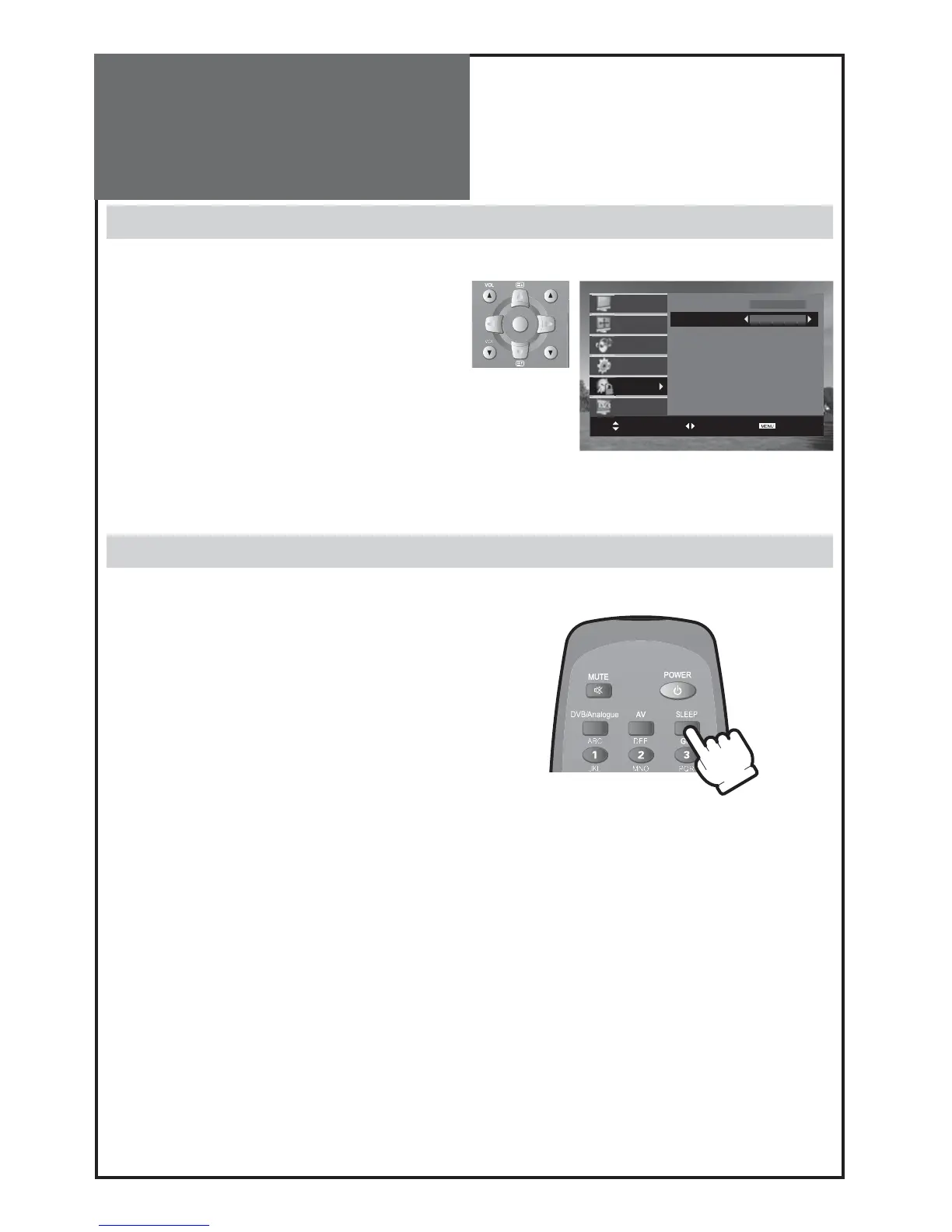
• Move to Child Lock in the Function menu.
• Select Child Lock to On using the “” button
Note :
• If stand-by indicator is flashing red, and green then the
TV set is in child lock mode. It is necessary to use the re-
mote control
POWER
button,
NUMBER 0…9
buttons, or
PR UP
/
DOWN
buttons. The local
PR UP
/
DOWN
buttons
will not function. Once on, the stand-by indicator turns to
green and the picture appears on the screen.
Child Lock
Sleep
• By pressing the “
SLEEP
” button on the remote con-
troller repeatedly, you can select one of the follow-
ing settings:
Sleep Timer: OFF 15 30 45 60 75 90
105 120 OFF
• The set will turn off after the time you select.
Note :
• If an active signal is not present for about 10 minutes,
the set will automatically turn to ST-BY mode.



 To Next Page