33
Guides
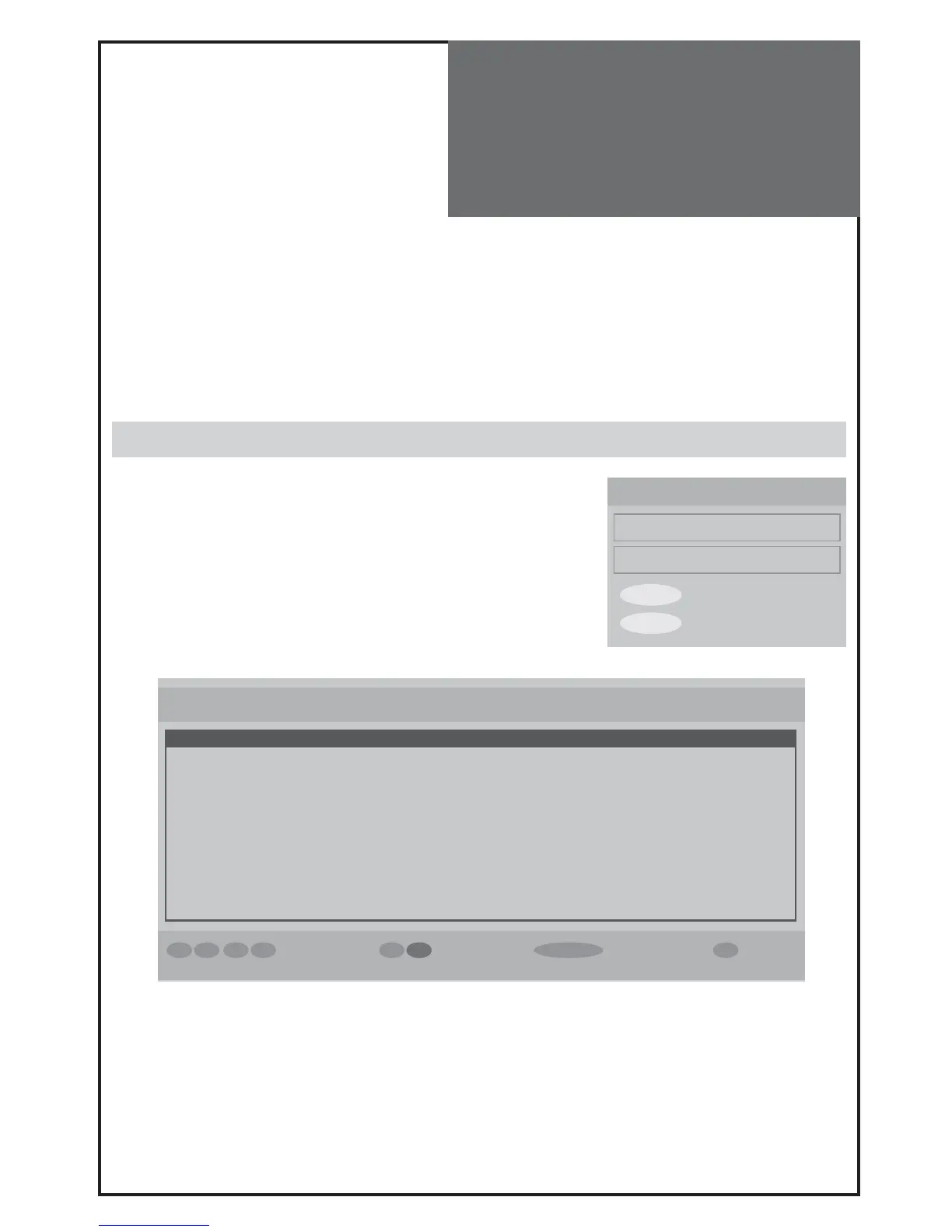
Now / Next EPG
List Schedule EPG
MENU Exit
SELECT Select
◄ ►
▼ ▲
Navigate Schedule Select Watch i Event
Electronic Programme Guide Wed 10/11 10:00
Channels Current Event Next Event
23. bid - up.tv Bid for a Bargain live Bid for a Bargain live
25. TCM Closedown Little Off Set
26. UK Style Closedown Extreme Makeover: Hom...
27. Discovery Extreme Engineering Escape from Death Row
28. DiscoveryH&L Programmes resume at... The Allotment
30. ITV4 No information No information
32. Cartoon Nwk The Live & Times of Junip... Xiaolin Showdown
33. Boomerang Closedown Inspector Gadget
37. Quiz Call United Windom Money Mayhem
55. Ttext Holidays No information No information
60. Television X ..programmes start at 11... ..programmes start at 11...
DVB Menu
- This menu allows you to make your favourite channel list. You can make 5 favourite lists.
- Move highlight on any list (1~5). Then press Select key to make your own list.
When you press Select key, the mark (①②③④⑤) will show up on the channel name’s left side.
For example, If there is ③ mark on ITV 2, that means ITV 2 is selected as your favourite list 3. You can make favour-
ist lists up to 5.
- After finishing, to use this function, go to Configuration (DVB MENU -> SETTING -> Configuration) and setup Fa-
vourite mode on/off. (see page 32).
Or it can also be set up by pressing LIST key.
Guides
Select each sub-menus.
Now / Next EGP
- You can check now / next program here. Move highlight up/down and
get information.
- Yellow/cyan button is for changing the schedule.
- Press Info key to see detailed information of each program



 To Next Page