36
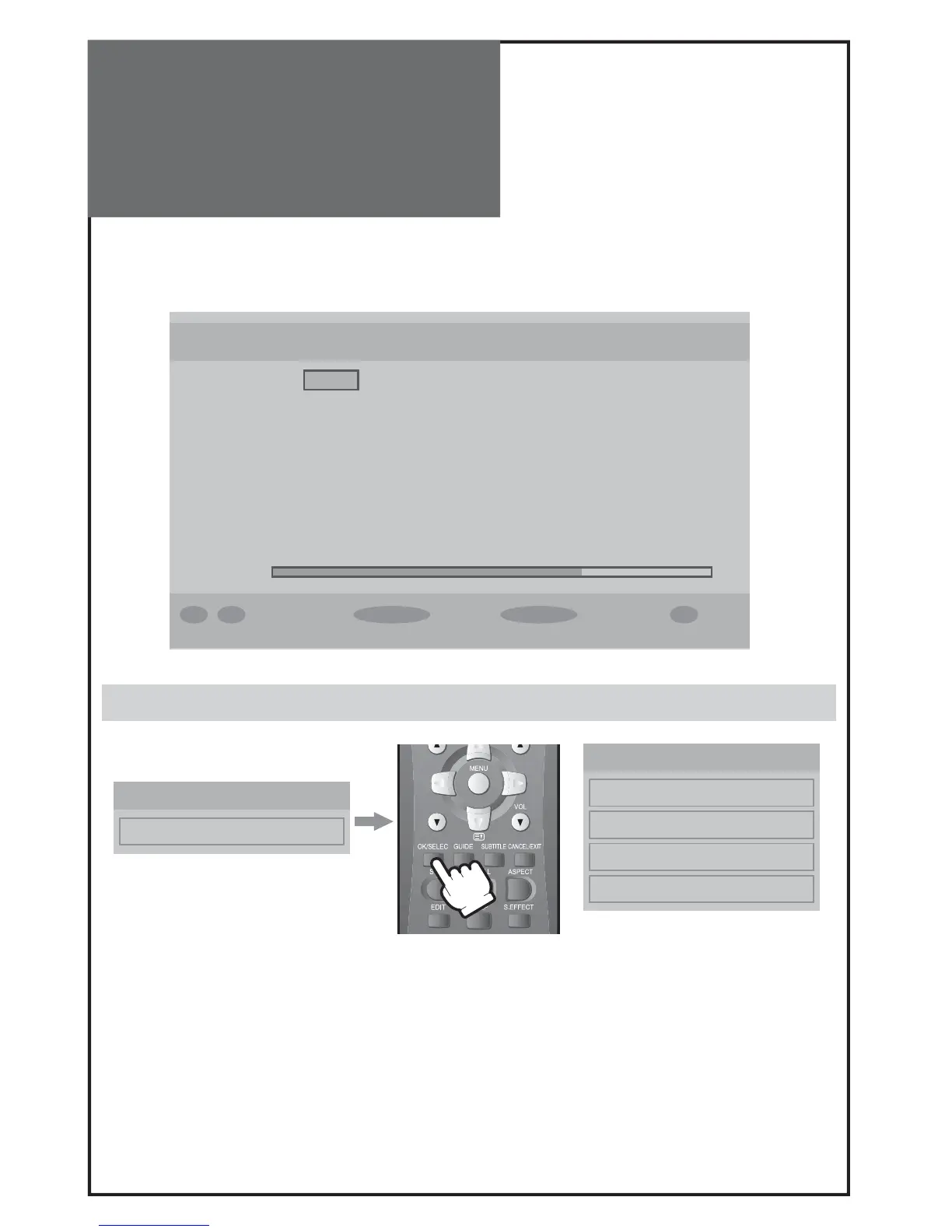
Channel Number 44
Signal Quality: Very Good
Signal Level:
0 .. 9 Select Channel Select Search Menu Exit i More
Manual Search
PR
Common Interface
Top up TV
CI Menu
Module Information
Smart Card Information
Language
Software Download
DVB Menu
- Manual Search is the function to scan for an individual channel.
Enter the Channel number to be scanned.
- Signal Quality consists of 5 levels : none - poor - medium - good - very good
Common Interface
- This allows you to upgrade your TV set with additional features including access to extra channels (if available) us-
ing a conditional access module (eg. TopUp TV).
- If there is no CI Card in the slot, „No common interface module detected” appears on the screen.
- When you insert CI Card, „Common interface module inserted” appears on the screen. Then, you can watch pay
channel.
- If you remove CI Card from the slot, „Common interface module removed” appears on the screen, and you can’t
watch pay channel any more until you insert CI card again.
Note :
A common interface is available to connect a CAM(conditional access module) and a smartcard. Please con-
tact your service provider to get more information about these modules.



 To Next Page