No
DVB Menu
Settings
Select each sub-menu
Configuration
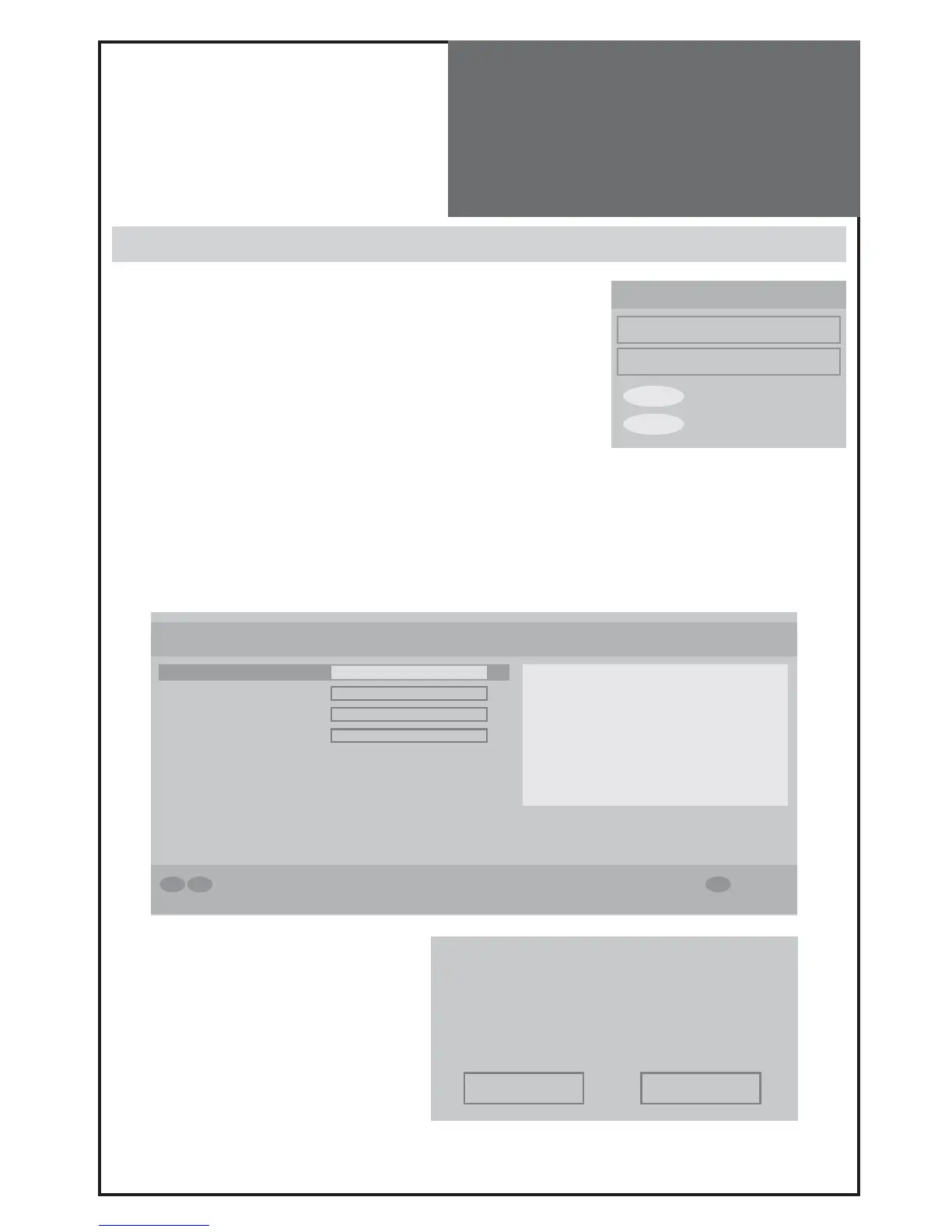
This has 4 sub-menus.
- Subtitle on/off (also can control this with remote control SUB TITLE but-
ton.
- Change Banner time : off - 1 sec - 2sec - 4sec - 8sec
- You can choose your favourite list (see page 32) on Favourite Mode. If it is
selected as off, all channel are shown.
- Change Channels List : Show all - TV only - RADIO only - TEXT only
- Parental Setting enables you to make individual services. DVB MENU and
Installation are protected by password. The default password for parental setting is „0000”. To change default pass-
word, select “Parental Settings” using up/down buttons, and press OK/SELECT. Using number buttons enter default
password “0000”. Now select “Set Lock Key” and confirm with OK/SELECT button. Using number buttons enter new
password in to “Lock Key” field and re-enter in “Confirm” field.
※ If you have forgot your personal password, you can reset to the default password “0000” by pressing the key se-
quence: RED - GREEN - YELLOW - CYAN.
Installation
- Automatic Search is the function to scan each
channel for services. If you cancel Automatic
Search before it is completed, the previous list
of services is used, if already stored.



 To Next Page