44
PR
PR
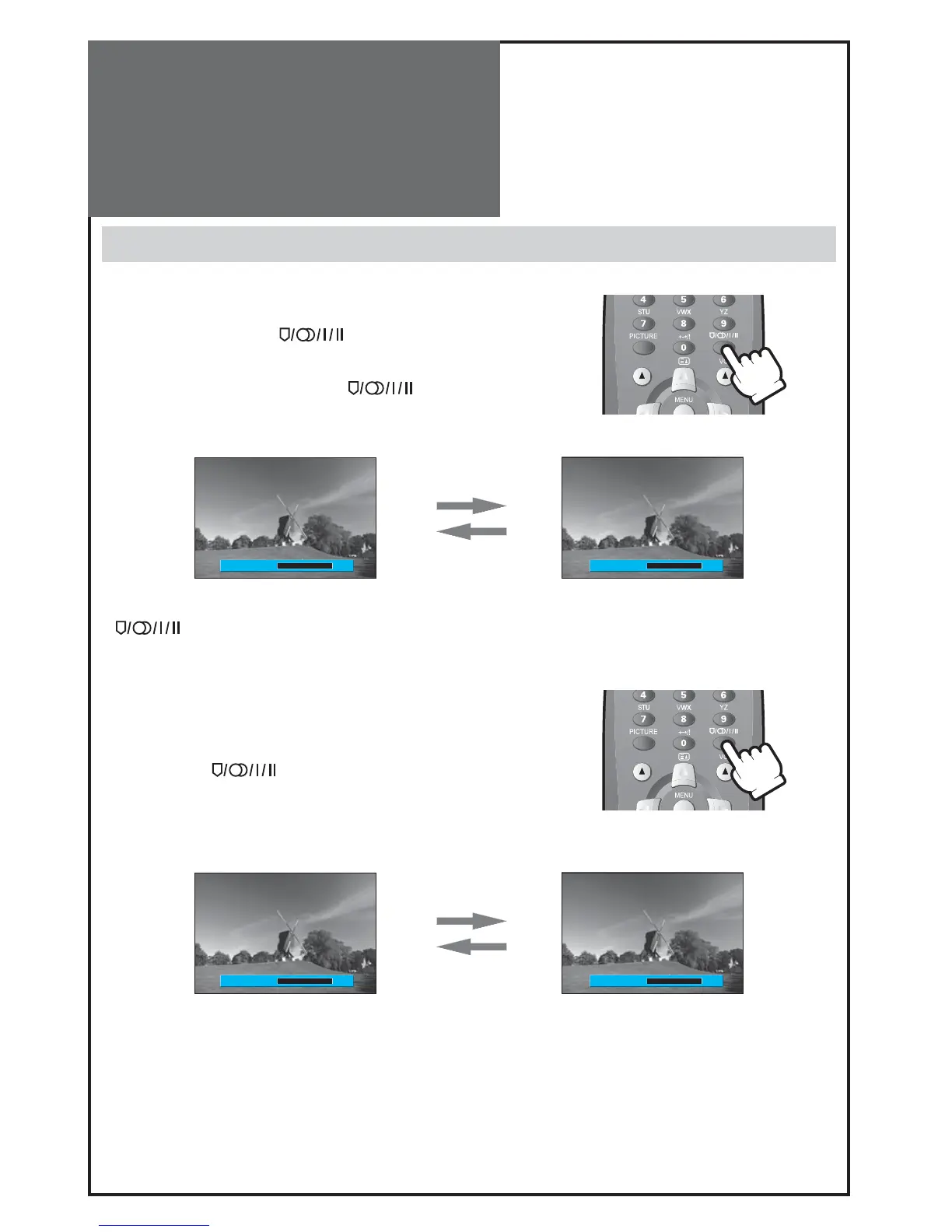
MTS MONO
MTS MONO
MTS DUAL 1 MTS DUAL 2
Sound Adjustment
Multi-Sound and Stereo
1. Mono Sound Selection
• During Stereo sound reception if the stereo is weak, you can switch to
MONO by pressing the “
” button. Then the colour of “MONO”
character will change to Red. In Mono reception the depth of sound is
improved.
• To switch back to stereo, press the “
” button again.
Note :
• “ ” only works in RF mode.
2. Adjustment of Bilingual sound
• In bilingual broadcast reception, you can switch from Dual 1 to Dual 2 by
pressing the “ ” button repeatedly.



 To Next Page