48
VOL PR / PAGE
VOL PR / PAGE
OK /
SELECT
VOL PR / PAGE
VOL PR / PAGE
OK /
SELECT
VOL PR / PAGE
VOL PR / PAGE
OK /
SELECT
VOL PR / PAGE
VOL PR / PAGE
OK /
SELECT
VOL PR / PAGE
VOL PR / PAGE
OK /
SELECT
AVC On
Dynamic Bass On
Effect Off
Balance | 0
Equalizer Access
Move On/Off Exit
Picture
Screen
Sound
Install
Function
DVB
AVC On
Dynamic Bass On
Effect Off
Balance | 0
Equalizer Access
Move On/Off Exit
Picture
Screen
Sound
Install
Function
DVB
Equalizer
Preset Normal
120Hz 0
500Hz 0
1.5 kHz 0
5 kHz 0
10 kHz 0
Move Adjust Exit
Picture
Screen
Sound
Install
Function
DVB
AVC On
Dynamic Bass On
Effect Off
Balance | 0
Equalizer Access
Move Adjust Exit
Picture
Screen
Sound
Install
Function
DVB
AVC On
Dynamic Bass On
Effect Off
Balance | 0
Equalizer Access
Move On/Off Exit
Picture
Screen
Sound
Install
Function
DVB
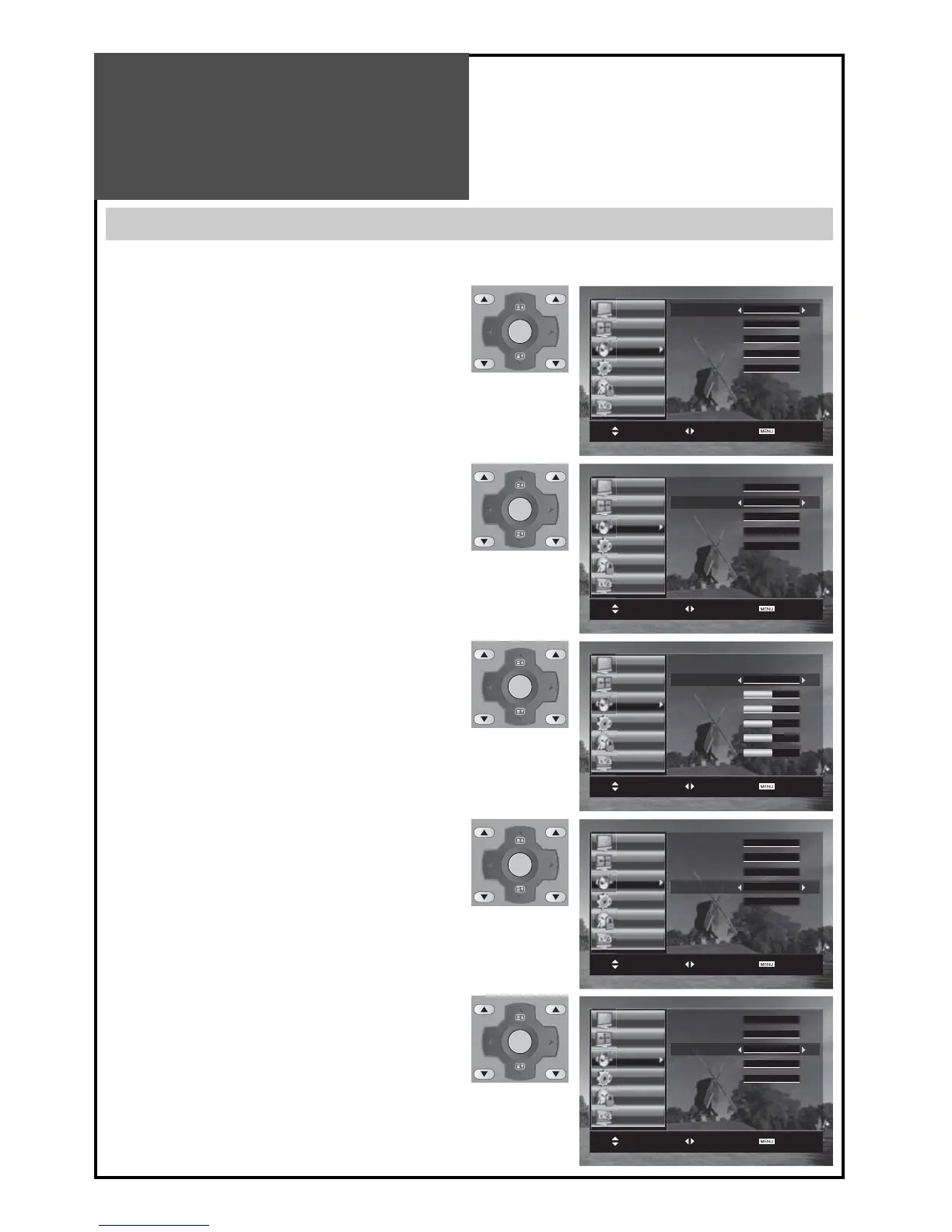
Sound Adjustment
When adjusting sound to taste
- The user can enjoy various sounds by adjusting AVC, Dynamic Bass, Effect, Balance and Equalizer.
1. Select AVC Mode
• Select Auto Volume Control On/Off by pressing ”/”
button, then the volume is same every time you switch
the TV on.
2. Select Dynamic Bass Mode
• Move to Dynamic Bass in the Sound menu.
• Select either Dynamic Bass On or Off using the ”/”
button.
Note :
• Dynamic Bass : Using this function, increases the bass
responce.
3. To adjust the audio equalizer
• Move to Equalizer in the Sound menu.
• Select and use the relevant frequency by pressing the
”
/” button.
• You can adjust the degree of the frequency by using
the ”/” button.
Note :
• Whenever you adjust the audio equalizer, it stores in the
Favourite mode.
• Equalizer: High quality sound range adjustment meth-
od used for audio product.
120Hz, 500Hz: Low sound range / 1.5KHz, 5KHz: Middle
sound range / 10KHz: High sound range
4. Select Balance Mode
• Move to Balance in the Sound menu.
• Select “Balance” by pressing ”/” button, then the
sound balance of left and right speaker can be adjust-
ed for equal sound reception from both speakers ac-
cording to where you are sitting.
5. Select S.EFFECT Mode
• The S.EFFECT changes as follows :
Off SPATIAL 3D Panorama BBE Off
Note :
• 3D PANORAMA: This function generates virtual surround
sound from the left and right speaker by expanding the
existing surround system function.



 To Next Page