In the process of playing, keep unit away from high temperature environments, high mag-
netic elds and high frequencies. If the system fails to work, turn o the power source or pull
out the USB/TF card, then reinsert it and it will resume play.
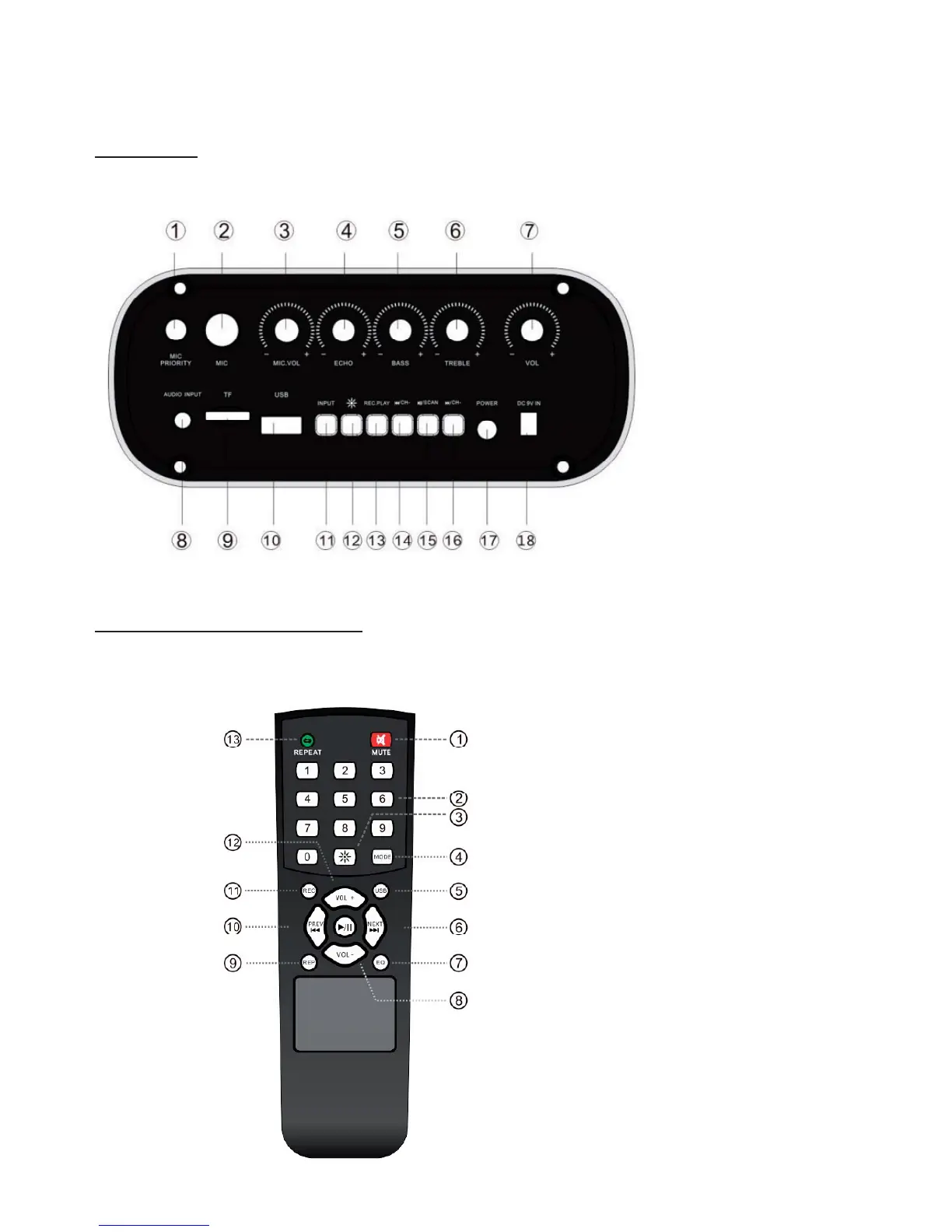
FUNCTIONS
1. MIC priority
2. MIC
3. MIC Volume
4. Echo
5. Bass
6. Treble
7. Volume
8. Audio Input
9. TF slot
10. USB slot
11. Input selection
12. LED light control
13. Record/Play
14. Previous
15. Play/Pause
16. Next
17. Power switch
18. DC 9V IN
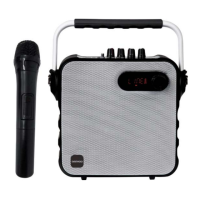
REMOTE CONTROL FUNCTIONS
1. Mute
2.Track number
3.LED light control
4.Input selection
5.USB input
6.Next
7.EQ
8.VOL -
9.Play the Record
10.Previous
11.Record
12.VOL +
13.Repeat
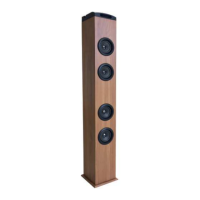
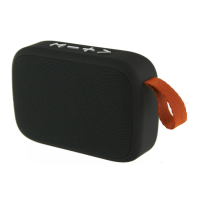
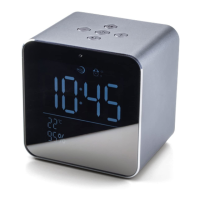
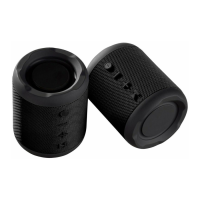
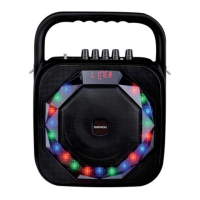
* This picture is for reference purposes
only.


 To Next Page