16
7. Press or keys to select a ringer melody for this entry
and press to confirm.
8. Date Time Setting
1. Press key. Use or keys to scroll to ‘DATE TIME’
and press key.
2. Enter the Year and press key.
3. Enter the Month and press key.
4. Enter the Date and press key.
5. Enter the Hours and press key.
6. Enter the Minute and press key.
When you remove the base power, you have to set the date and time
again. If you have Caller id on your telephone line and the operator sends
date and time, your clock will be set automatically on an incoming call.
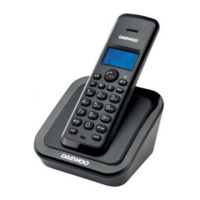
9. Register / De-register a Handset
9.1 Register to a DECT base
You can register 5 handsets to one base unit. By default, a handset is
registered as handset 1 on a base unit upon delivery (base unit 1). You
only need to register a handset if:
The handset registration has been removed from the base unit.
(e.g. for re-initialization)
If you want to subscribe a different handset to this base unit.
1. Press key. Use or keys to scroll to ‘REGISTER’
and press key.


 To Next Page