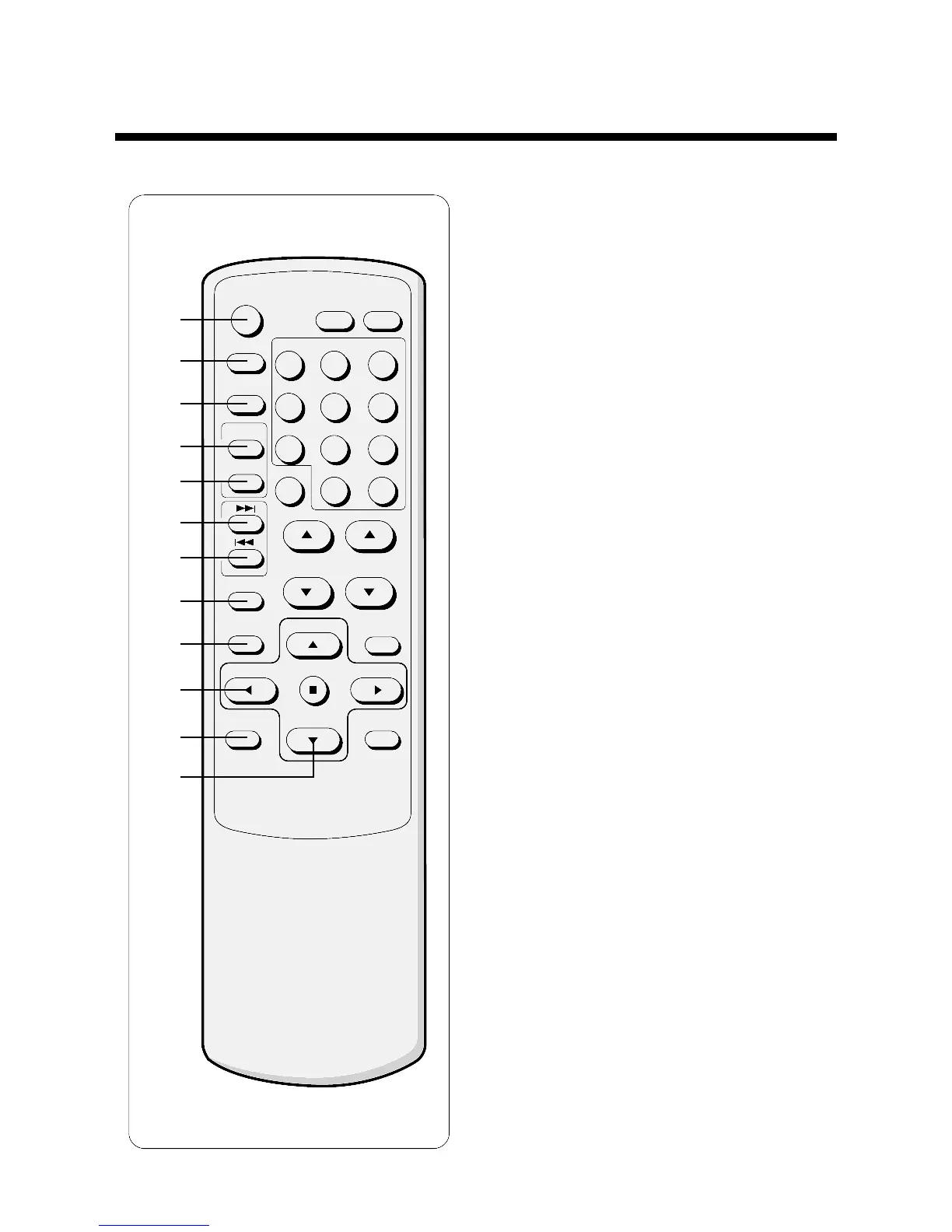
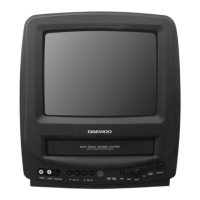
3. Remote controller (DVN-14F6N/20F6N)
1 POWER
Use this button to turn your TV/VCR on or off.
2 TV/CATV
Use the button to set up your TV/VCR to receive signals
from an antenna (TV) or a cable system (CATV).
3 TV/LINE
Use this button to select between viewing the signal
coming from the antenna terminal (TV) or the signal
coming from the A/V jacks (LINE).
4 RESET
Press this button to reset the counter to 0:00:00.
5 O STOP
Press this button to automatically rewind the tape to the
0:00:00 point.
6 VISS
▶▶▶▶
Press this button to find the next index mark on a tape
and begin playing.
7 VISS
◀◀◀◀
Press this button to find the most recent index mark on a
tape and begin playing.
8 REC ON/OFF
Use this buttin to enable or disable timer recording.
9 MENU
press this button to turn the on-screen menu system on
and off.
10 REW (rewind)
Use this button to rewind the tape or to change items in
the menu system.
11 REC/OTR
Press this button to begin recording.
Press repeatedly to set a recording time using One-
Touch Recording (OTR).
12 PAUSE/STILL
Press to temporarily stop the tape during recording or
playback, or to move the cursor in the menu system.
27


 To Next Page