SETUP
17
The DVD Recorder+VCR Setup menu includes six categories, including: Installation, Recording Options,
Languages, Preferences, System Info, and Restore Defaults. Press [SETUP] and [œ/√] on the remote control to
view the first and second levels of the Setup menu.
Setup Menu Overview
1
Press [SETUP].
The Setup menu appears.
2
Use [œ/√] to select the desired category.
3
While the desired category is selected, press […/†] to move to the second level.
4
Press [ENTER] to move to the third level.
5
Use […/†] to select the desired setting, then press [ENTER] to confirm your selection.
Some items require additional steps. Press [SETUP] at any time to return to the previous menu.
6
Press [SETUP] to exit the Setup menu.
Menu Navigation
Tuning Band
1
Press [SETUP].
The Setup menu appears.
2
Use [œ/√] to select ‘Installation‘.
3
While ‘Installation‘ is selected, press [†] to select
‘TV/CATV‘.
4
Press [ENTER] to move to the second level.
5
Use […/†] to select TV or CATV, then press [ENTER].
TV:
If you are using a standard antenna to receive channels.
CATV:
If you are using basic cable to receive channels.
INSTALLATION Settings
Installation
TV/CATV CATV
Auto Channel Search
Add/Remove Channels
Modulator Out CH3
Set Clock
Instructions
Enter-Confirm Setup-Exit
Move …†
Select The TV
Standard
TV
CATV
• If you are receiving channels from a cable box or satellite receiver connected to the LINE1 or LINE2 inputs, there is
no need to set Tuning Band or search for channels. Set the DVD Recorder+VCR to its LINE1 or LINE 2 input and
select the desired channel on your cable box or satellite receiver.
16
5
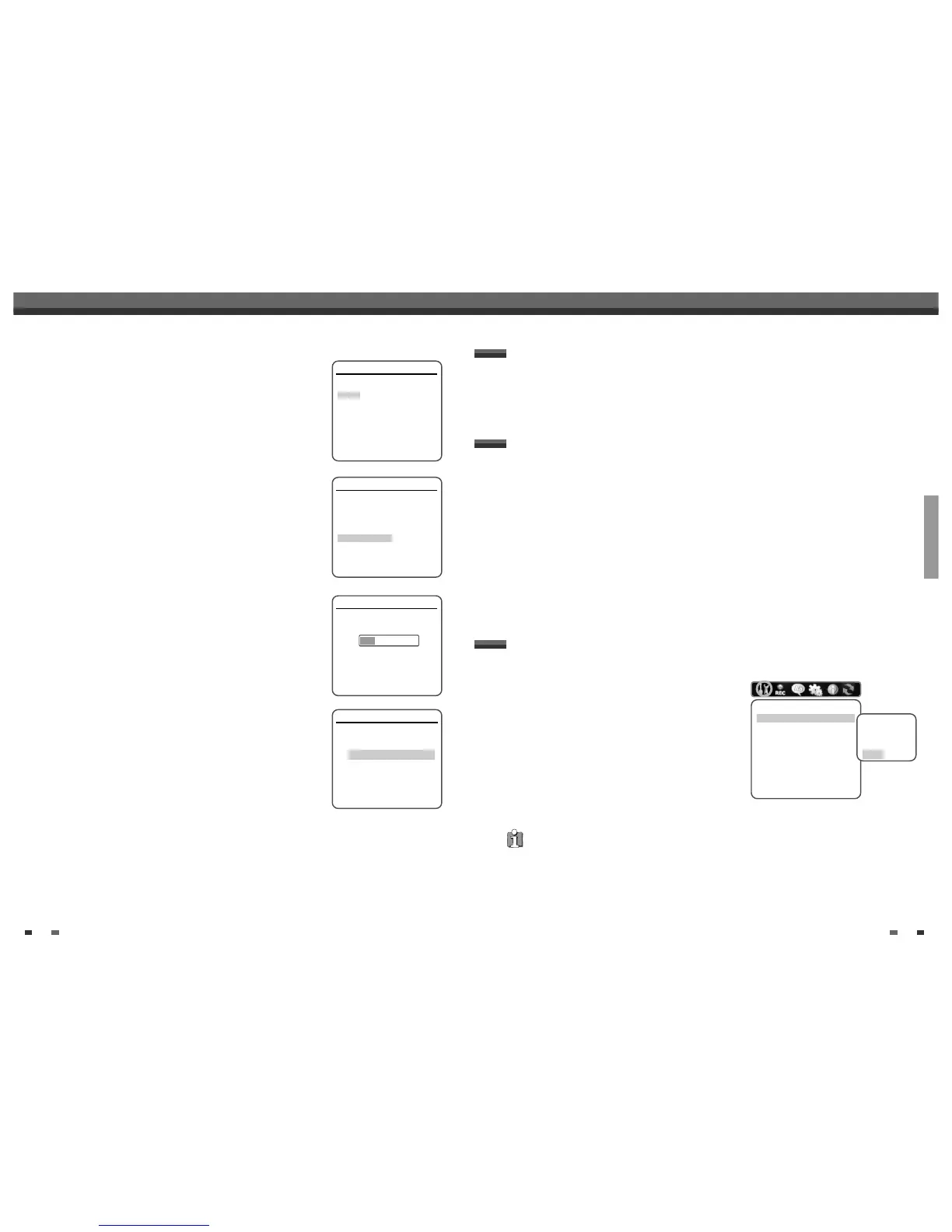
Select the desired disc playback subtitle language using […/†]. Press
[ENTER] to confirm.
6
Select the desired signal type using […/†]. Press [ENTER] to confirm.
7
The DVD Recorder+VCR detects channels automatically and stores them
in memory.
8
After finishing Auto Channel Search, set the clock.
9
Use [œ/√] to move left/right and use […/†] to change the settings.
10
After setting the clock, press [ENTER] to confirm. If you cancel the process
during Initial Installation, you should repeat this procedure.
Initial Installation
Installation
Please select disc play back subtitle
language:
Default
English
Spanish
French
Italian
Japanese
Chinese
Off
Instructions
Enter-Confirm Setup-Exit Move …†
Installation
What type of signal are you using?
Cable TV
Antenna
Detect Automatically
Instructions
Enter-Confirm Setup-Exit Move …†
Installation
Searching for available TV stations:
2 channels found
Please wait...
Instructions
Setup-Exit
Set Clock
Please set the clock:
Time : 12 : 00 AM
Date : Jan / 01 / 2005 (SAT)
Instructions
Enter-Confirm Setup-Exit Move …†
…
†
Initial Setup
Initial Setup



 To Next Page