8
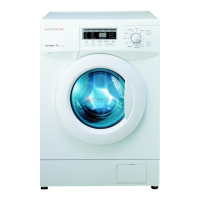
THE FUNCTIONS OF THE CONTROL PANEL
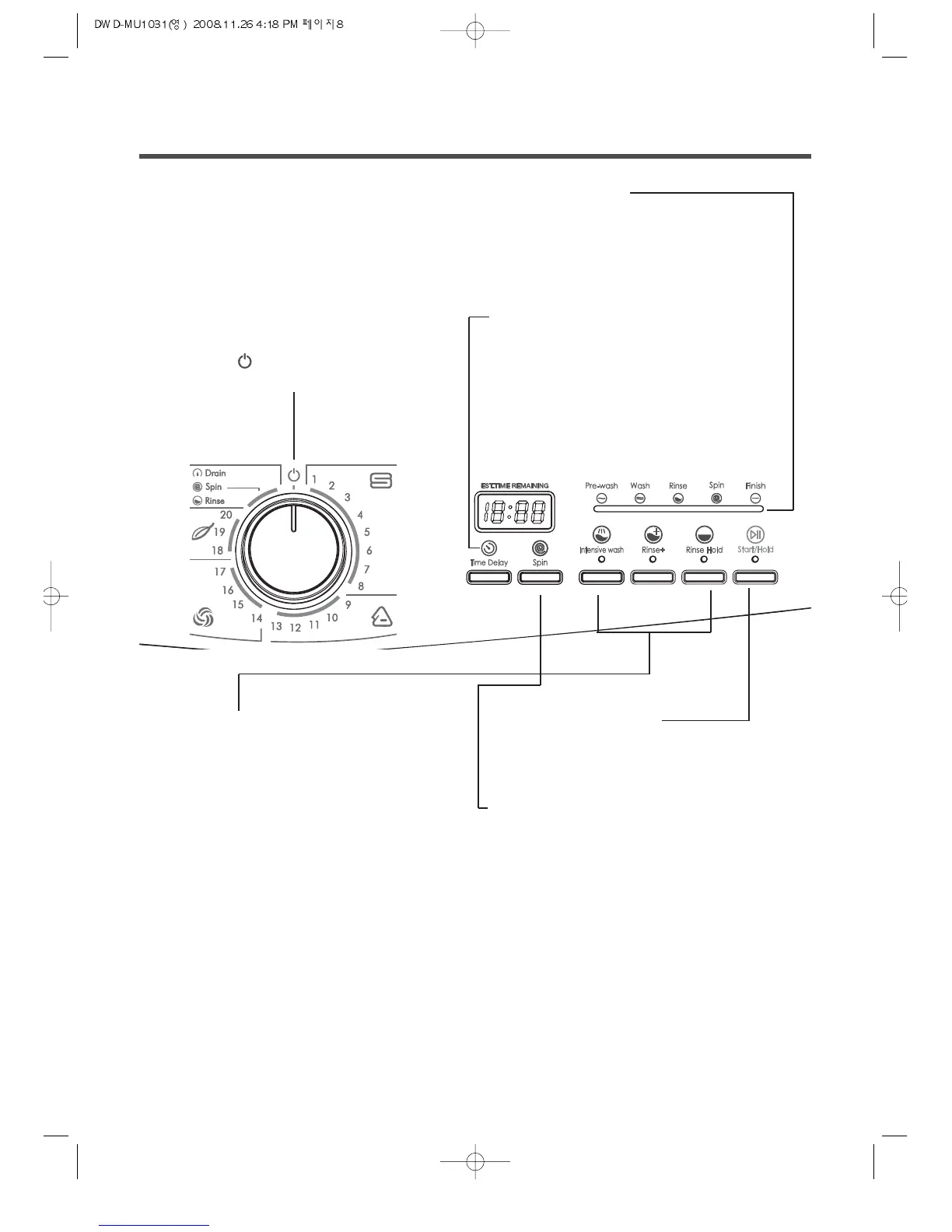
Program selector
For switching the washing machine on and off
and for selecting the program.
Can be rotated in both direction.
Even if the program selector rotates while the
program is running, the program is not changed
(except for off ) .
(All program is electronically controlled by PCB)
Indicator light
The respective indicator lights up,
When the required program
segment runs or “Time delay” is selected.
Time delay
To pre-engage time for washing.
As the button is pressed, the delayed time is
repeated as following;
2hours or 3hours
➝ 6hours ➝ 9hours ➝
max 12hours
Button for options
(in addition to the program if required)
Start/Hold button
For starting the washing cycle
(program must have been selected)
Spin button
As button is pressed, spin rpm is repeated as
following
800 ➝ 1000 ➝ 600 ➝ 800
*Warning
If value of unbalance is extremely high, spin
speed can't reached that r.p.m of selected by
spin button.
Intensive wash Extended washing time.
Rinse + Extra rinse cycle.
Rinse Hold No final spin cycle
• Combination of additional option is possible.
• The indicator lamp of the buttons lights up
if options are active.
• Switch off option : Press button again.


 To Next Page