EN - 14
• Gently push the door until it clicks shut.
5.5. Selecting a Programme
Use the programme tables to select the
most appropriate programme for your
laundry.
5.6. Half-Load Detection System
Your machine features a half-load detection
system.
If you put less than half the maximum
load of laundry into your machine it will
automatically set the half-load function,
regardless of the programme you selected.
This means that the selected programme
will take less time to complete and will use
less water and energy.
(*) Model Dependant
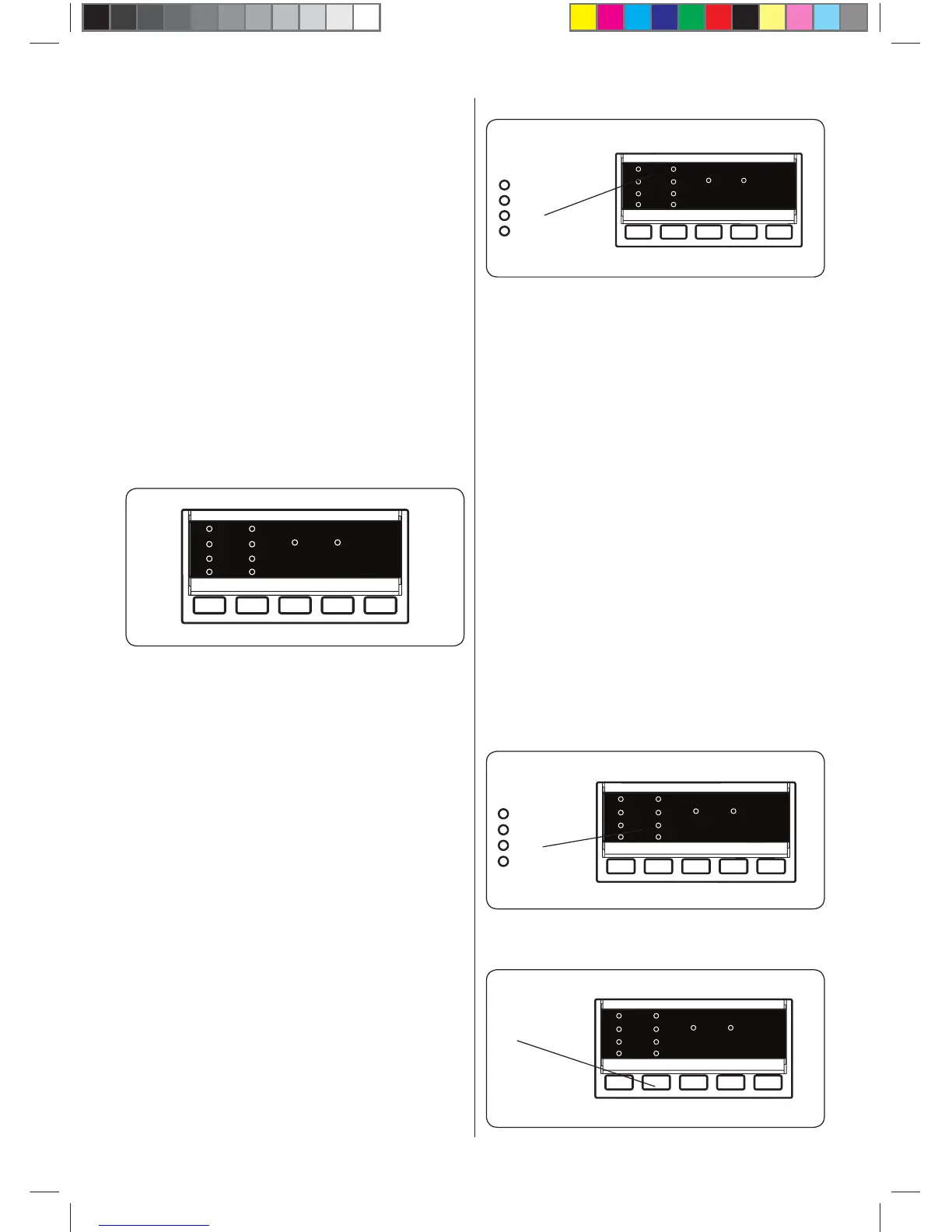
5.7. Additional Functions
Before starting a programme, you can
select an additional function.
• Press the button on the Control Panel
below the symbol of the additional
function you wish to select.
• If the symbol of the additional function
flashes continuously, the function has
been activated.
• If the symbol of the additional function
blinks, the function has not been
selected.
Reason for non-activation:
• The additional function is not
compatible with the selected washing
programme.
• Your machine has progressed too far
into the selected programme for the
additional function to be possible.
• The additional function you have
chosen is not compatible with
another additional function you have
already selected.
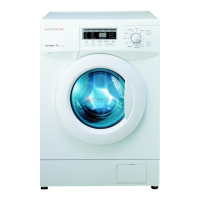
1. Delay Timer
3s
6s
9s
12s
• Press the Delay button once.
• The “3 h” LED indicator is on.
• Press the Delay button until the desired
delay period LED is on.
• If you have skipped the delay time you
wanted to set, keep pressing the Delay
button until the desired delay time is
displayed again.
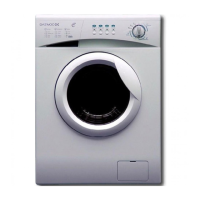
• For the delay timer function to work, you
must press Start/Pause button.
• To activate the time delay, press “Start/
Pause” button.
• To cancel the time delay once it has
been set, press the Delay button once.
The LED indicator will no longer flash on
the electronic display.
• In order to add/remove laundry while
delay timer function is working, you
must press Start/Pause button. After
adding/removing laundry, you must
press Start/Pause button again to
activate delay timer function.
3s
6s
9s
12s
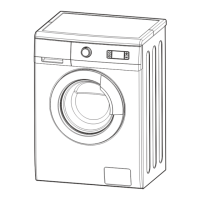
2. Spin Speed Selection
Spin
Speed
52240137_F2B_EN.indd 14 02.02.2018 17:01:08



 To Next Page