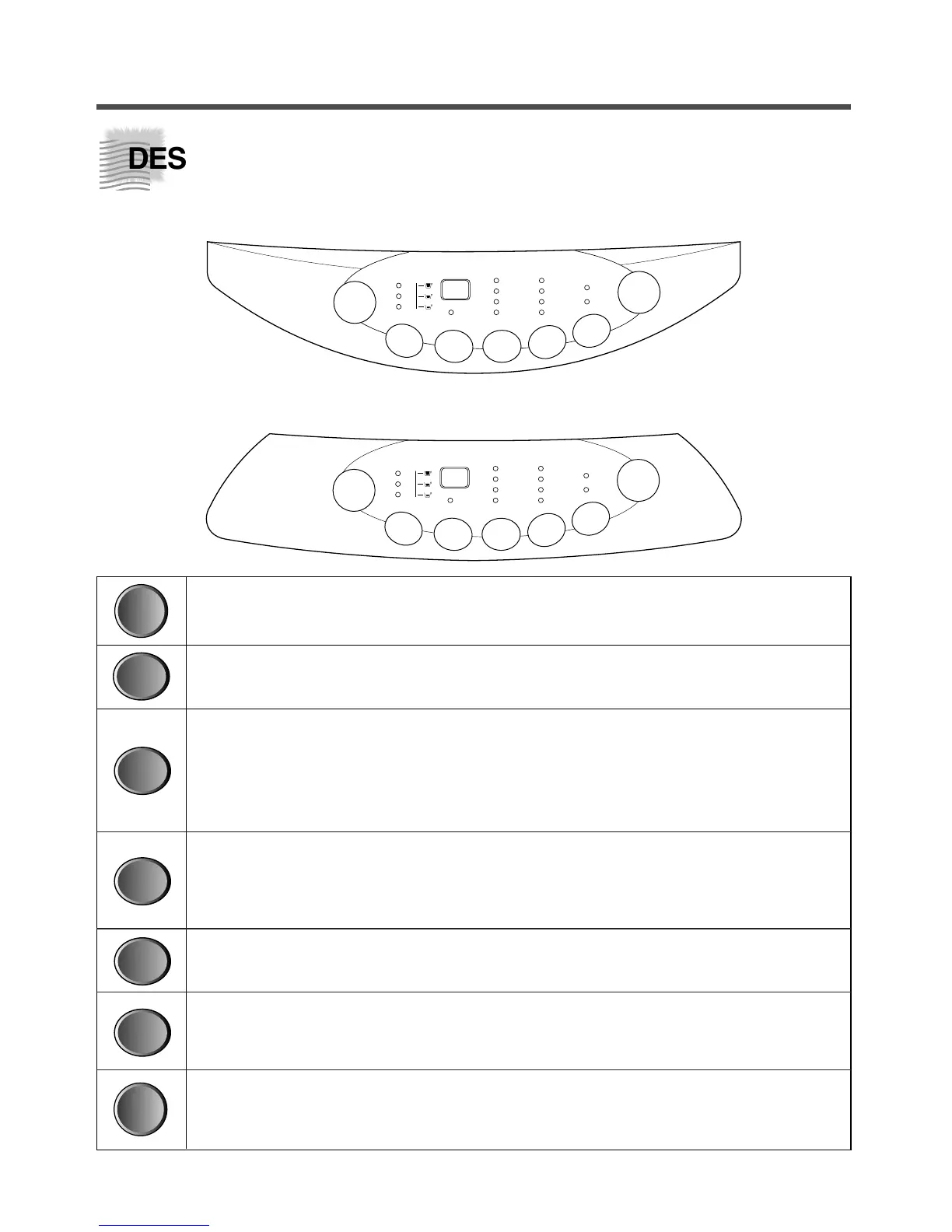
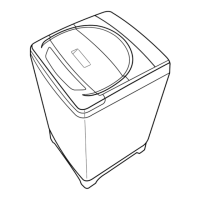
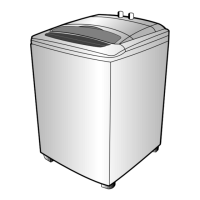
Power Switch
Press this button to turn the power ON or OFF.
Water Level Selector
This button is used to select the water level you want.
Reservation Button
If you want to reserve the finishing time of washing, use this button.
As this button is pressed, digit in display increases by 1 hour at one press.
If current time is 8:00 am and you expect washing will be completed around 5:00
pm, press this nine times in order to display ‘9’.
Course Selector
This button is used to select the washing course according to the type of wash
loads.
Either Wool or Suit course is adopted to your Washing Machine.
Program Button
With this button, you can create new programs by combinations of process.
Temperature Selector (Optional)
If your washer is connected to two water taps for cold water and hot water, you
can select them. Without operation, cold water would be selected automatically.
Start/Hold
With this button, you can make your washer proceed your program, or stop temporarily.
And you can also release the temporary stop by pressing this.
9



 To Next Page