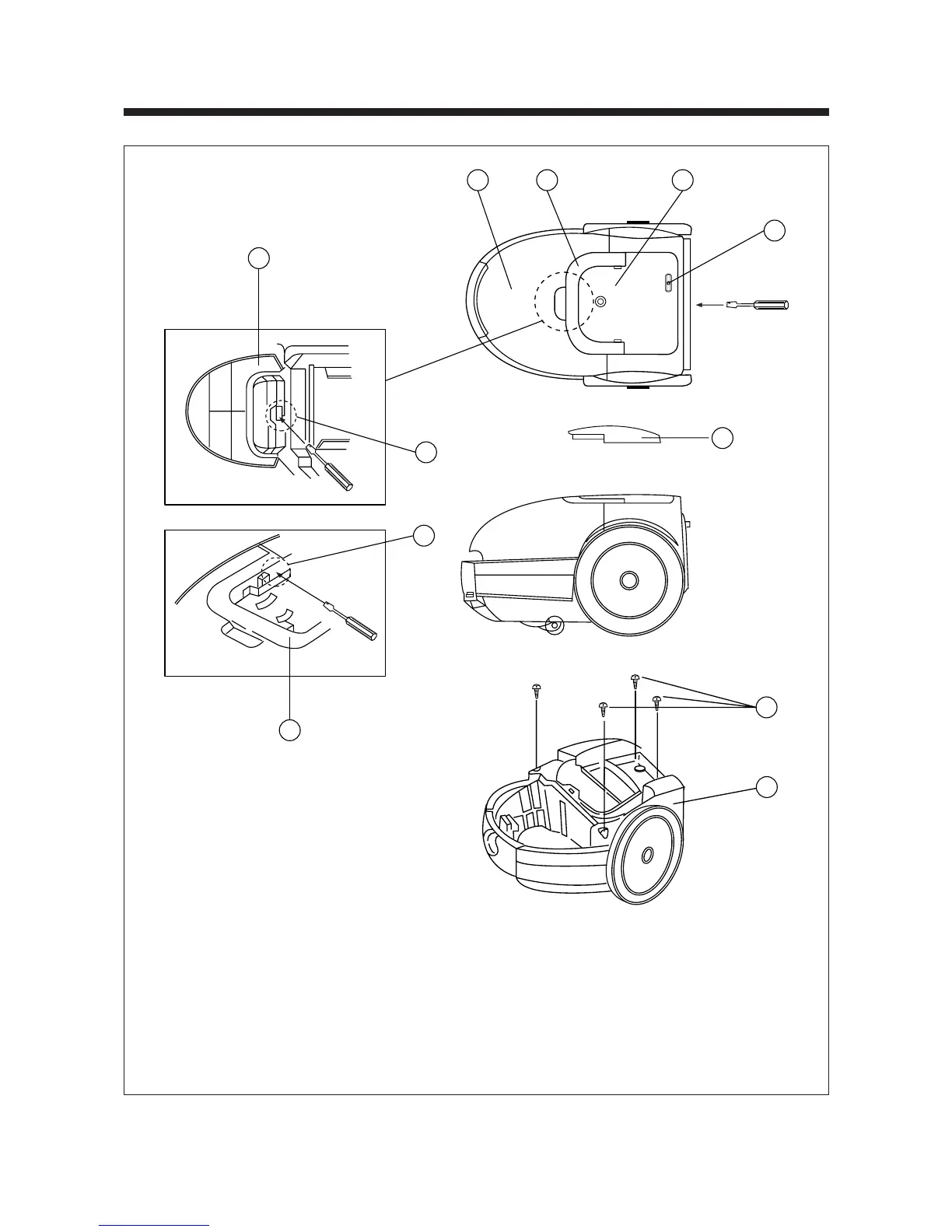
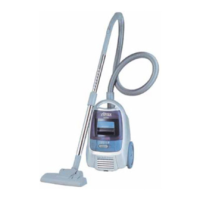
1. Open the cover ¤Łand push the snap fit ¤ºof the cover ¤ as shown the above figure ¤º, remove
the cover ¤ .
2. After removing the cover ¤ .
Remove the dust cover ¤Łand handle ¤Ø. As shown the above figure ¤ .
3. Push the snap fit of the button ¤Œby tape driver.
And remove the button ¤Œ.
4. After removing the screws ¤ , and remove the cover ¤ .


 To Next Page