14
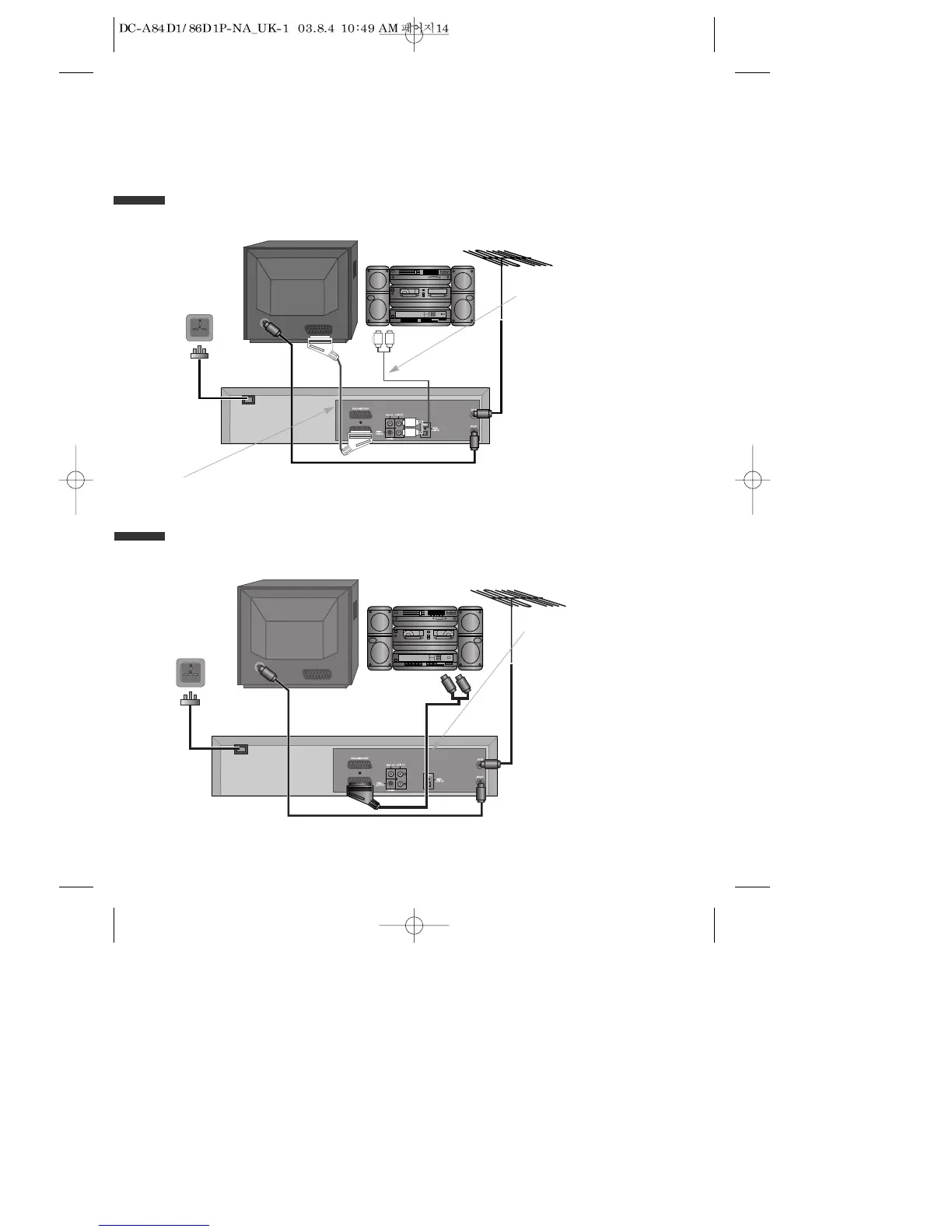
Connecting your player to the Hi-Fi system
Option 1
■ Before you start, unplug all the equipment from the mains supply.
Television
Plug a phono cable into the
“Audio L/R” sockets on the
back panel and into the audio
sockets on any audio
amplifier, if needed. If your
amplifier does not have this
connection, see page 16.
Player
230V~,
50/60 Hz
You can also use a scart lead to improve picture and sound quality from your player.
Hi-Fi
Aerial
Option 2
Television
Plug a scart to phono cable into
the “AV1” socket on the back
panel and into the audio socket
on any audio amplifier, if
needed.
Player
230V~,
50/60 Hz
Hi-Fi
Aerial



 To Next Page