DVD Operation
35
Playing a desired scene
To skip scenes in a disc
To move to next chapter (or track), press [ NEXT] button.
The current chapter (or track) moves to the next chapter (or track).
Press [ PREV] button.
The current scene moves to the previous chapter (or track) or first scene of current
chapter (or track).
Directly moving to a desired title
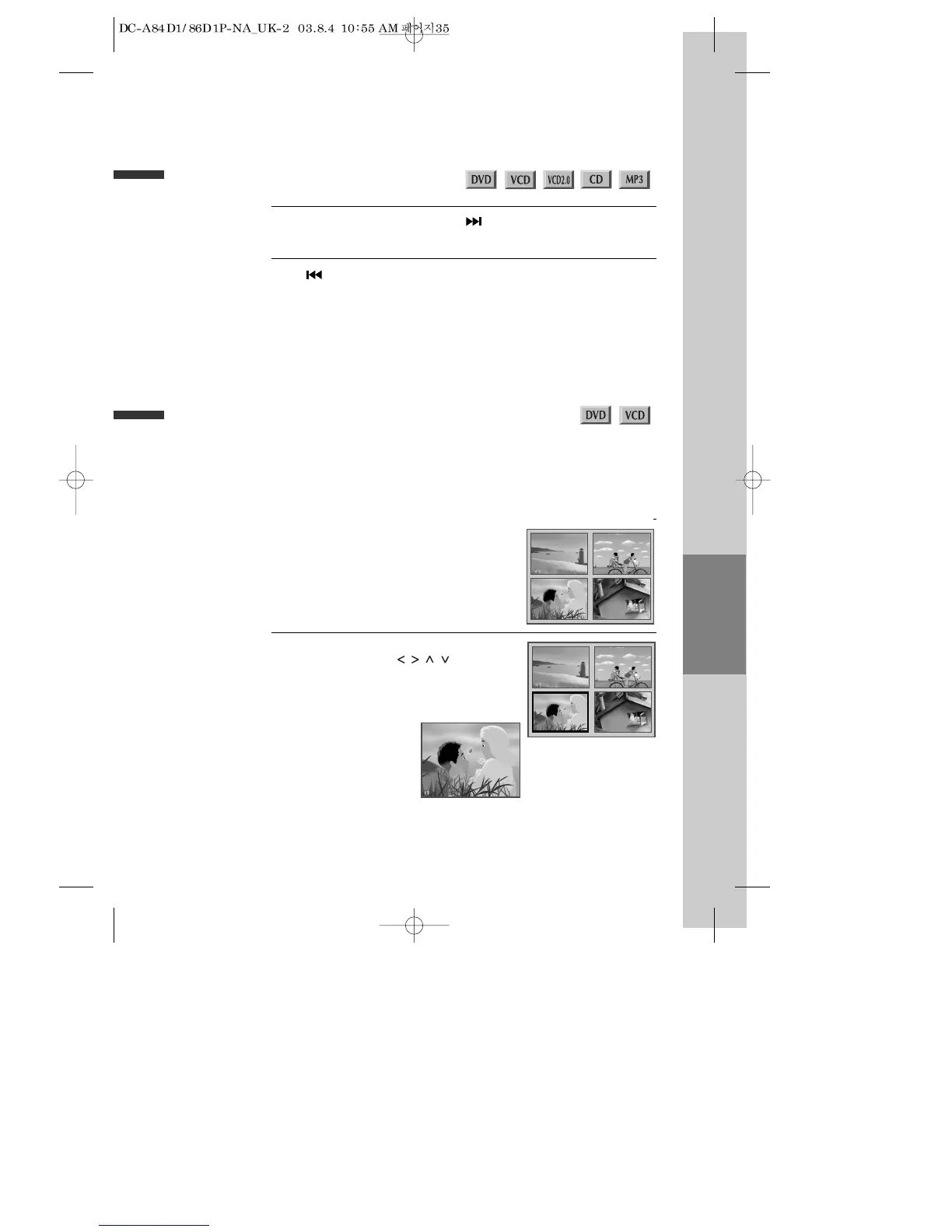
Press the [TITLE/PBC] or [MENU] button.
A list of the titles on the disc is displayed.
* For the case of VCD disc, the menu screen
will appear only when the disc has PBC
function and PBC ON is activated.
1
Press the [ENTER] button or [PLAY] button
after pressing the [ ] button to
select the desired title.
The selected title now starts playing.
2
■
Some movie discs may contain multiple titles. If the disc has a movie title menu recorded on it, the [TITLE/PBC]
or [MENU] button can be used to select the movie title. Details of operation may differ depending on the disc
used.
* Selecting a title may not be available on certain DVD discs.



 To Next Page