Setup
47
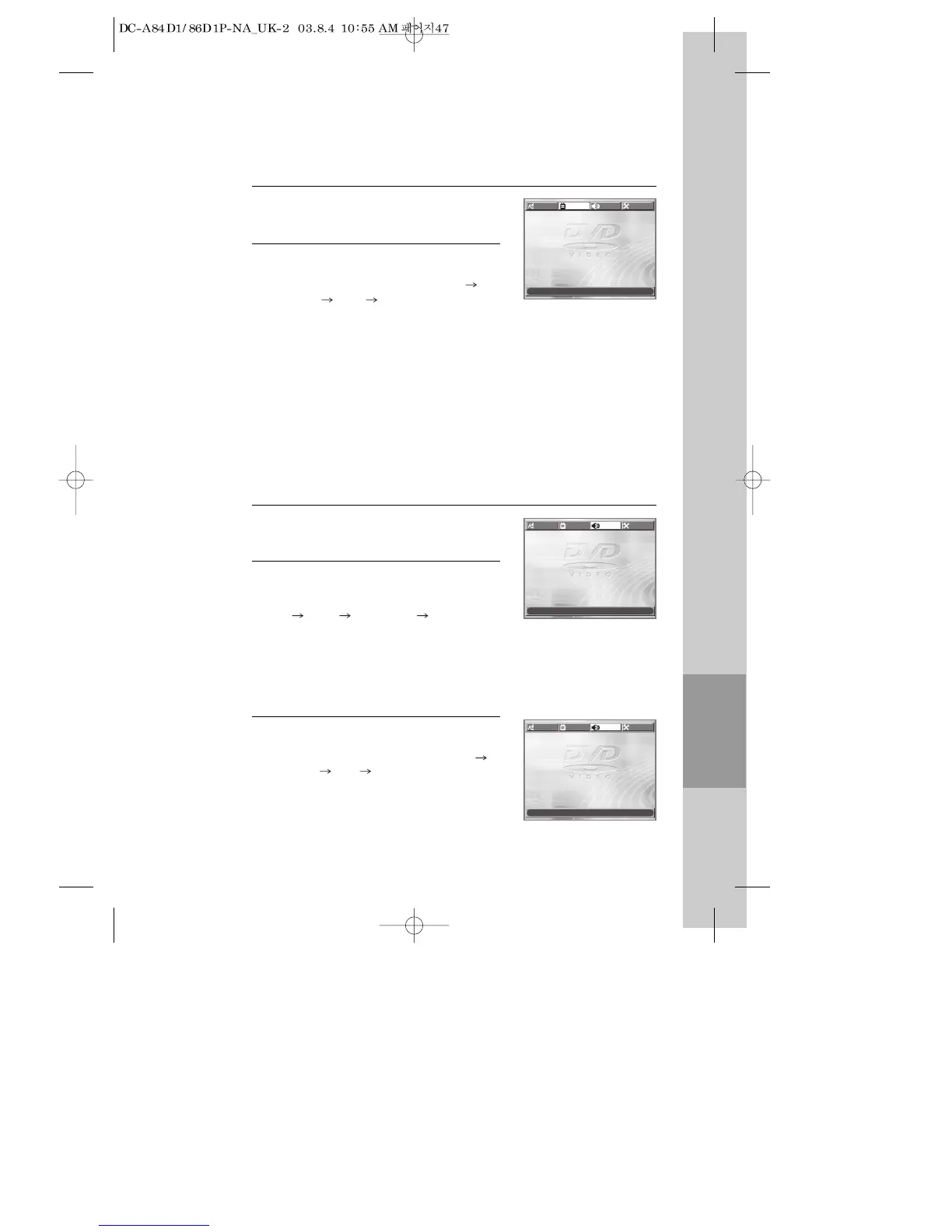
Audio Setup
Select a Digital Output.
Every time the user presses the [ENTER]
button, DIGITAL OUT changes BITSTREAM
LPCM BITSTREAM ... one by one.
2
Select a Dynamic Range.
Every time the user presses the [ENTER]
button, DYNAMIC RANGE changes OFF
FULL OFF ... one by one.
• Set “OFF” to view a program in the dynamic
range as recorded disc.
• If you hear loud sound softer and soft sound
louder, set “FULL”.
3
■ A user may select audio menu according to a user’s speaker set.
While in STOP or RESUME STOP mode,
press the [SETUP] button.
1
Video Setup
While in STOP or RESUME STOP mode,
press the [SETUP] button.
Selecting TV Aspect.
Every time the user presses the [ENTER]
button, TV ASPECT changes 4:3 LB 16:9
WIDE 4:3 PS ... one by one.
2
1
■ A user can set up a connected TV condition and screen.
If a user selects “4:3 PS”, the user can watch only a centre of the original scene of
“16:9”. If a user selects “4:3 LB”, the user can watch the original scene of “16:9”, but
the top and bottom of the screen will be black.
If a disc size is originally recorded in 4:3, a user cannot watch it in a wide screen
mode though a user sets a size as “16:9 Wide”.
TV ASPECT
4:3 LB
4:3 LB
LANGUAGE
VIDEO AUDIO OTHERS
MOVE œ √†… SELECT:ENTER EXIT: SETUP
DIGITAL OUT
BITSTREAM
BITSTREAM
DYNAMIC RANGE OFF
LANGUAGE
VIDEO AUDIO OTHERS
MOVE œ √†… SELECT:ENTER EXIT: SETUP
DIGITAL OUT BITSTREAM
DYNAMIC RANGE
OFF
OFF
LANGUAGE
VIDEO AUDIO OTHERS
MOVE œ √†… SELECT:ENTER EXIT: SETUP
Set output conditions to coaxial or optical terminal. You can set the following two
values of digital output;
• Bitstream: The same signal as audio signal recorded in disc goes to digital
audio output terminal.
• LPCM: Decoded audio signal goes to digital output terminal.



 To Next Page