40
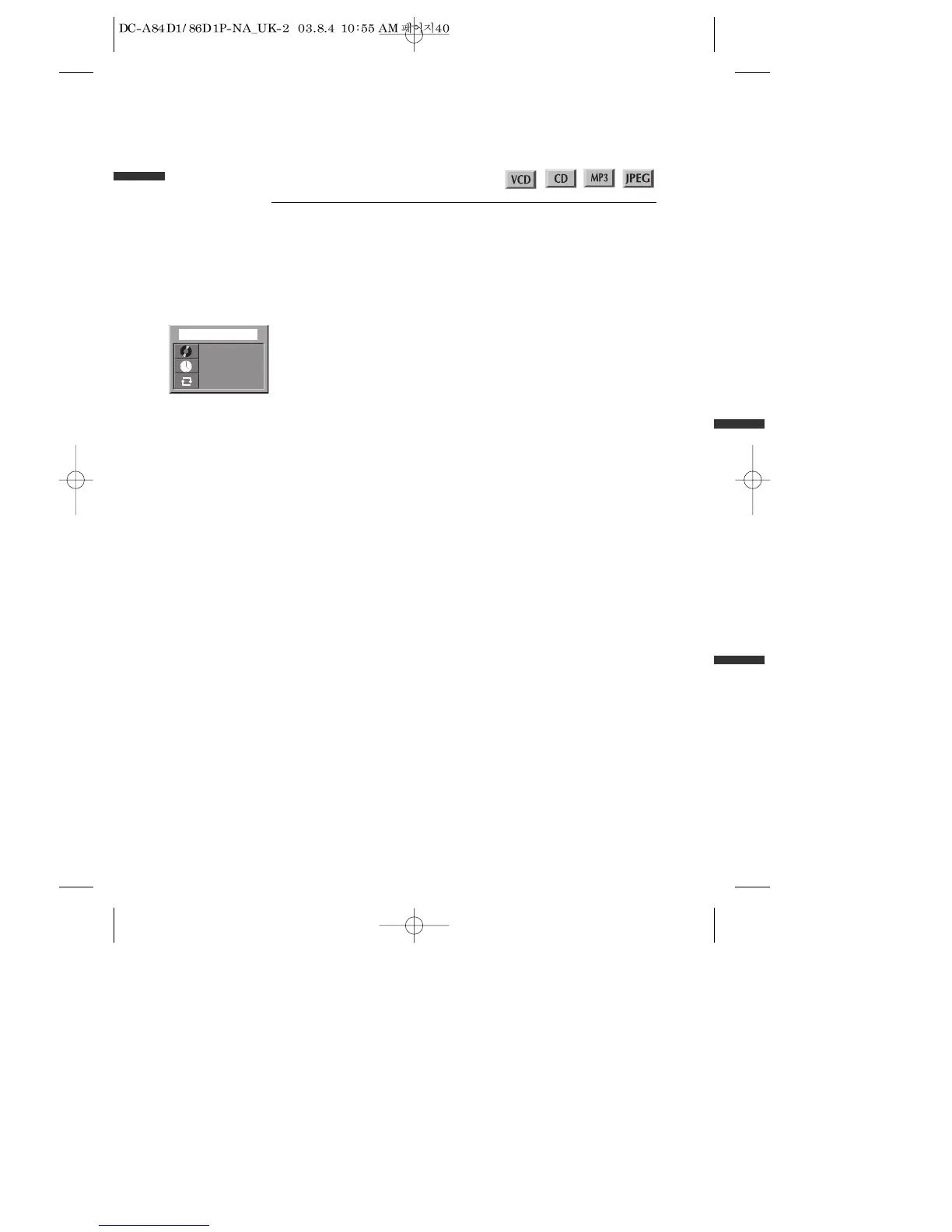
Confirming the current PLAY mode on screen
Confirming the current VCD, CD, MP3, JPEG disc mode
While in PLAY mode, press the [DISPLAY] button.
It shows the current disc mode.
If you want to change the mode, select the item with up/down cursor and enter the
new settings with [number], [<] or [>] button. In completing entering, press [ENTER]
button.
To exit from Display mode, press [DISPLAY] button again.



 To Next Page