Using your Blender
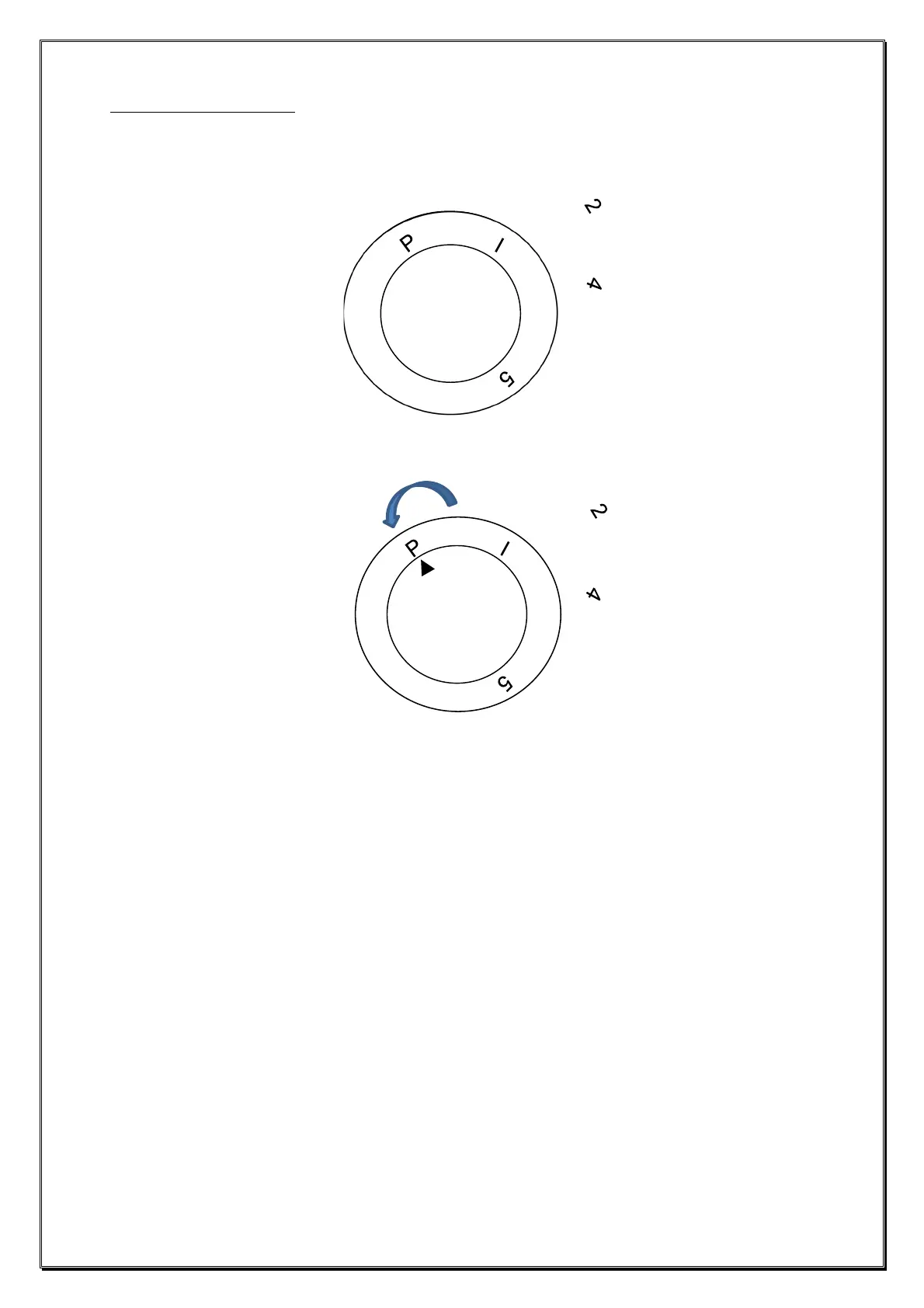
• Ensure the Speed Control (5) is in the ‘0’ position and insert the mains
plug into the socket (ensuring hands are dry):
• Turn the Speed Control (5) to pulse ‘P’ several times for pre-blending.
• Turn the Speed Control (5) clockwise for the speeds from 1 to 5. The
speed can be changed at any time during the blending process.
Ideally, start blending on speed ‘1’ and increase to a ‘5’ speed if
necessary to blend until desired consistency is reached. For
ingredients that require short burst of power, use the pulse function.
• If you wish to add further ingredients, switch off the blender by
returning the control knob to the ‘0’ position and twist off the Filling
Cup (1) and add the ingredients through the chute, then refit the
Filling Cup by twisting it back on and continue blending.
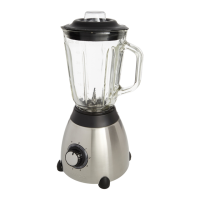
• Once the ingredients are blended, return the control knob to the ‘0’
position and remove the mains plug. Hold the base unit, grasp the jug
handle and lift upwards off the base unit, remove the lid and pour the
blended contents out.
• WARNING Do not use the appliance continuously for longer than 1
minute. If you need to blend for a longer time, switch the appliance off
and let the unit rest for 30 seconds before using again. Do not exceed
7 consecutive cycles of 1 minute operation / 30 seconds rest.


 To Next Page