Cooking with Your Air Fryer
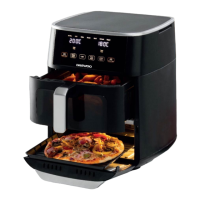
1. Carefully remove the Air Fryer Drawer to be used from the Air Fryer. The Air
Fryer can be used with one or both drawers. Ensure that the Trivets (7) are
placed in the bottom of both drawers.
DO NOT remove the silicon feet from the Trivet as they hold the trivet in place
and prevent damage to the drawers.
2. Place the food to be cooked into the Air Fryer Drawer ensuring that there is
adequate room left for the air to circulate, do not fill to the brim. Insert the
drawer back into the air fryer ensuring that the drawer is pushed fully home.
The Air Fryer will not operate if the Air Fryer Drawer is removed or not pushed
all the way in.
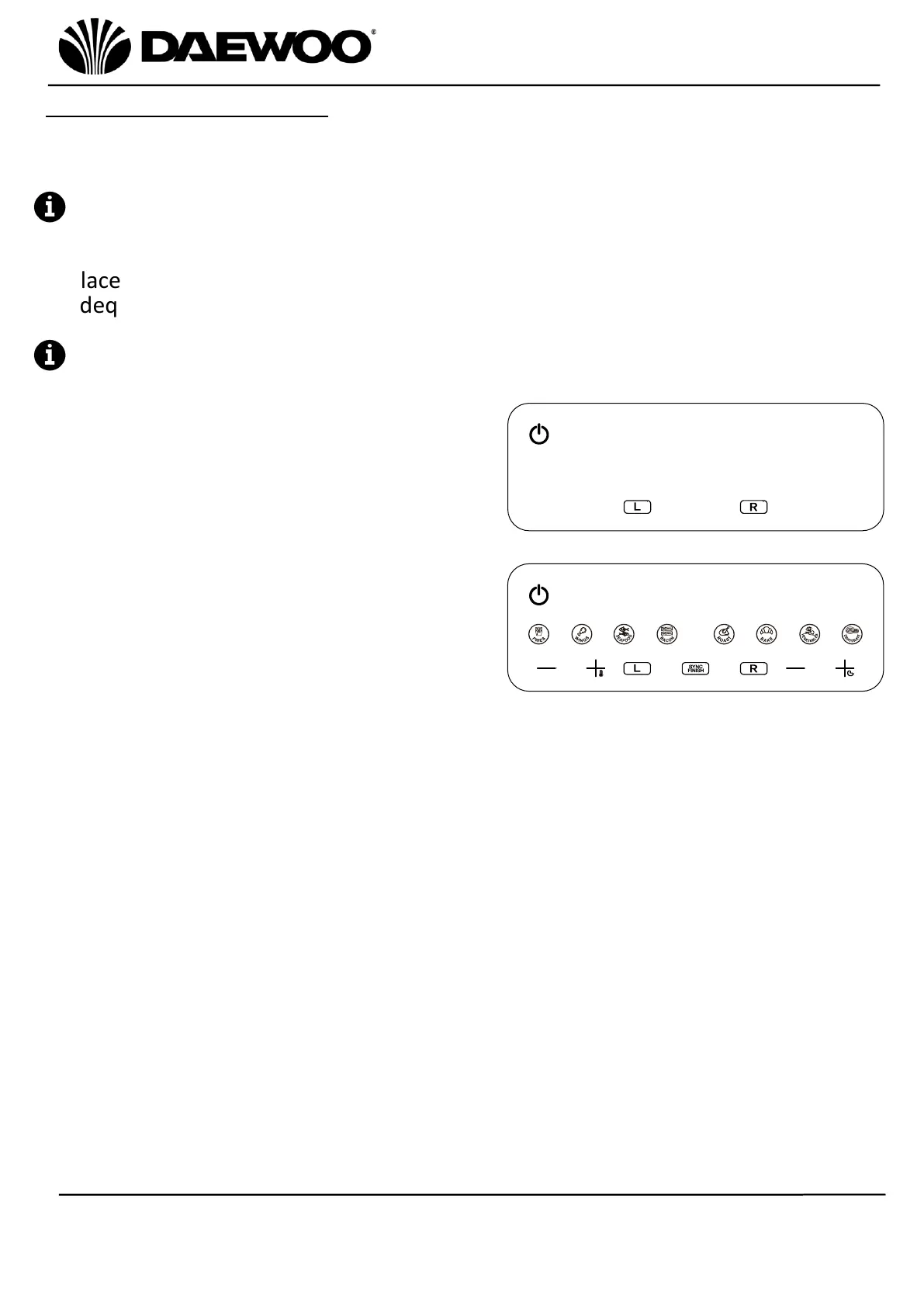
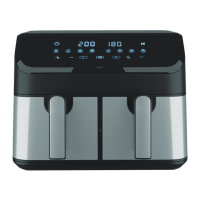
3. Press the Power On/Off (10) button to
switch the unit on then the Left & Right
Drawer Control (19 & 21) buttons will
illuminate as shown right.
4. Press the Left or Right Drawer Control
button (19 or 21) to select the required
drawer, the corresponding drawer
control will flash, then the Cooking Pre-
Set Menu (16), Temperature Setting (17
& 18), Sync Finish (20) and Time Setting
buttons (22 & 23) will illuminate.
5. Select the desired Cooking Pre-Set from one of the 8 available using the
Cooking Pre-Set Menu (16) button. The pre-set cooking programs can be
overridden by pressing the Temperature Setting (17 & 18) and Time Setting
buttons (22 & 23) to set the desired temperature and time accordingly.
6. Alternatively, press the Temperature Setting (17 & 18) and Time Setting
buttons (22 & 23) to set the temperature and time manually according to the
chosen recipe.
7. Repeat the above step 4 or 5 to use the other drawer. If the cooking times are
different between drawers, press the Sync Finish (20) button so that the two
drawers will finish cooking at the same time.
8. Press the Start/Pause (15) button to start cooking.


 To Next Page