User’s Manual
25
3 MIC IN
Two-way talk input port which receives analog audio signal output
from the devices such as microphone and pickup.
4
Audio input port
Receives audio signal output from the devices such as microphone.
5 RS-232 debug COM
The port is used for general COM debug to configure IP address or
transfer transparent COM data.
6
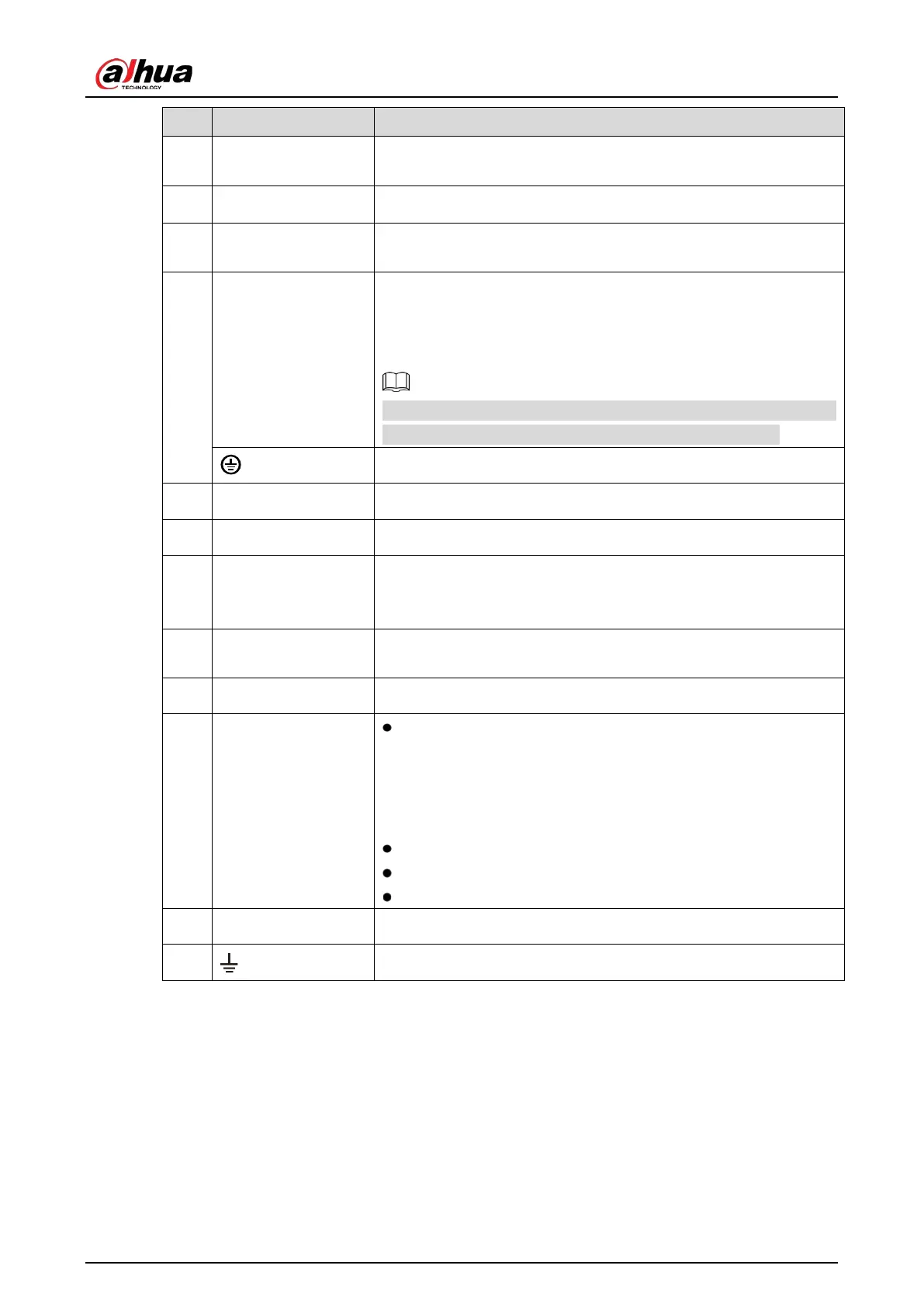
Alarm input port
1–16
4 groups of alarm input ports (Group 1: port 1 to port 4; Group 2:
port 5 to port 8; Group 3: port 9 to port 12; Group 4: port 13 to port
16). These ports receive the signal from the external alarm source.
There are two types: NO (normal open) and NC (normal close).
When your alarm input device is using external power, make sure
the input device and the DVR connect to the same ground.
Ground terminal.
7 VGA port Outputs analog video data to the connected display with VGA port.
8 Network port Connects to Ethernet port.
9 HDMI port
High definition audio and video signal output port.
The port outputs
the uncompressed high definition video and
multi-channel audio data to the connected display with HDMI port.
10 USB port
Connects to the external devices such as keyboard, mouse, and
USB storage device.
11 Power input port Inputs power.
12
Alarm output port 1–
5 (NO1–NO5;
C1–C5; NC5)
5 groups of alarm output ports (Group 1: port NO1–C1,Group
2: port NO2–C2,Group 3: port NO3–C3, Group 4:port NO4–C4,
Group 5: port NO5, C5, NC5). These ports output alarm signal
to the alarm device. Make sure power supply to the external
alarm device.
NO: Normal open alarm output port.
C: Alarm output public end.
NC: Normal close alarm output port.
13 Power button Turns on/off the DVR.
14
Ground.


 To Next Page
 Loading...
