User’s Manual
104
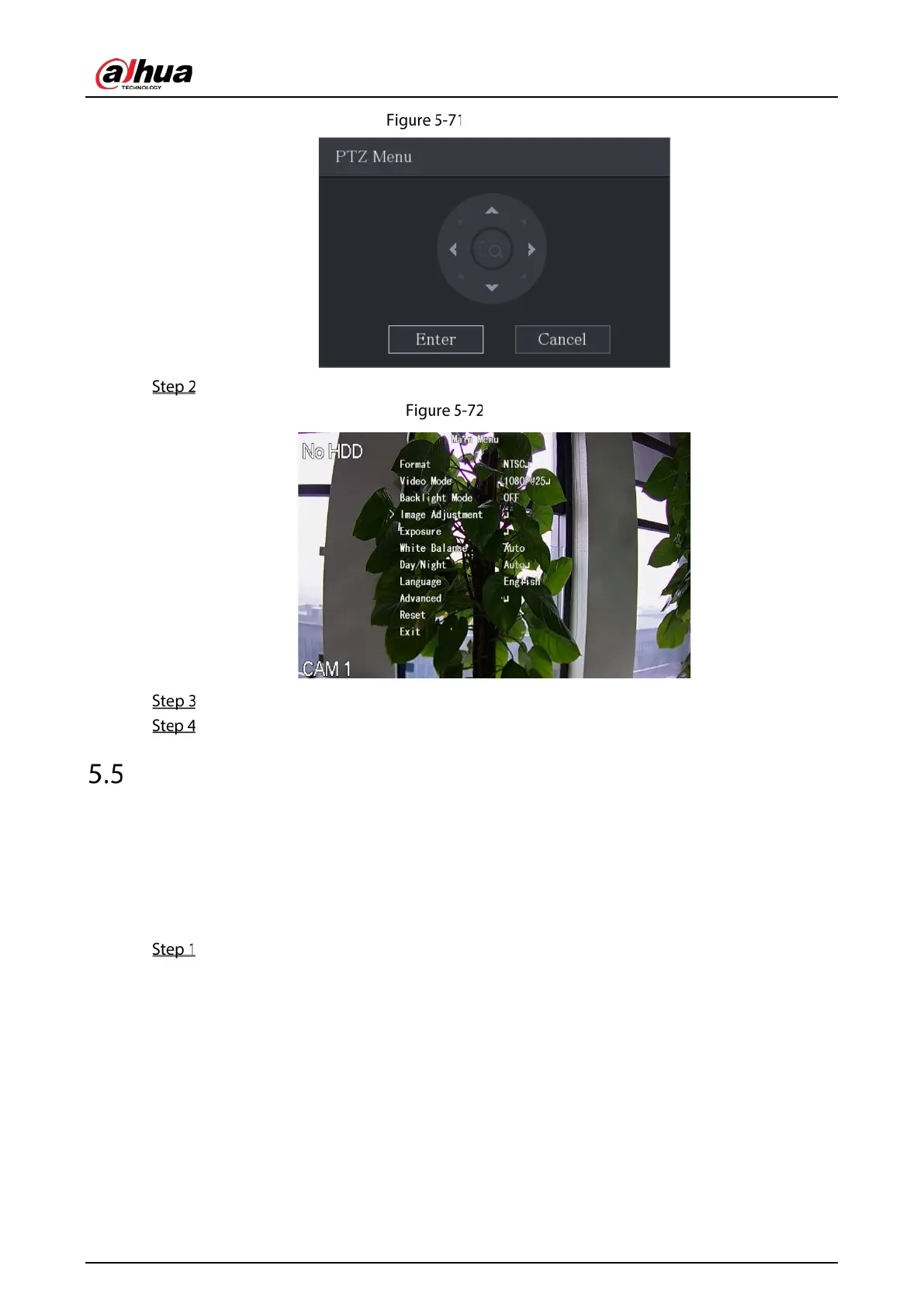
PTZ menu
Click Enter.
OSD
On the PTZ Menu page, click the arrow button to select the onscreen parameters.
Click Enter to complete the settings.
Configuring Camera Settings
5.5.1 Configuring Image Settings
You can configure the image settings such as saturation, contrast, brightness, sharpness for each
connected camera.
Select Main Menu > CAMERA > Image.



 To Next Page
 Loading...