User’s Manual
225
Buzzer Select the checkbox to activate a buzzer noise at the Device.
Log Select the checkbox to enable the Device to record a local alarm log.
Alarm Tone Select to enable audio broadcast in response to a face detection event.
White Light Select the checkbox to enable the white light alarm of the camera.
Siren Select the checkbox to enable the sound alarm of the camera.
Click Apply to complete the settings.
5.11.3.3.2 Searching for and Playing Detected Faces
You can search the detected faces and play back.
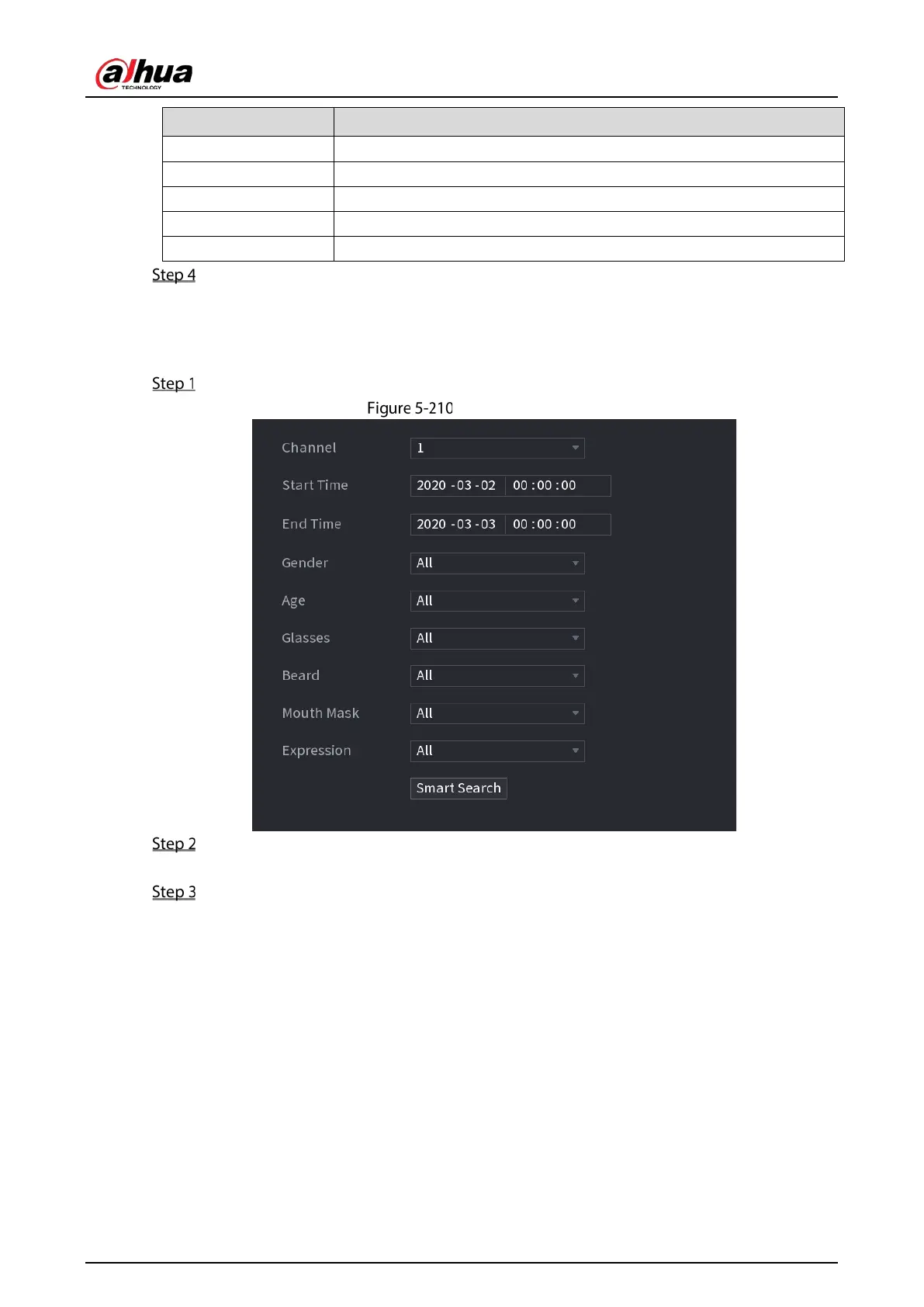
Select Main Menu > AI > AI Search > Face Detection.
Face detection
Select the channel, enter the start time and end time, and set for the gender, age, glasses,
beard, and mask.
Click Smart Search.
The results are displayed.


 To Next Page
 Loading...