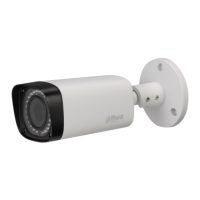
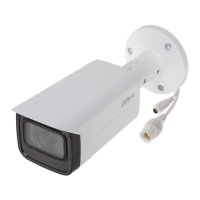
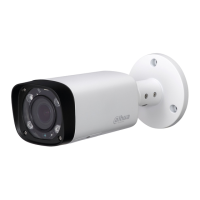
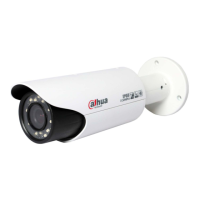
3 Device Installation
Important
Please make sure the installation surface can min support the 3X weight of the camera and the
bracket.
Step 1
Open accessories bag, take out installation position map and stick it to designated surface where you
will install the device (wall or ceiling).
Step 2
Dig a hole according to position of hole on installation position map.
Step 3
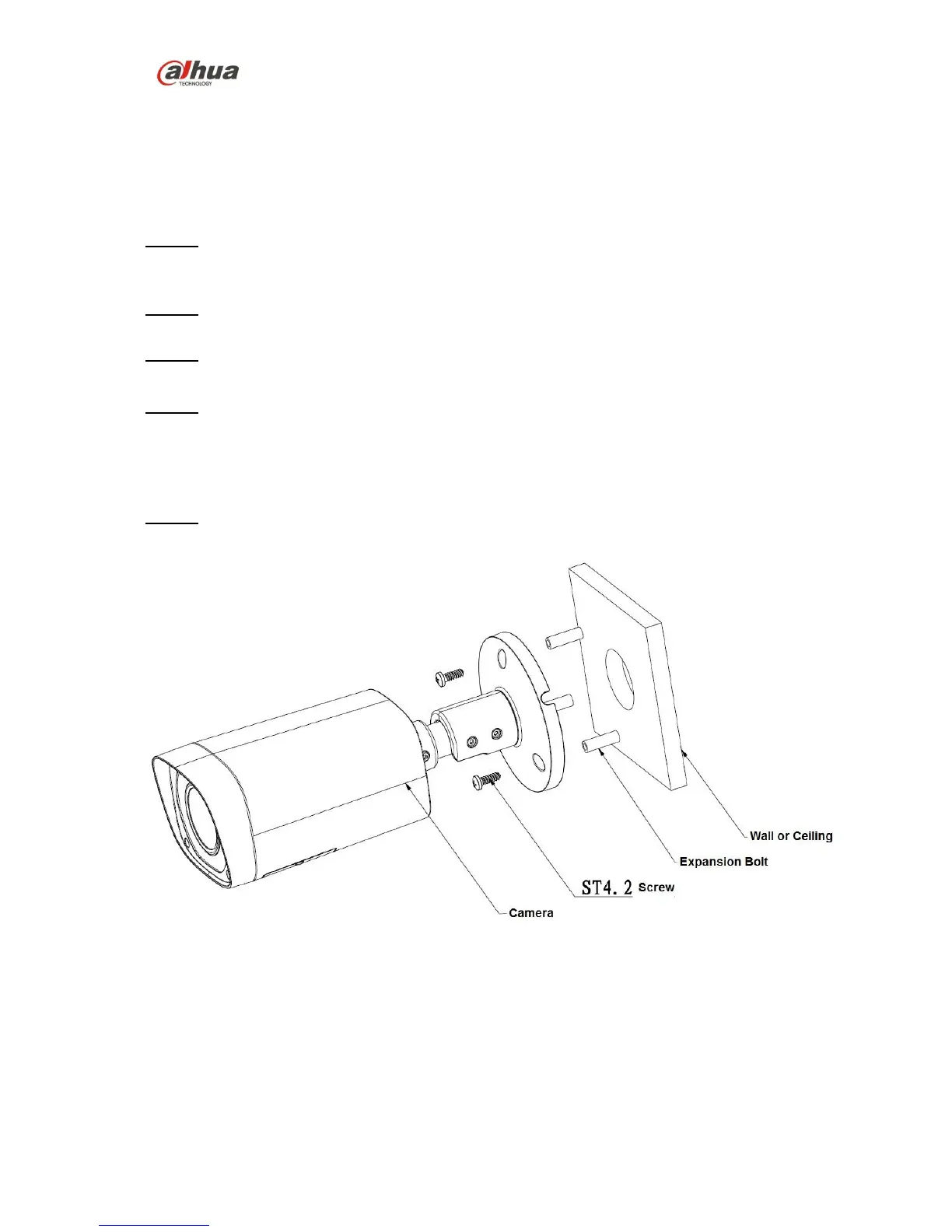
Open accessories bag, take out expansion bolts and insert them into the holes you just dug.
Step 4
Open accessories bag and take out the self-tapping screws. Aim the expansion bolts to the installation
holes on the device pedestal and fix the device on the installation surface (wall or ceiling) with self-
tapping screws.
Step 5
Plug external wiring of the device properly.
Figure 3-1



 To Next Page
 Loading...