EasyManua.ls Logo

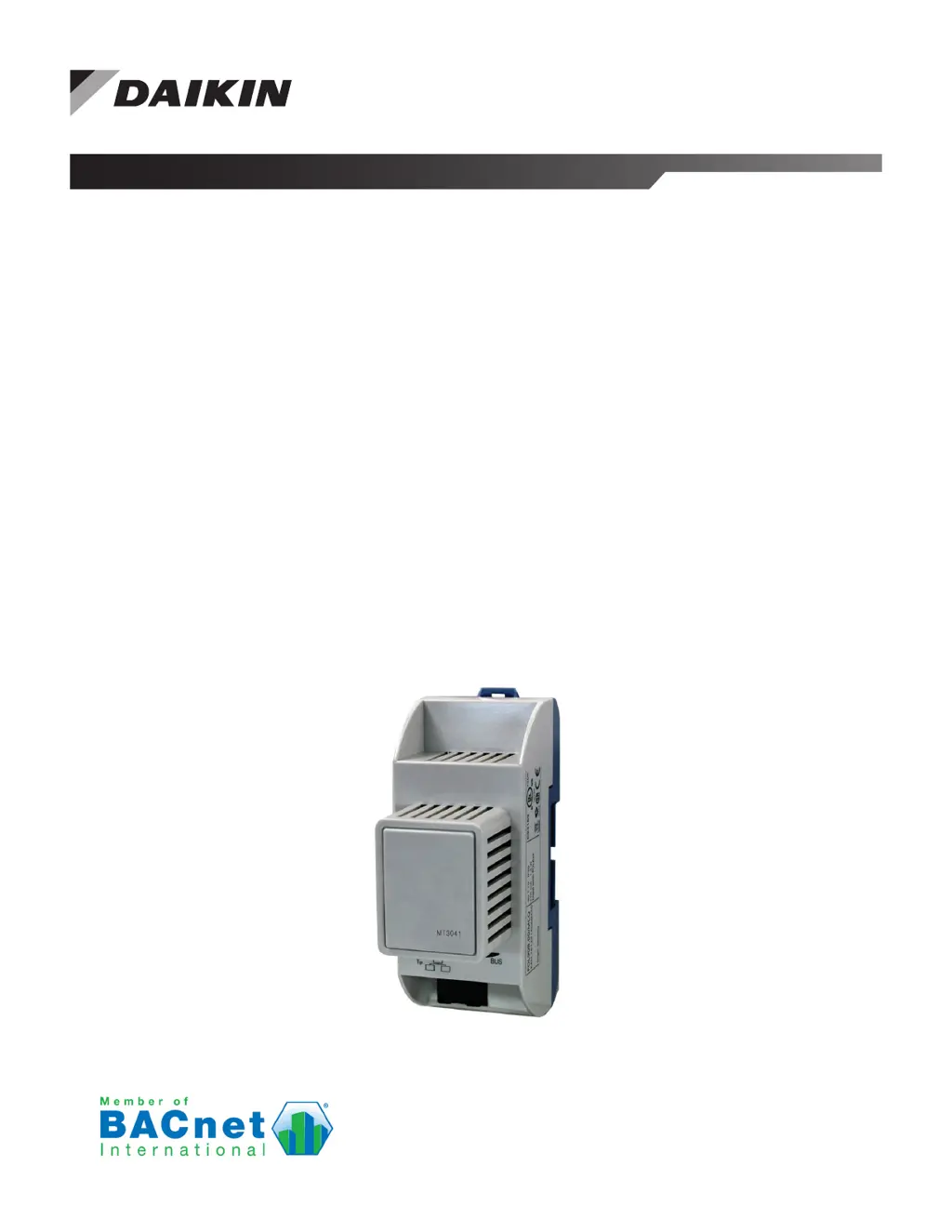
Daikin BACnet MT3041 - User Manual

Daikin BACnet MT3041
12 pages
Print Icon
To Next Page IconTo Next Page
Loading...
Installation and Maintenance IM 916-5
Group: Controls
Part Number: IM 916
Date: August 2020
BACnet
®
IP Communication Module for
MicroTech
®
III and MicroTech
®
4 Unit Controllers
Applied Rooftop Systems and Self-Contained Units
Models: DPS, DPH, MPS, RAH, RCE, RCS, RDE, RDS, RDT, RFS, RPE,
RPS, SWP and SWT

Questions and Answers

  • A
    armstrongmichaelOct 24, 2025
    How to fix Daikin BACnet MT3041 Control Unit when unable to communicate from the network?
    • R
      Robert RiceOct 24, 2025
      To troubleshoot communication issues with your Daikin Control Unit over the network, verify that network parameters are set correctly. Ensure there are no duplicate devices with the same Device Name and Device ID. Check for the character # at the end of each IP setting, avoiding any trailing spaces. Restart the unit controller when a “Reset Required” message appears by powering it off and on, then apply changes from the display menu. Also, check for loose connections, ensure devices are properly plugged in, and confirm that the link light for each device’s connector is on. Verify the unit controller software application version and communication module BSP version. Confirm that the DHCP parameter is set to “Off” when using a static IP address on non-DHCP networks. Ensure the defined UDP po...

Summary

General Information

Hazardous Information Messages

Details safety precautions including cautions, warnings, and dangers for potential hazards.

Revision History

Records changes made to the manual over different versions, including feature additions and corrections.

Reference Documents

Lists related documents and their sources, such as ASHRAE standards and Daikin product manuals.

Product Information

Product Description

Explains the BACnet communication module is a circuit board connecting to the unit controller.

Application Overview

Details how the module connects the unit controller to a building automation system via BACnet.

Technical Specifications

Lists technical specifications including dimensions, weight, operating conditions, and agency listings.

Component Data and Features

Describes the physical components of the BACnet communication module and its connection method.

LED Indicators

Explains the function of the BSP and BUS LEDs for indicating module status and activity.

Board-to-Board Connector

Describes the connector used to link the unit controller and the BACnet communication module.

BACnet Network Connector

Identifies the RJ45 connector for connecting the module to the IP Network.

Installation Guide

Installation and Mounting Procedures

Provides instructions for physically installing or replacing the BACnet IP communication module.

Field Installation Kit Contents

Lists the items included in the BACnet communication module field-installed kit.

Installing a New Communication Module

Step-by-step guide for installing a new BACnet communication module on the unit controller.

Replacing a Communication Module

Detailed procedure for removing an existing BACnet communication module and installing a new one.

Integration and Configuration

Configuring the BACnet Module

Describes how to configure the BACnet IP module for BAS network integration using the unit controller display.

BACnet IP Addressing Setup

Explains necessary IP parameters for establishing network communication between the unit controller and network.

Configurable Network Parameters

Defines network parameters for the BACnet module, set via the unit controller display menu.

Network Parameter Settings Table

Details the BACnet module's network parameters, their ranges, defaults, and descriptions for configuration.

Service and Troubleshooting

Troubleshooting Network Communication

Provides procedures to resolve issues when the unit controller is controllable but not communicating on the network.

Replacement Parts

Lists replacement parts available for the BACnet IP Communication Module Kit.

Technical Support Contact

Provides contact information for Daikin Applied Controls Customer Support Group for assistance.

Appendix A: BACnet IP Networks

BACnet IP Network Types Explained

Explains different types of BACnet IP networks, including Single IP Subnet and Multiple IP Subnets.

Training, Warranty, and Support

Product Warranty Information

Details the terms and conditions of the Daikin equipment limited product warranty.

Aftermarket Services and Support

Provides contact information for finding local parts and service offices.

Daikin BACnet MT3041 Specifications

General IconGeneral
Communication ProtocolBACnet MS/TP
Enclosure RatingIP20
Power ConsumptionMax. 5 VA
Operating Temperature0° to 50°C
Storage Temperature-20°C to 60°C (-4°F to 140°F)
Humidity Rangenon-condensing
CertificationsCE

Related product manuals