BRC2E52C7+BRC3E52C7
Wired remote controller
4P368040-1 – 2014.02
Quick reference
4
7. Description of the items in the main menu
By default, the Main menu cannot be accessed because the Menu/
Enter button is disabled. To enable, refer to "8. Enable/Disable the
Menu/Enter and Cancel Button" on page 9.
1 AIRFLOW DIRECTION (if available)
Change the
Airflow Direction
.
2 INDIVIDUAL AIR DIRECTION
(1)
(only if the individual airflow
function is installed)
Set the
Airflow direction
for each of the 4 flaps individually.
3 QUICK START
(1)
(SkyAir only)
Quickly bring the room to a comfortable temperature.
4 VENTILATION (HRV only)
Set the ventilation rate and the ventilation mode.
5 ENERGY SAVING OPTIONS
(2)
Energy Saving List
Enable or disable the Energy Saving Options.
Setpoint Range
The setpoint temperature range can be restricted for the
Cooling and Heating Mode.
Setback Condition
Set the setback differential temperature after which the unit
returns to the OFF state.
Sensing Sensor
(
Low
)
(1)(3)
(Only if the sensing sensor is
installed)
When no people are detected during a set period of time this
function will automatically change the air conditioner target
temperature. If people are detected, it will return to the
normal set temperature.
Sensing Sensor
(
Stop
)
(1)(3)
(Only if the sensing sensor is
installed)
When no people are detected during a set period of time, this
function will automatically stop the air conditioner.
Setpoint Auto Reset
Change the temperature setpoint to a preset temperature
setpoint after running for a set period of time, even if the
temperature setpoint has changed.
OFF Timer
The air conditioner is turned OFF automatically after the
selected time each time the air conditioner is activated.
Electricity Consumption
(1)
An indicative energy consumption until now is displayed. This
enables the customer to evaluate the trend of the energy
consumption.
6 SCHEDULE
(4)
Select when the operation modes start and/or stop for each
day of the week.
Up to 5 actions can be set for each day.
Both operation modes (normal and setback) can be selected.
Additionally the holiday settings and schedule nr. can be set.
7 FILTER AUTO CLEAN
Set the time when the filter needs to be automatically
cleaned.
This function is only available on models with the self
cleaning decoration panel.
8 MAINTENANCE INFORMATION
Display the service contact and model info.
9 CONFIGURATION
Switch between the standard and detailed display. When the
detailed display is selected, the room temperature or outdoor
temperature can be displayed on the basic screen.
10 CURRENT SETTINGS
Display a list of the current settings of the available items.
11 CLOCK & CALENDAR
Configure the date and time. The time can be displayed in either
a 12 hour or 24 hour time format.
12 LANGUAGE
Choose the language depending on the language pack installed.
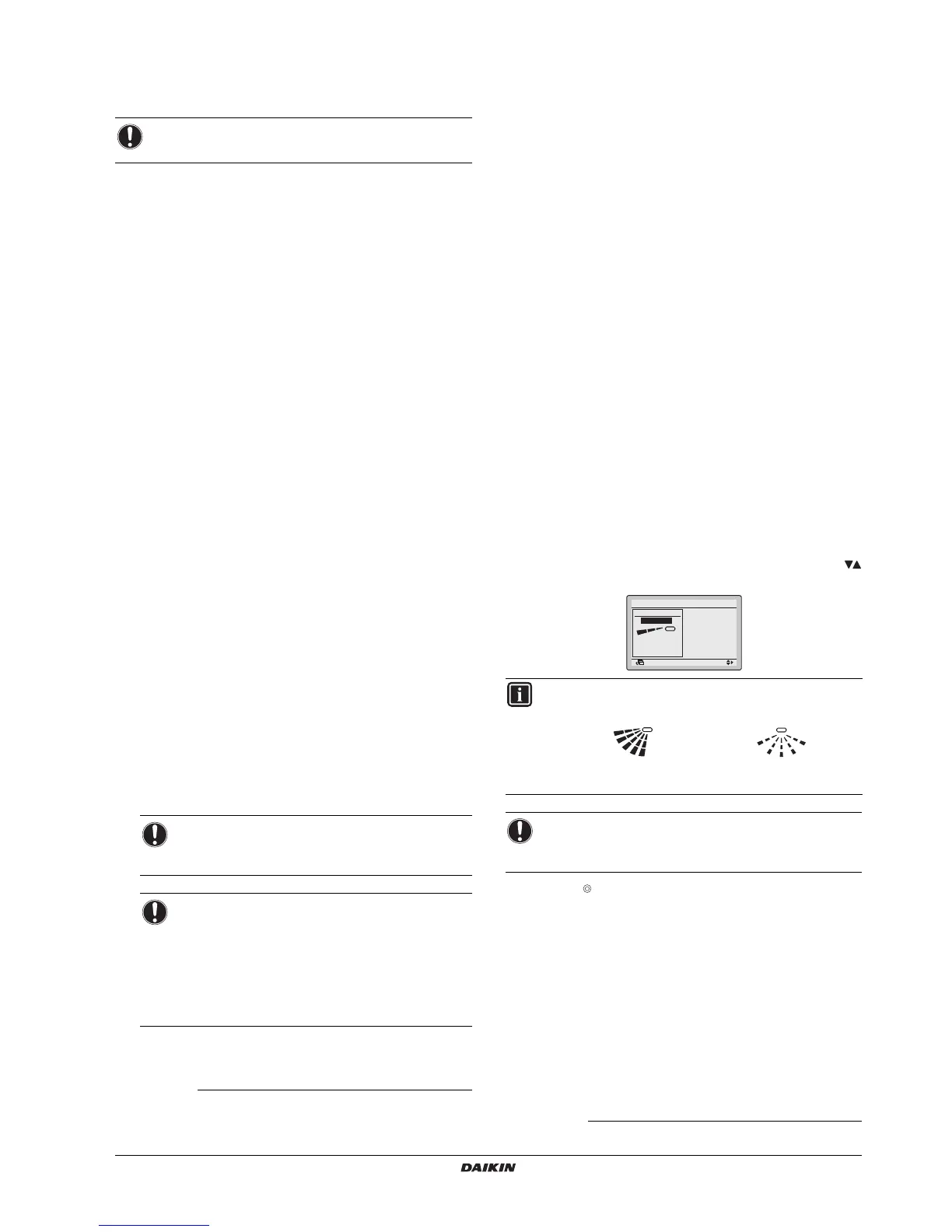
8. Airflow Direction
1 Display the
Airflow Direction
screen (refer to "21. Main menu
structure" on page 6).
2 Select the desired airflow direction from
No Ind Set
,
Position 0
,
Position 1
,
Position 2
,
Position 3
,
Position 4
,
Swing
or
Auto
using the
buttons.
3 Push the button to confirm the settings and to return to the
basic screen.
9. Individual Air Direction
For more information refer to the detailed Operation Manual available
on http://www.daikineurope.com/support-and-manuals/product-
information/.
NOTICE
Function availability depends on the indoor unit type.
(1) Not supported when SkyAir RR+RRQ outdoor units are connected.
(2) Setback, Setpoint Range, Setback Condition and Setpoint Auto Reset
should not be used when a centralised controller is connected.
(3) In case of a simultaneous operation system, the system is controlled by
the sensing sensor mounted in the master indoor unit.
NOTICE
This function is not available when more than 1 indoor
unit is connected to the remote controller.
NOTICE
The displayed energy consumption is not the result of
a kWh measurement, but results from a calculation
with running data of the unit. Some factors in this
calculation are absolute values, but other factors
merely result from interpolations with tolerance. This
explains why the readout may deviate from the actual
energy consumption.
(4) The schedule will not be available when a centralised controller or the
BRP7A51 Digital Input Adapter is connected.
INFORMATION
There are 2 possible directions:
NOTICE
The available airflow directions depend on the indoor unit
type.



 To Next Page