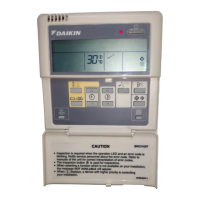
BRC2E52C7+BRC3E52C7
Wired remote controller
4P368040-1 – 2014.02
Quick reference
6
16. Configuration
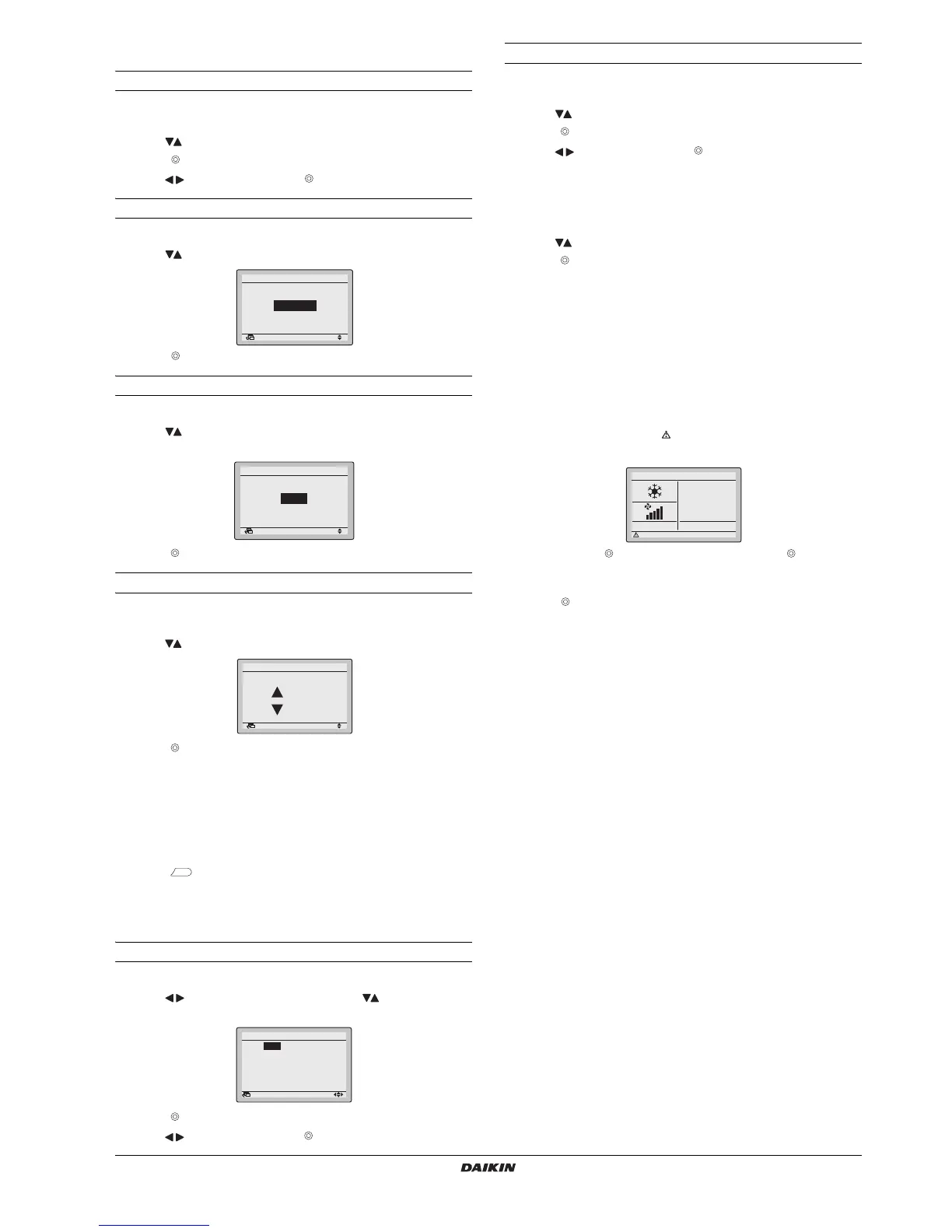
To select the draft prevention
1 Display the
Draft prevention
screen (refer to "Appendix" on
page 10).
2 Use to select
Enable
or
Disable
.
3 Push to display the confirmation screen.
4 Use to select
Yes
and push .
To select the display mode
1 Display the
Display Mode
screen (refer to "Appendix" on page 10).
2 Use to change the setting to
Standard
or
Detailed
.
3 Push to confirm the setting. The basic screen is displayed.
To select the detailed display item
1 Display the
Display Item
screen (refer to "Appendix" on page 10).
2 Use to change the setting to
None
,
Outside Air Temp
,
Room Temp
or
System
.
3 Push to confirm the setting. The basic screen is displayed.
To adjust the contrast of the LCD
1 Display the
Contrast adjustment
screen (refer to "Appendix" on
page 10).
2 Use to change the contrast.
3 Push to confirm the setting.
17. Current Settings
1 Display the
Current Settings
screen (refer to "Appendix" on
page 10).
2 A list of the status of the current settings is displayed.
3 Push to return to the
Main Menu
.
18. Clock & Calendar
To set the date & time
1 Display the
Date & Time
screen (refer to "Appendix" on page 10).
2 Use to move the highlighted item and to set
Year
,
Month
,
Day
and
time
.
3 Push to display the confirmation screen.
4 Use to select
Yes
and push .
To set the hour format (12/24 hours)
1 Display the
12H/24H Clock
screen (refer to "Appendix" on
page 10).
2 Use to select
12 H
or
24H
.
3 Push to display the confirmation screen.
4 Use to select
Yes
and push .
19. Language
1 Display the
Language
screen (refer to "Appendix" on page 10).
2 Use to select the language.
3 Push to confirm the setting. The basic screen is displayed.
The available languages are depending on the language pack
installed.
For more information about the available languages refer to the
detailed Installation and Operation Manual, which are available on
http://www.daikineurope.com/support-and-manuals/product-
information/.
20. Error code display
1 If an error occurs, the icon in the basic screen and the
operation lamp will blink.
2 By default the button is disabled. To enable the button, refer
to "8. Enable/Disable the Menu/Enter and Cancel Button" on
page 9.
3 Push . The error code will blink and the
Contact Info
and model
info will be displayed.
21. Main menu structure
See "Appendix" on page 10.



 To Next Page